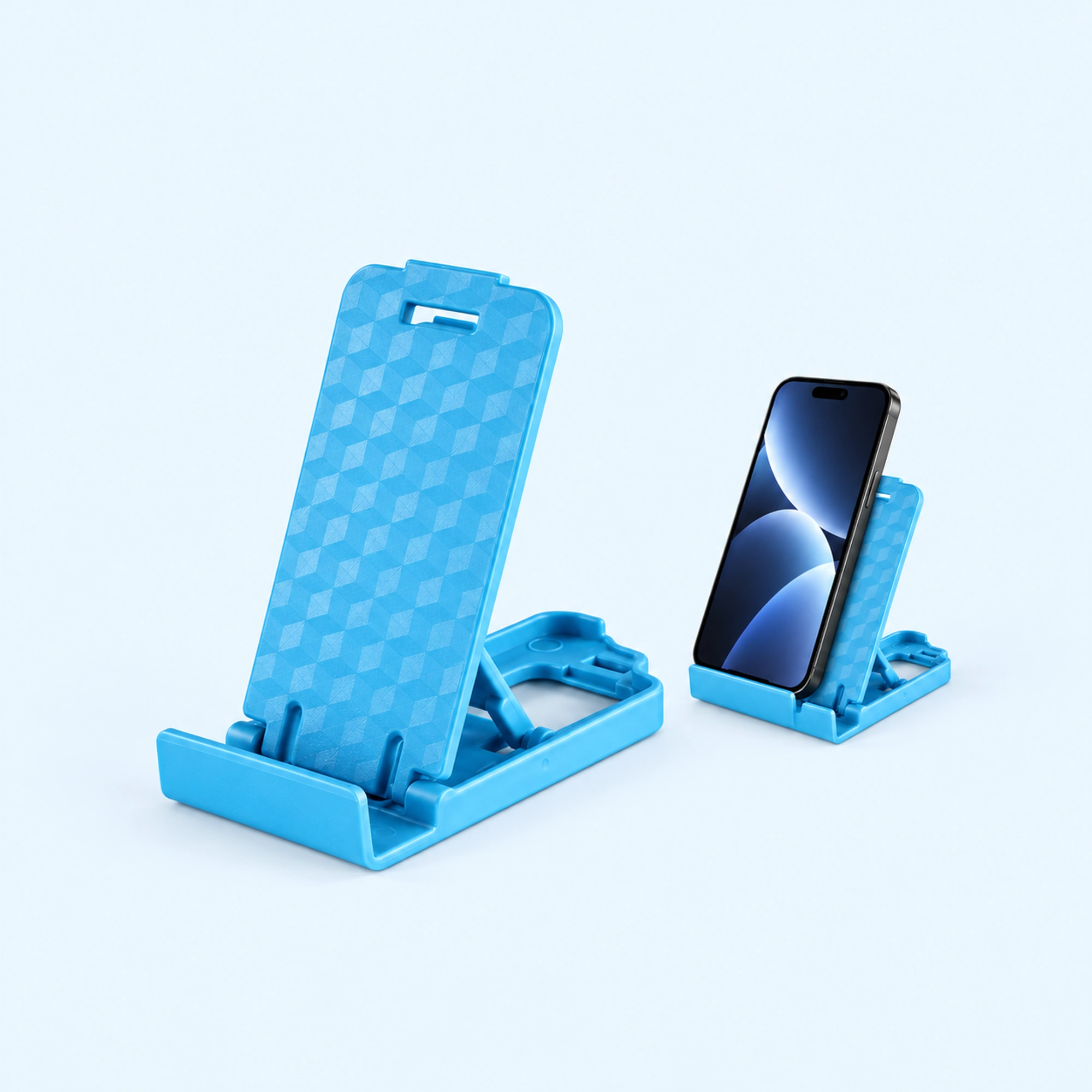
 Blue Four-Position Folding Desk Stand | Adjustable Foldable Phone Stand
 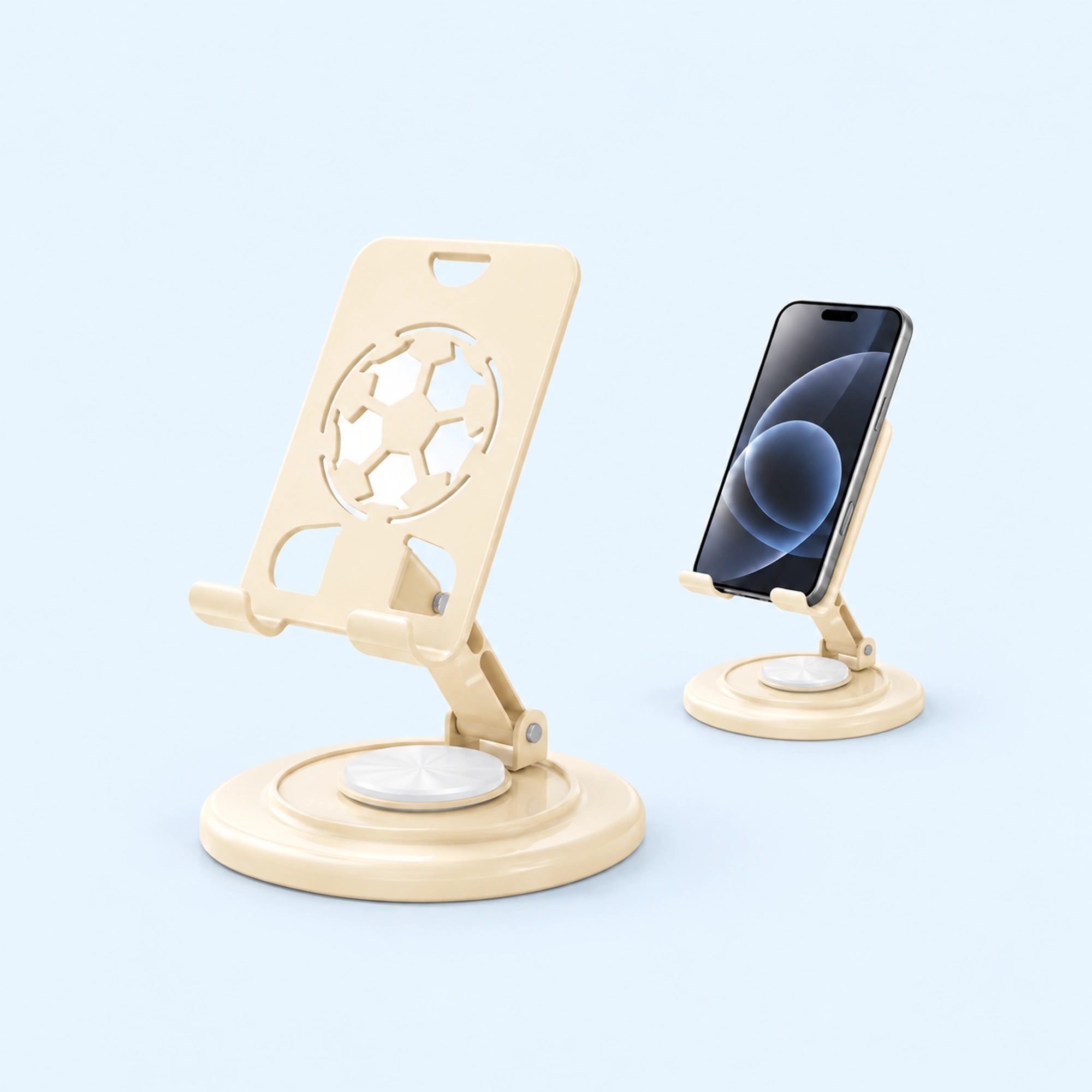 Cream Round-Base Folding Phone Stand | Foldable Phone Stand
 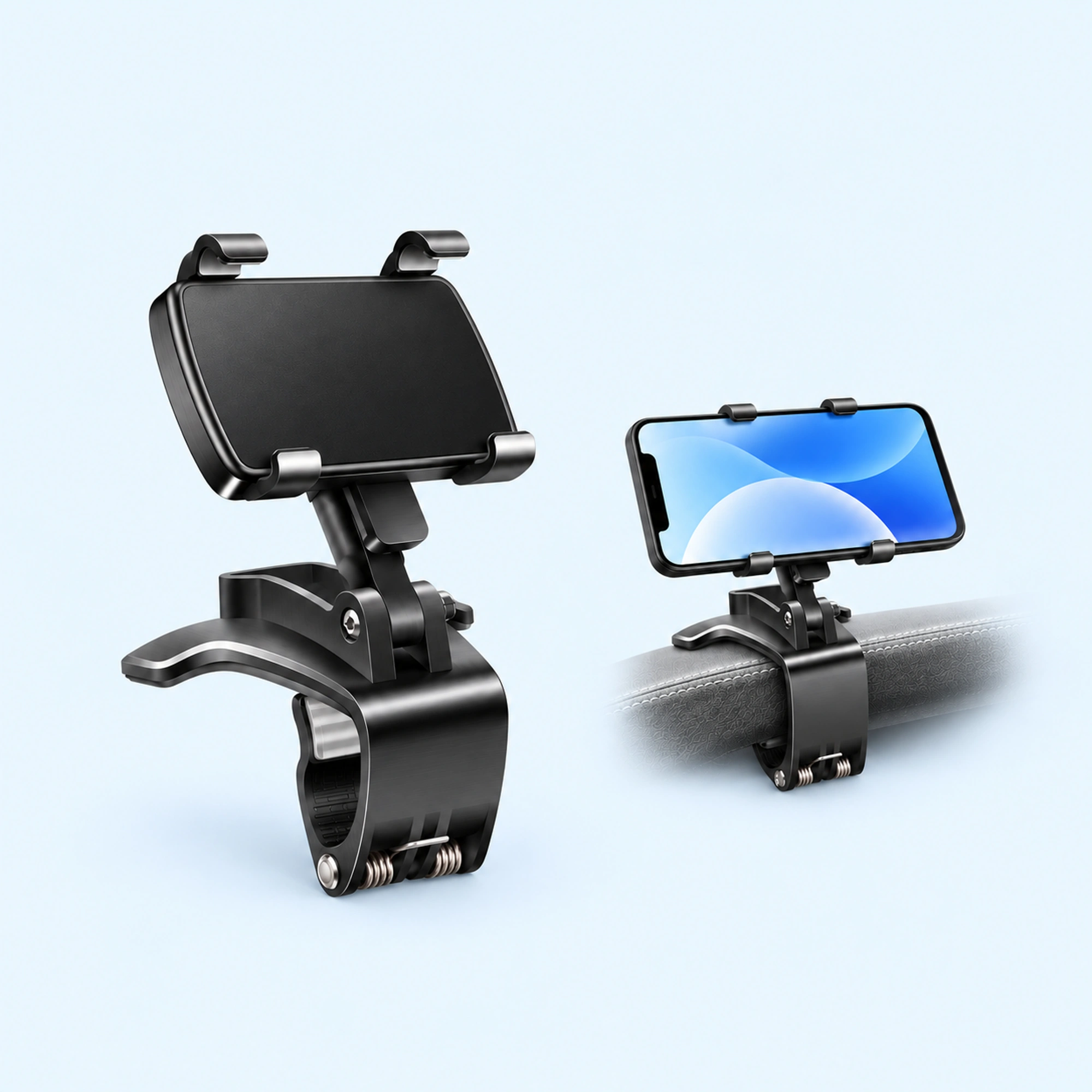 Dashboard Edge Clip Phone Holder | Dashboard Phone Holder
 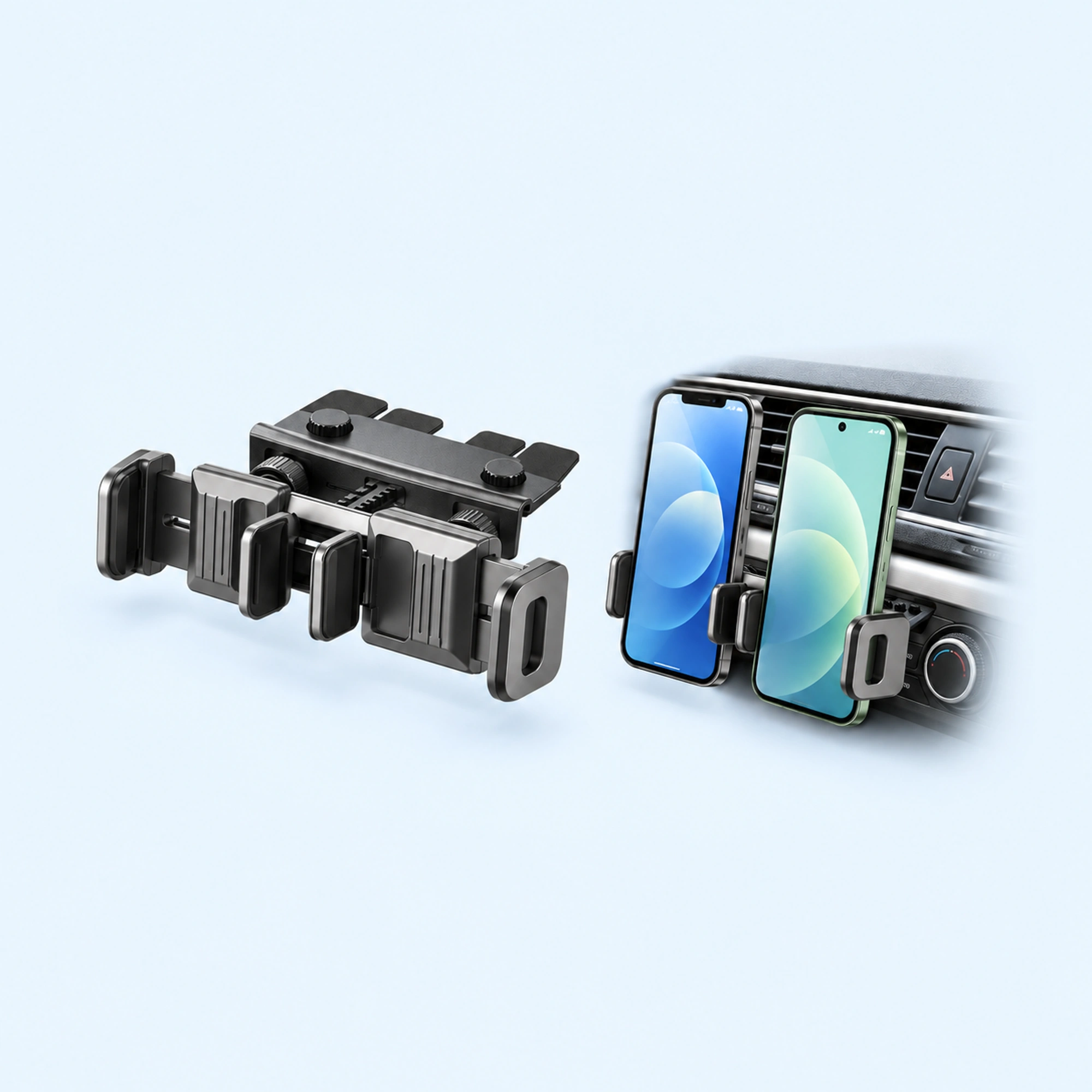 Dual-Cradle CD-Slot Phone Mount | Cd Phone Holder
 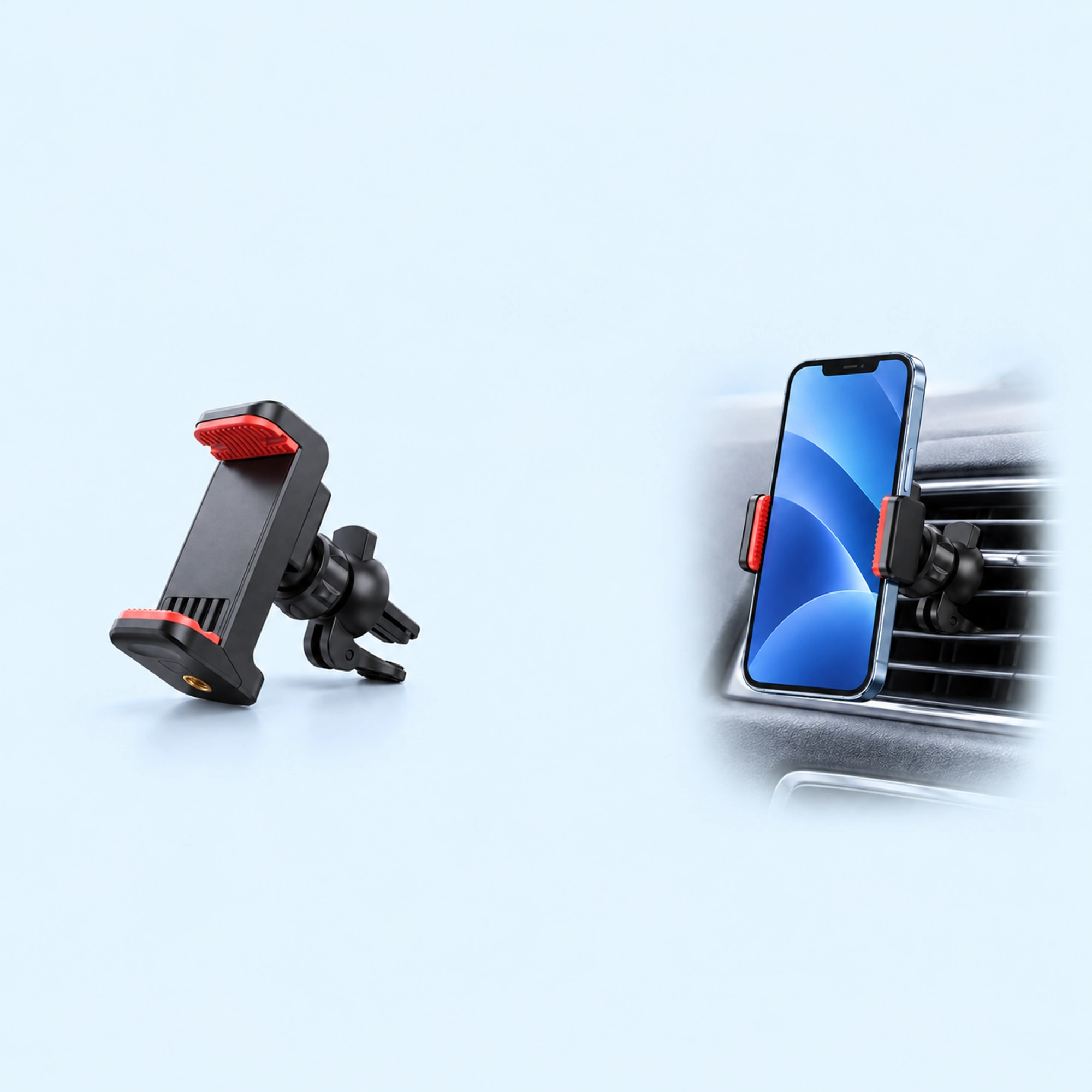 Red-Pad Compact Vent Phone Clip | Car Vent Phone Holder
 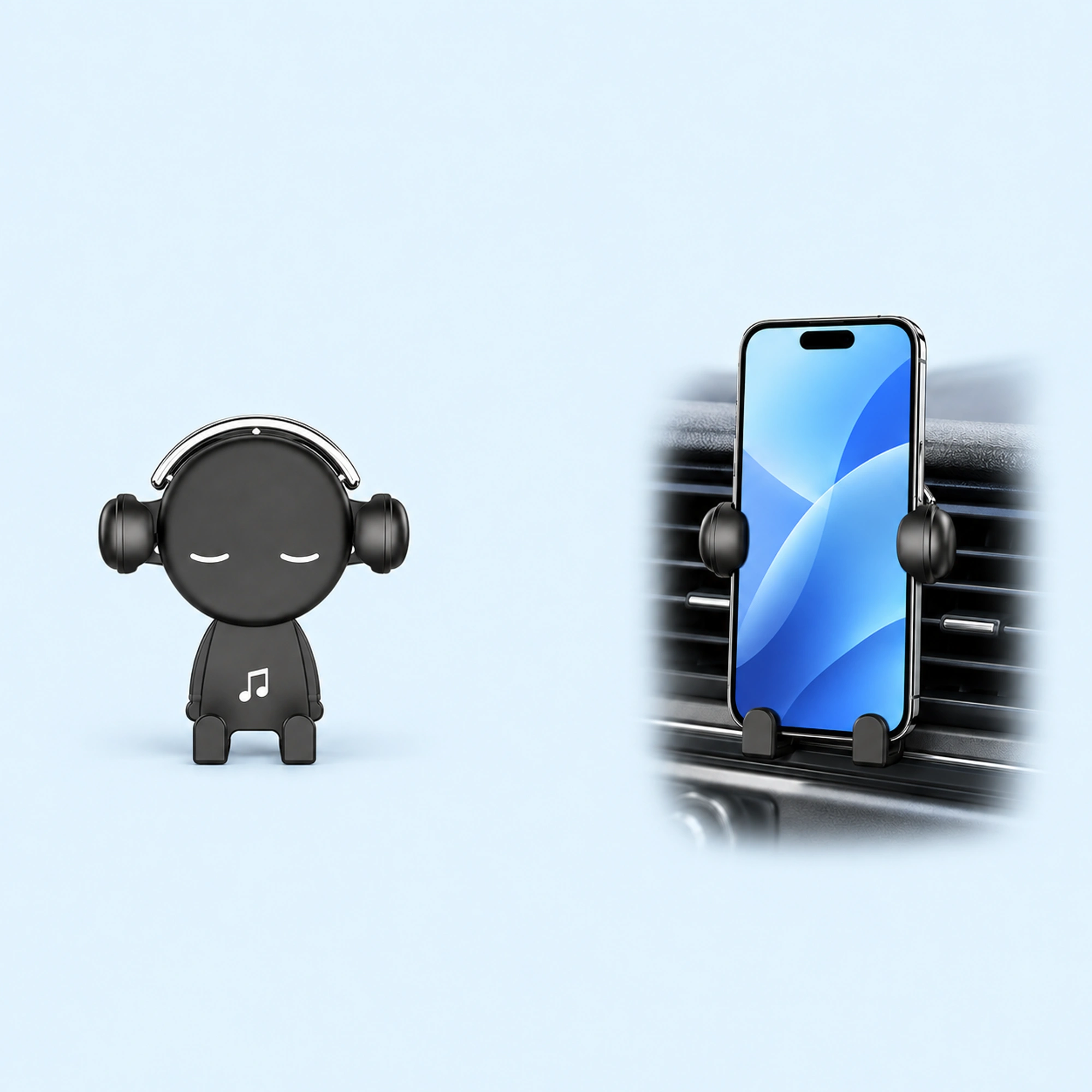 Music-Note Character Gravity Vent Holder | Gravity Phone Holder
 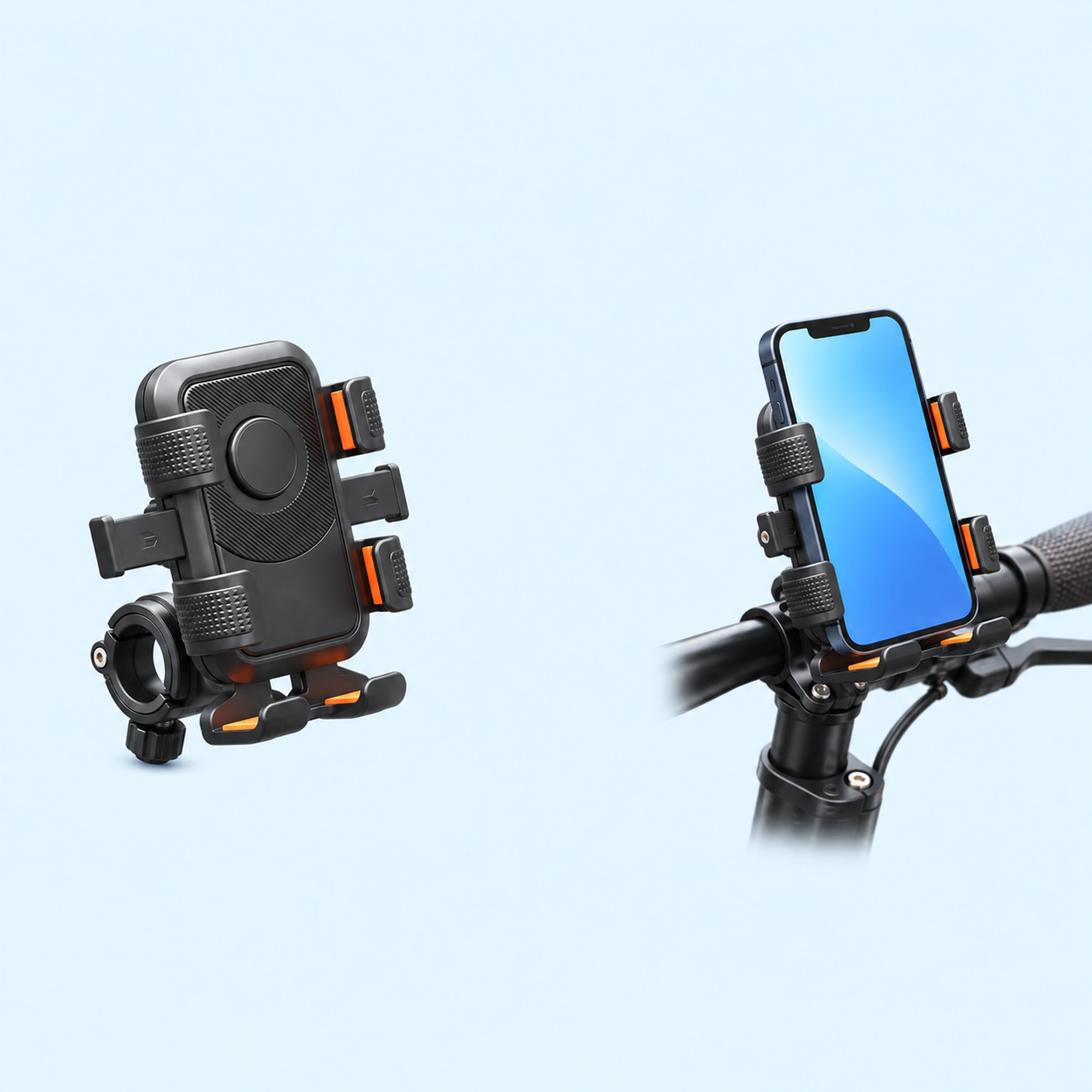 Black Six-Pad Handlebar Phone Cradle | Bike Handlebar Phone Mount
 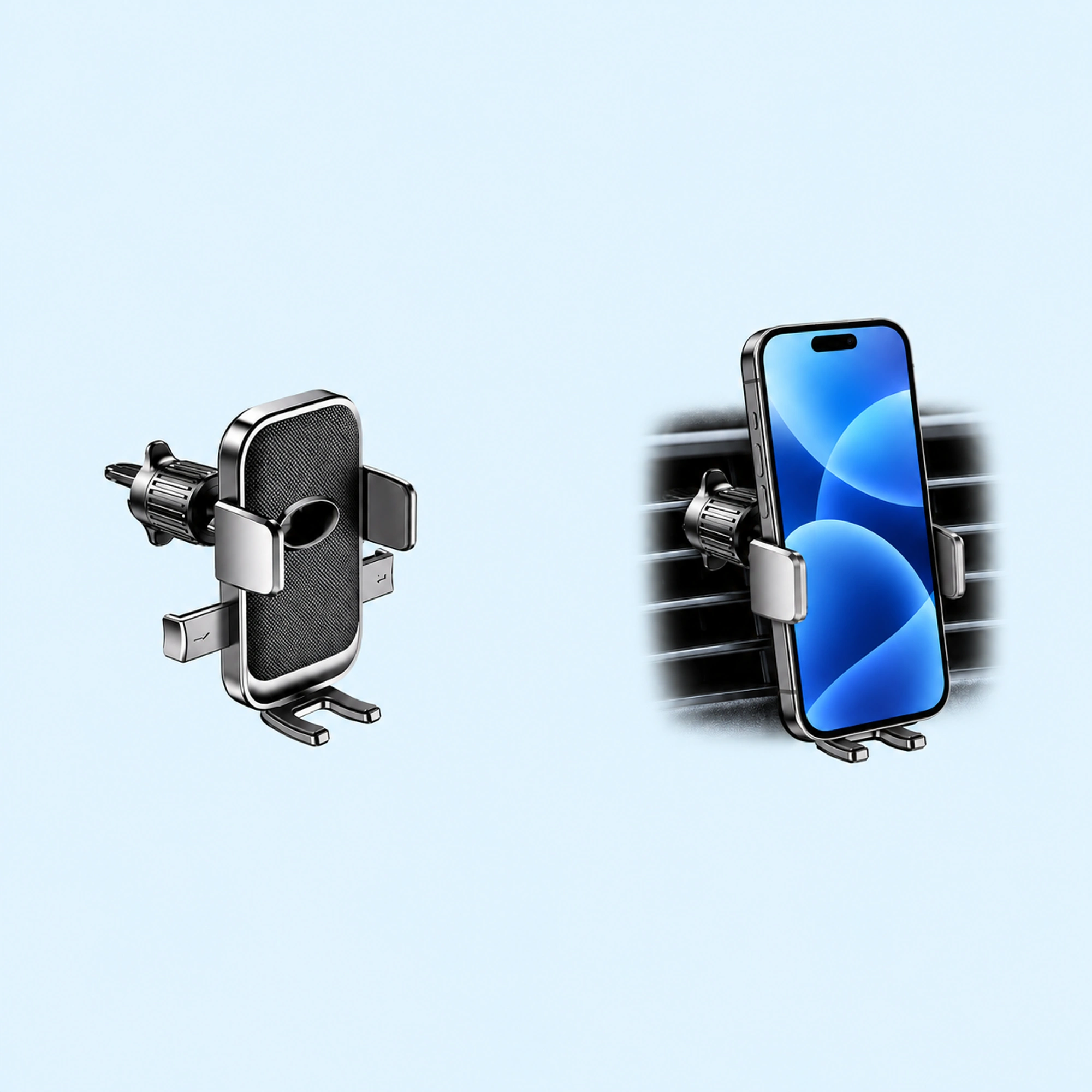 Oval-Opening Textured Vent Phone Cradle | Car Vent Phone Holder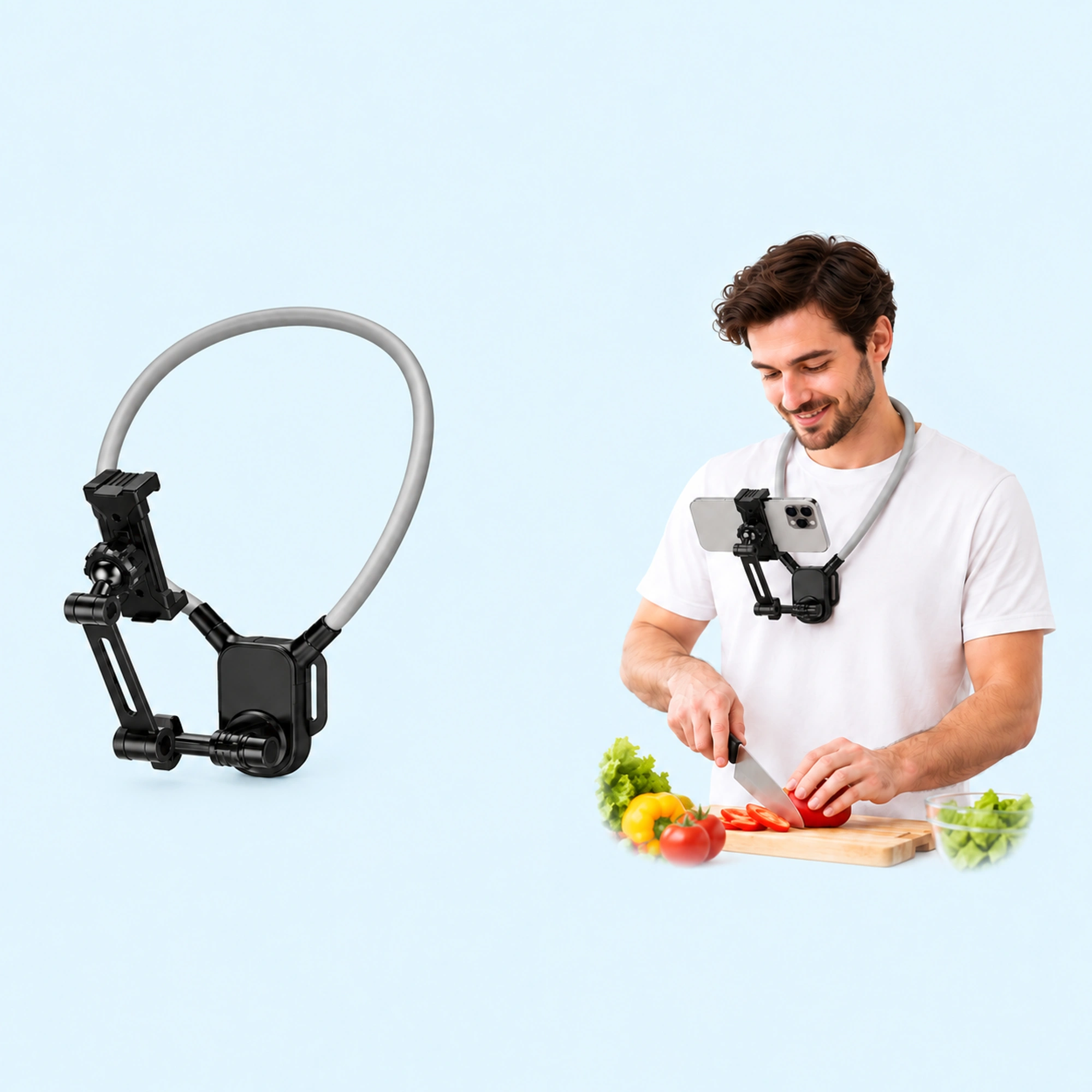
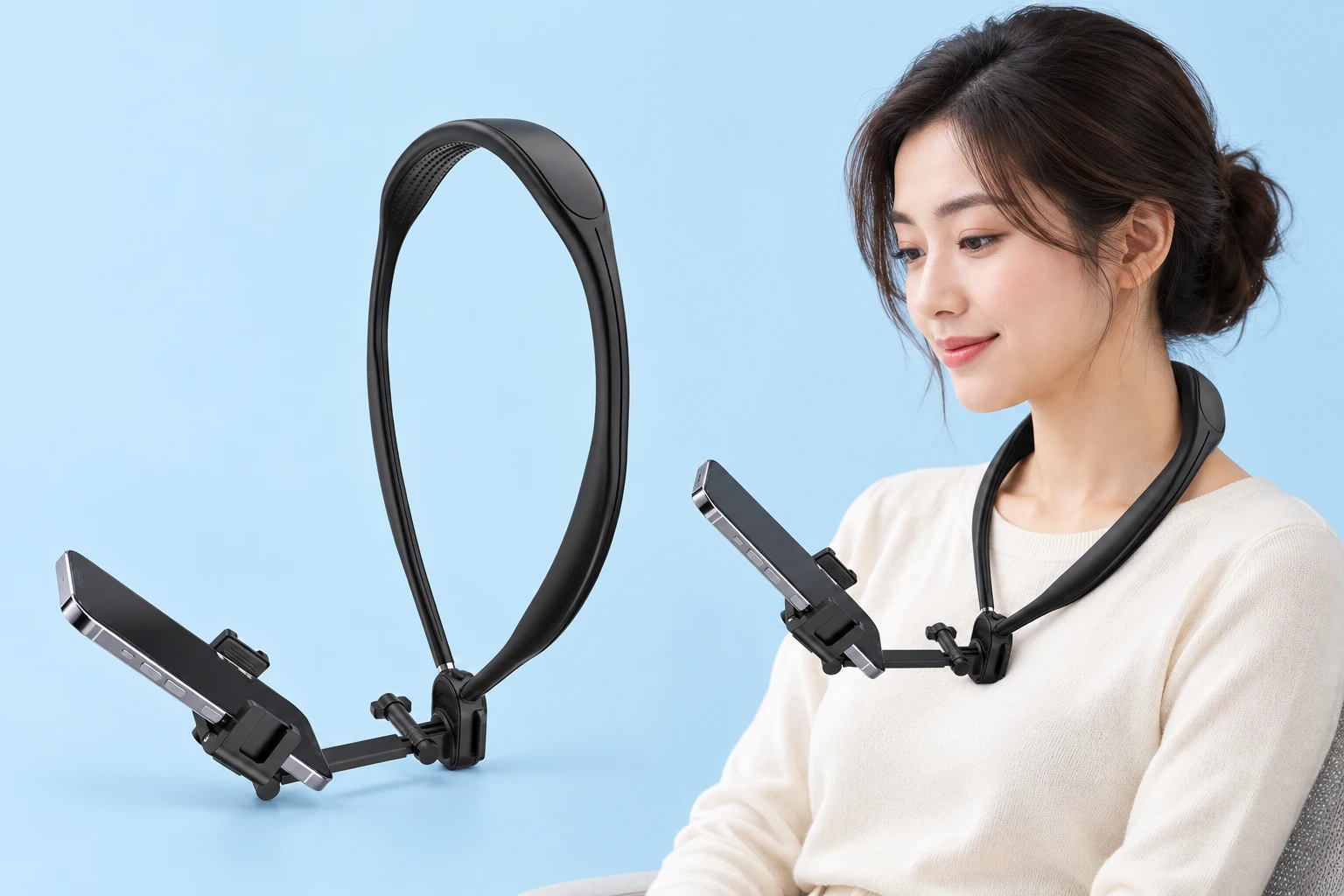
Filming first-person craft tutorials, cooking walkthroughs, and workbench assembly clips requires a dependable hands-free mount that tracks your upper body naturally. Traditional tabletop tripods consume limited desk space and cast intrusive shadows over workpieces, while handheld selfie grips monopolize one of your hands. An ergonomic neck phone holder rests directly against your clavicle, stabilizing your smartphone just below chin height for an immersive first-person perspective.
Choosing an appropriate neck rig involves evaluating collar rigidity, downward tilt extension, and ergonomic chest load distribution. This guide compares contoured collarbone frames, magnetic folding links, and molded neck cradles to help creators capture steady point-of-view footage without cumbersome overhead rigs.
Frame Geometry: Rigid Contoured Collars vs Padded Gooseneck Loops
Collar rigidity determines whether your camera horizon stays stable during movement or sways erratically with your breathing.
Content creators generally choose between two primary structural designs:
- Rigid Contoured Collars: Ergonomic thermoplastic rings rest across your clavicle and sternum, preventing phone sag while walking around workshop tables.
- Flexible Cushioned Goosenecks: Padded metal tubes bend comfortably for reclined media viewing in bed, yet bounce considerably during active movement.
Rigid contoured collars preserve a level horizon during workbench demonstrations, whereas soft goosenecks cater primarily to relaxed media viewing.
Extension Arms and Downward Workbench Angles
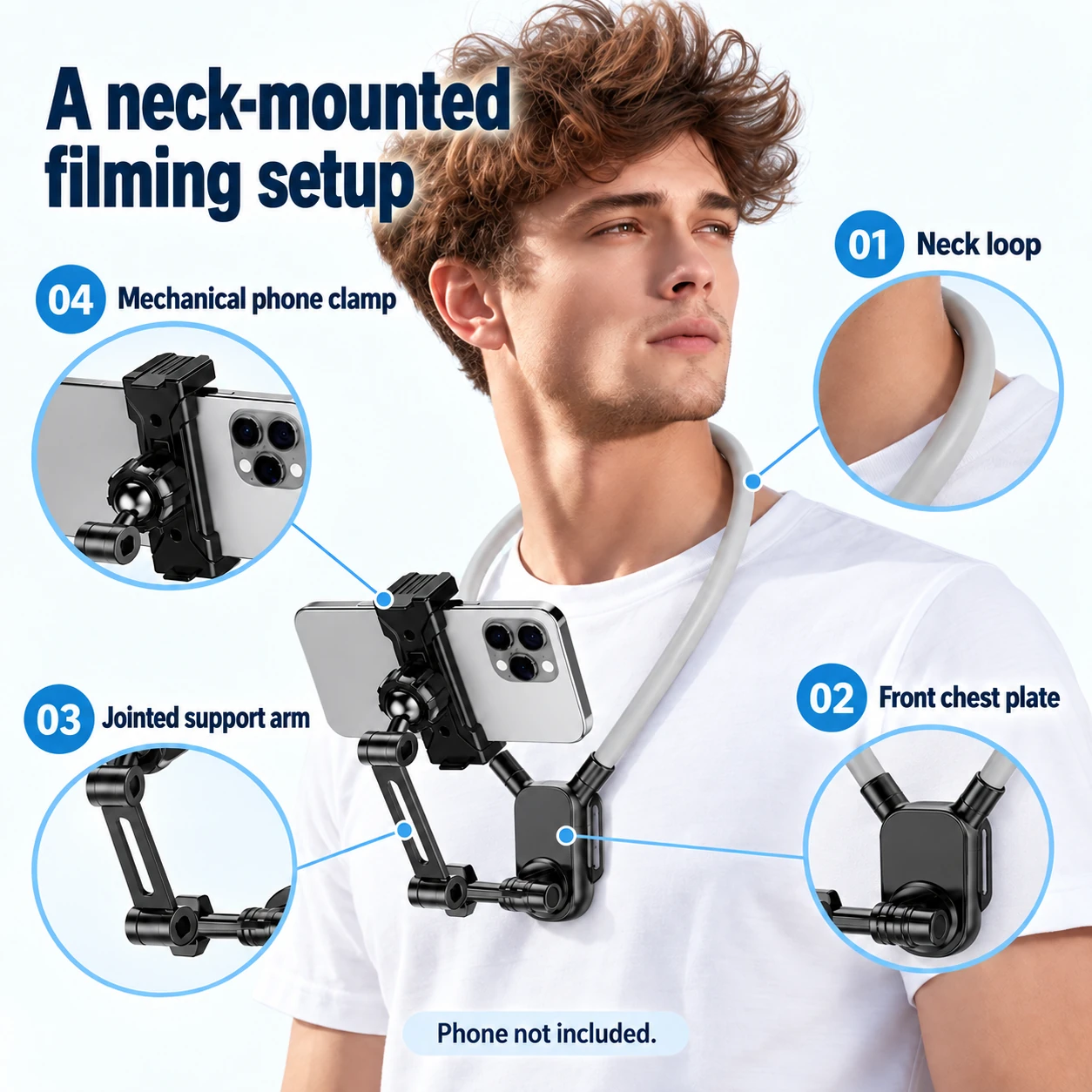
Capturing top-down crafting requires adjusting the camera downward without including your collar or chest support plate in the shot. A versatile phone neck holder utilizes an articulated extension arm that shifts the smartphone forward away from your torso.
Mechanical friction hinges allow creators to toggle between vertical reels and horizontal landscape video instantly. An integrated sternum chest bumper prevents the camera arm from rocking forward when leaning over a kitchen counter.
Recommended Neck Holders and Magnetic Quick-Release Links
For culinary walkthroughs and detailed workbench crafts, the Articulated Neck Phone Holder for POV Filming pairs a molded clavicle collar with a multi-joint extension arm.
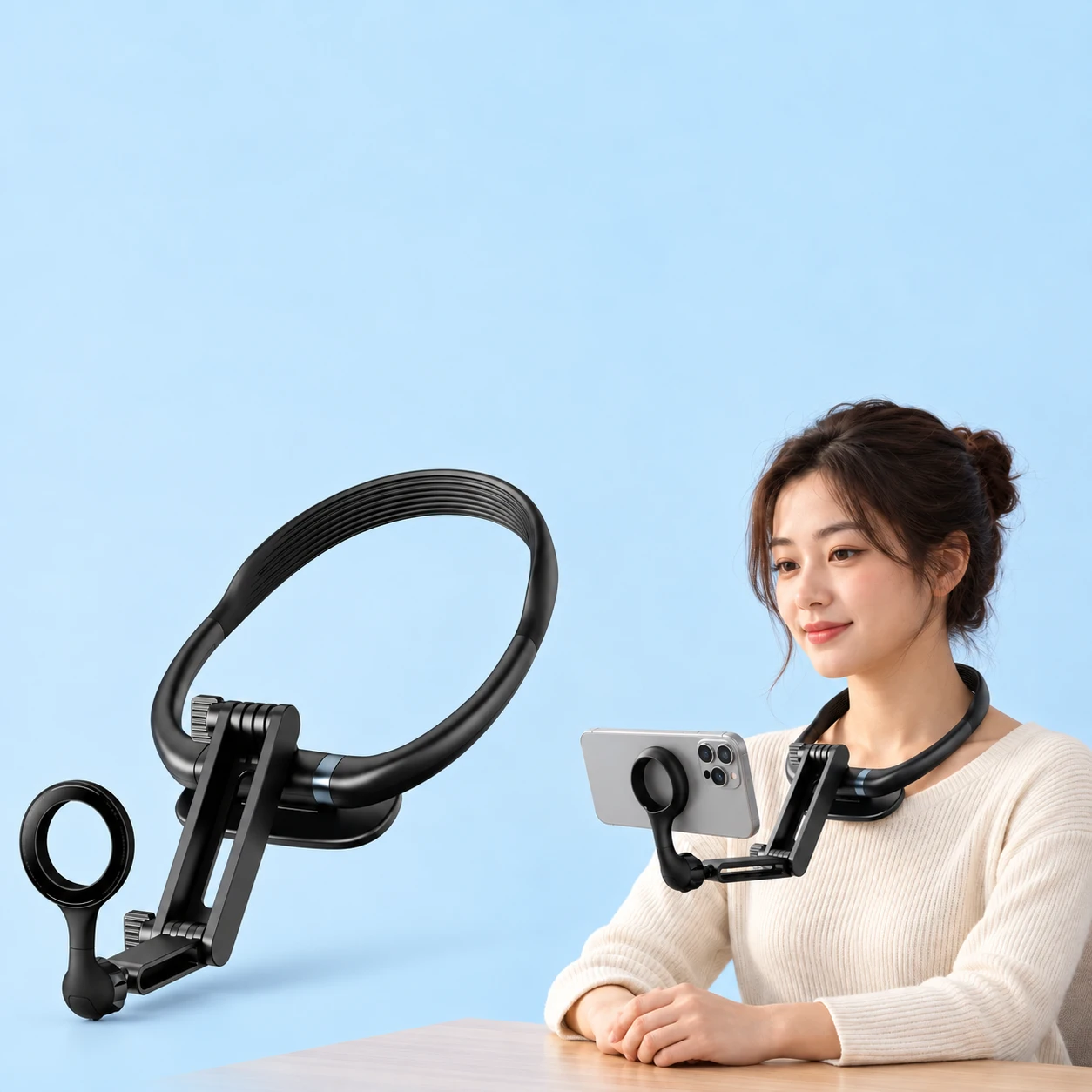
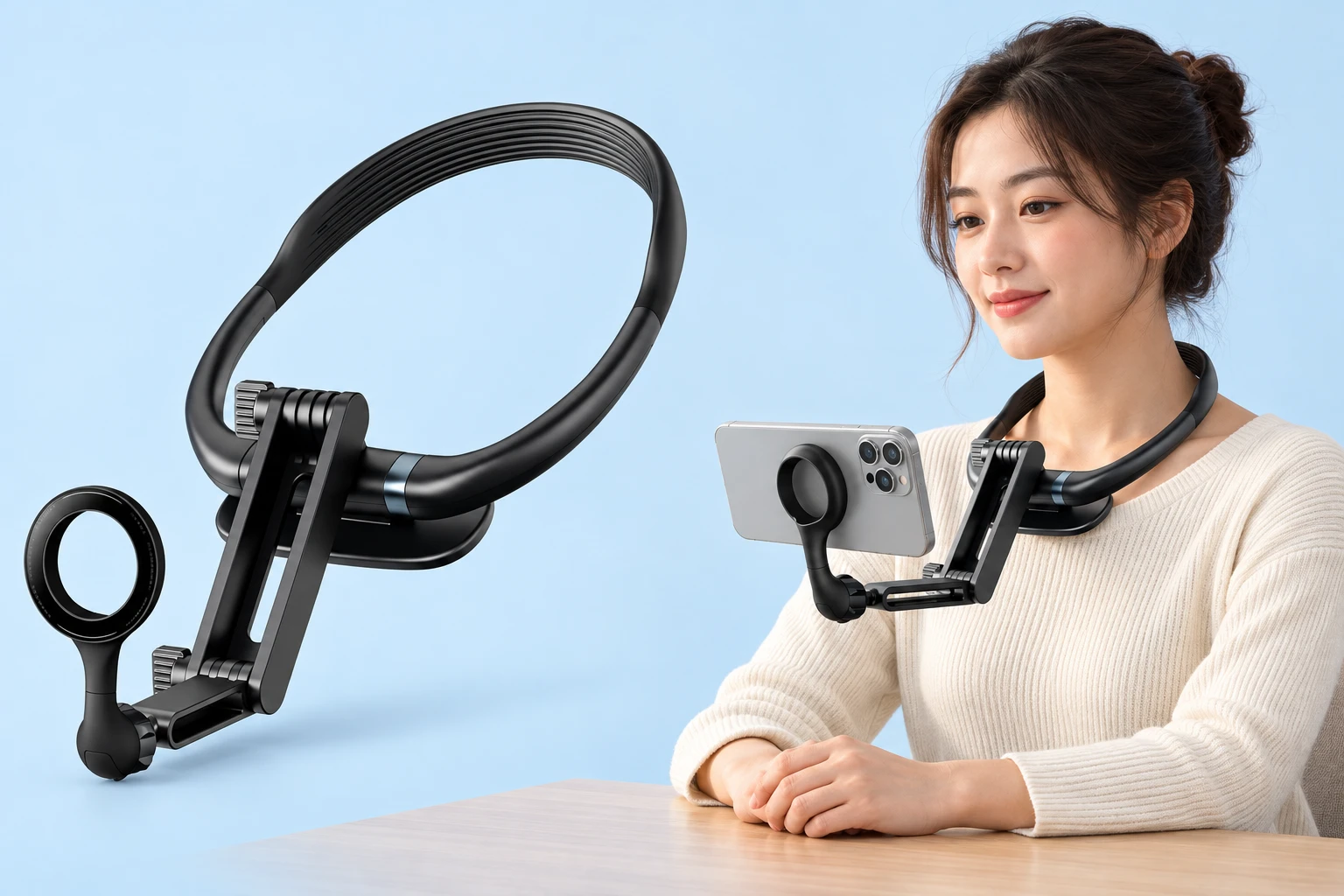
When rapid magnetic docking and compact travel storage are essential, the Black Folding-Link Neck Phone Holder features articulated hinge segments and a magnetic ring for MagSafe smartphones.
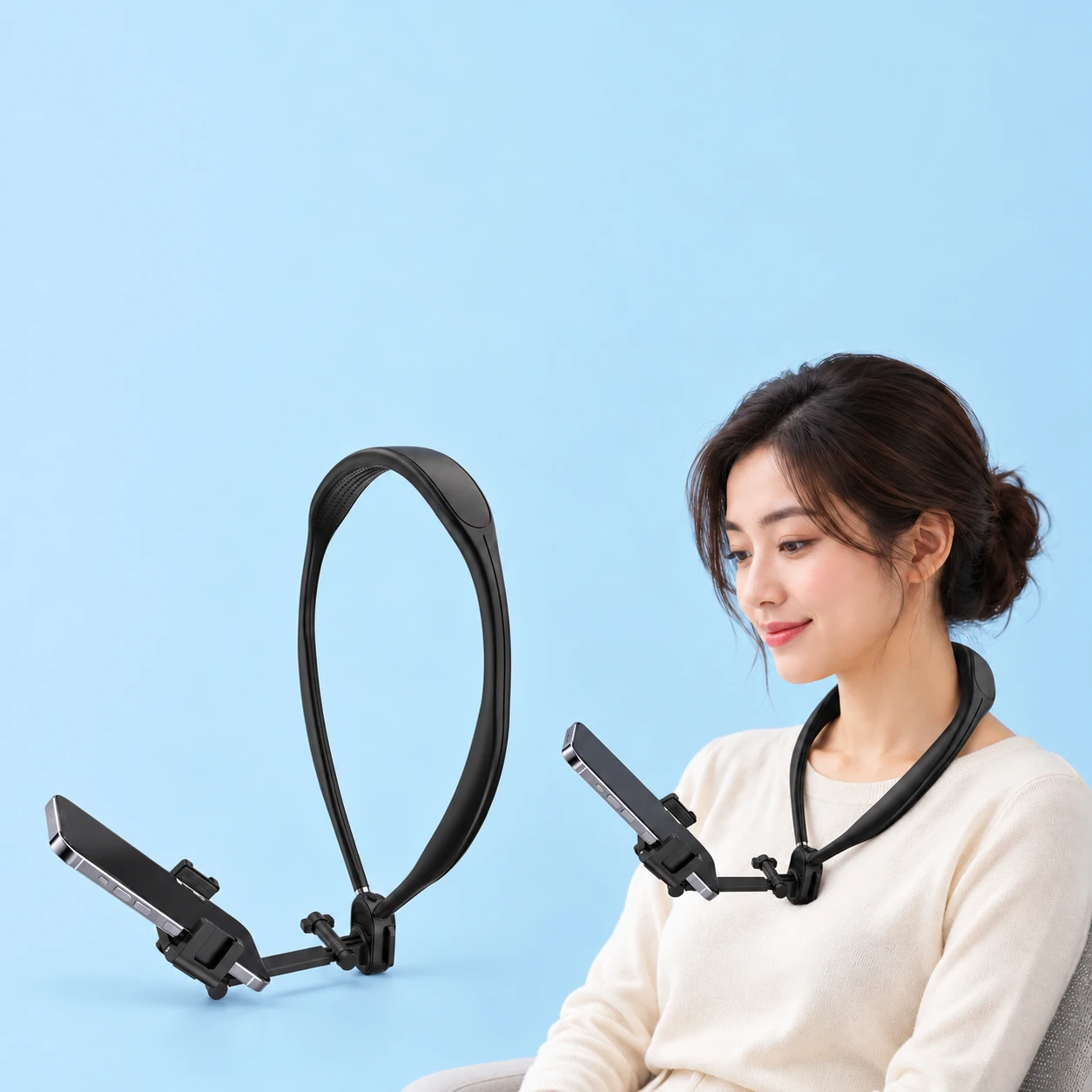
Creators seeking lightweight comfort without a large chest plate prefer the Black Molded-Band Neck Phone Holder for clean tabletop recording. Pairing a dependable pov phone holder with your smartphone streamlines daily content production without bulky studio tripods.
Ergonomic Weight Balance and Handset Framing Rules
Properly balancing handset mass prevents neck strain and avoids shaky vertical footage during extended recording sessions.
Apply these practical setup rules for steady workbench captures:
- Position the Sternum Bumper: Rest the lower stabilization plate firmly against your chest to stop downward camera droop under handset weight.
- Invert Handsets for Steep Tilts: Clamp your smartphone upside down if needed to achieve an unobstructed ninety-degree vertical view of table surfaces.
- Balance Clamping Force Centrally: Center your phone precisely in the spring cradle to keep horizontal roll perfectly level across all video scenes.
Selecting a rigid articulated neck mount guarantees crisp first-person footage and fatigue-free comfort through every creative project.