 Blue Four-Position Folding Desk Stand | Adjustable Foldable Phone Stand
  Cream Round-Base Folding Phone Stand | Foldable Phone Stand
 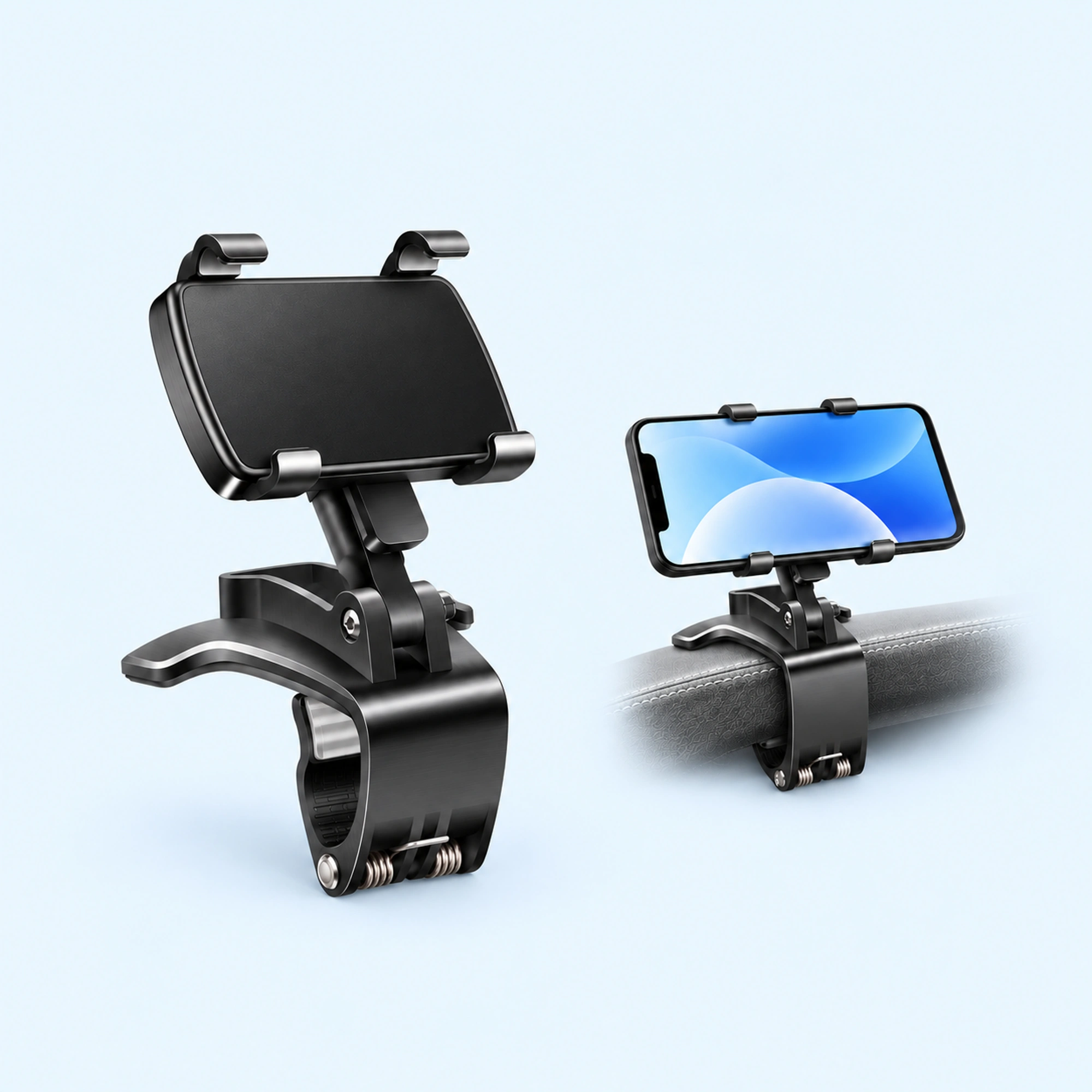 Dashboard Edge Clip Phone Holder | Dashboard Phone Holder
 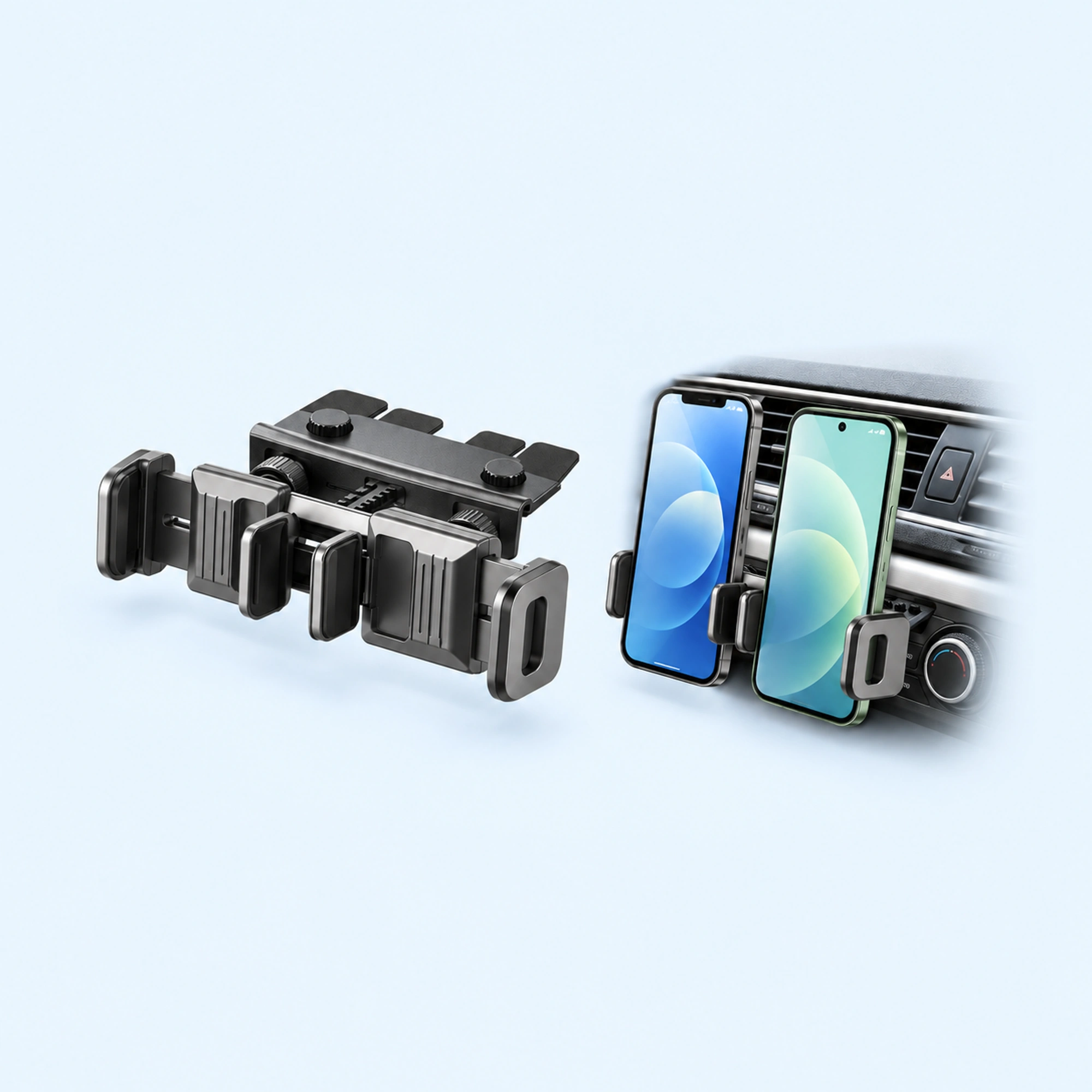 Dual-Cradle CD-Slot Phone Mount | Cd Phone Holder
 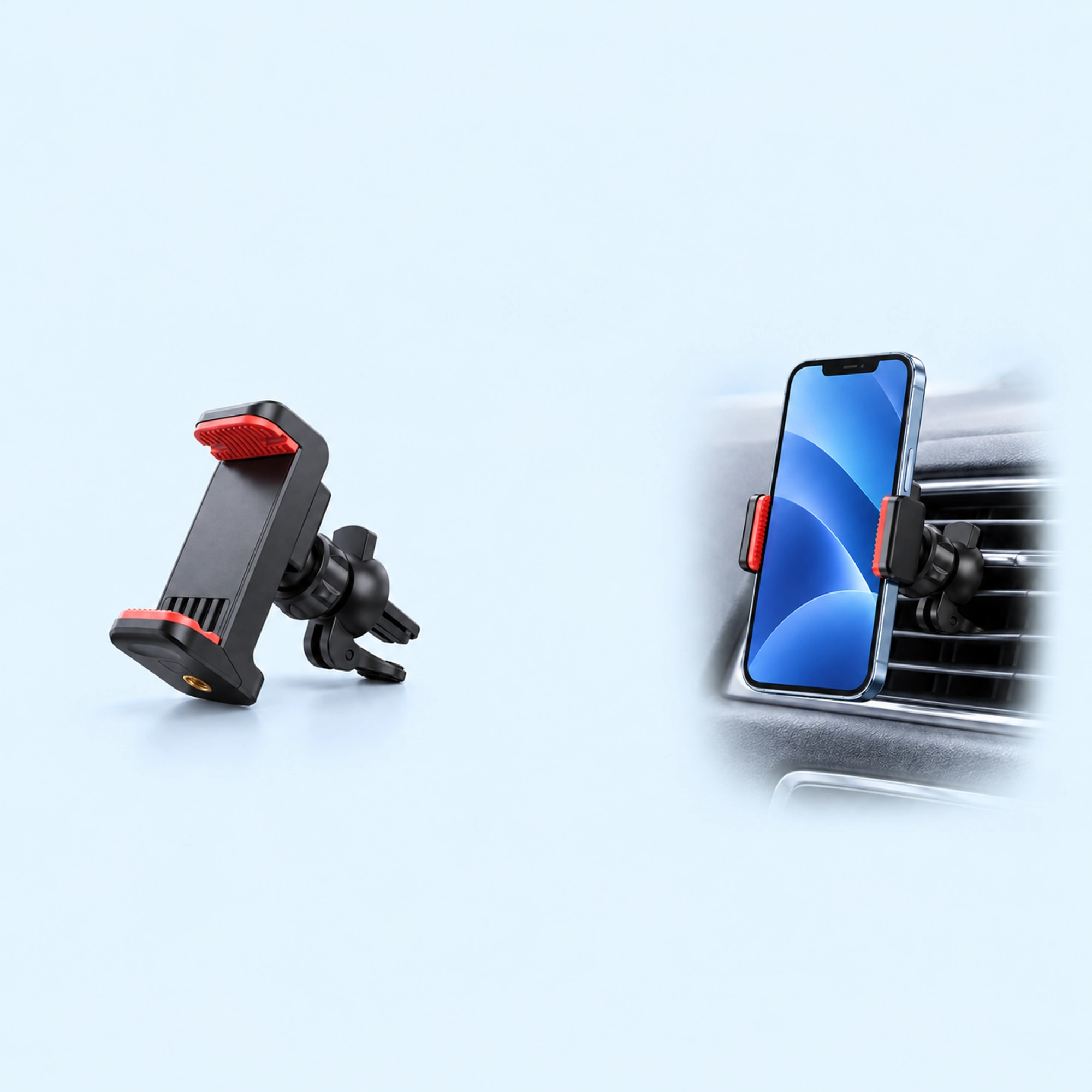 Red-Pad Compact Vent Phone Clip | Car Vent Phone Holder
  Music-Note Character Gravity Vent Holder | Gravity Phone Holder
  Black Six-Pad Handlebar Phone Cradle | Bike Handlebar Phone Mount
 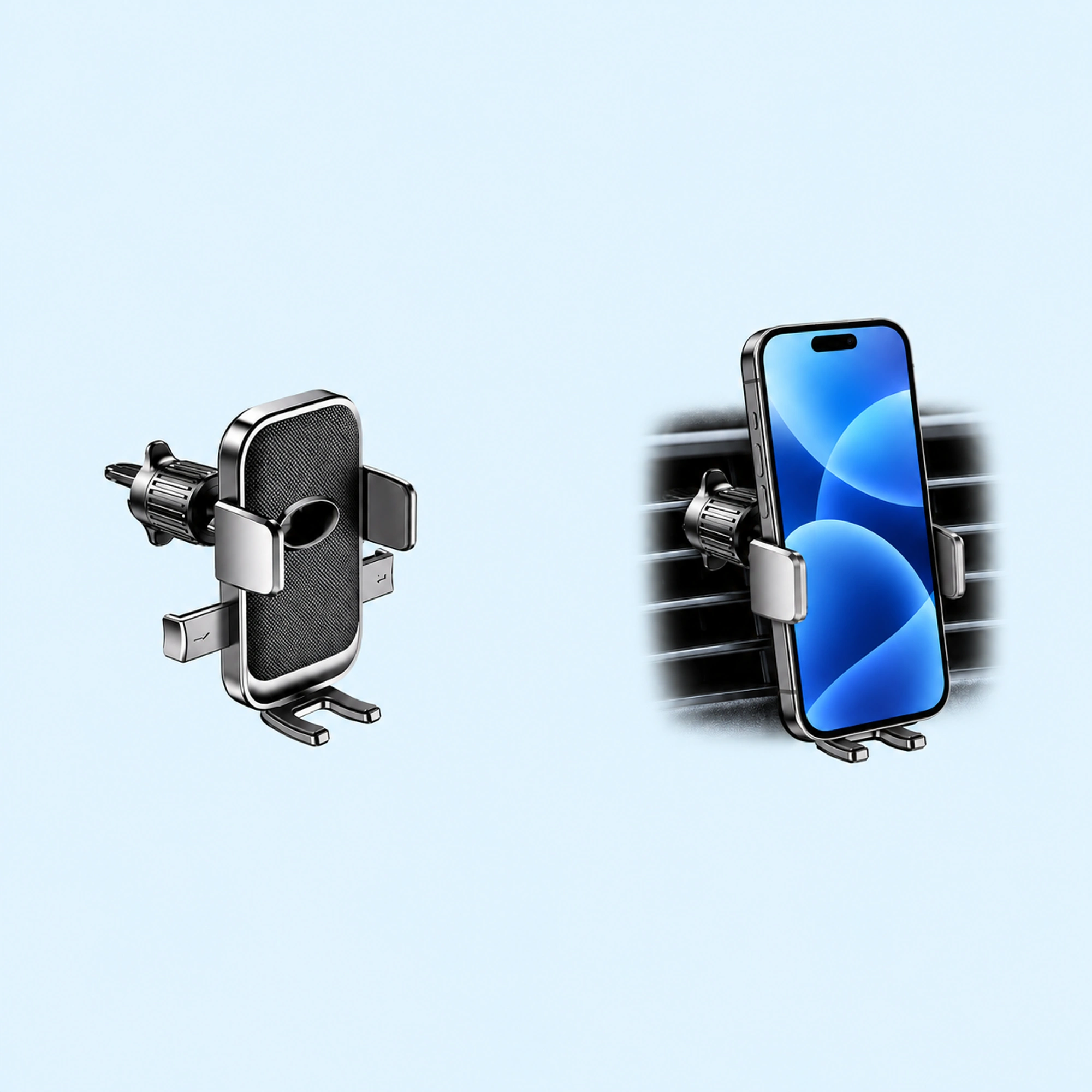 Oval-Opening Textured Vent Phone Cradle | Car Vent Phone Holder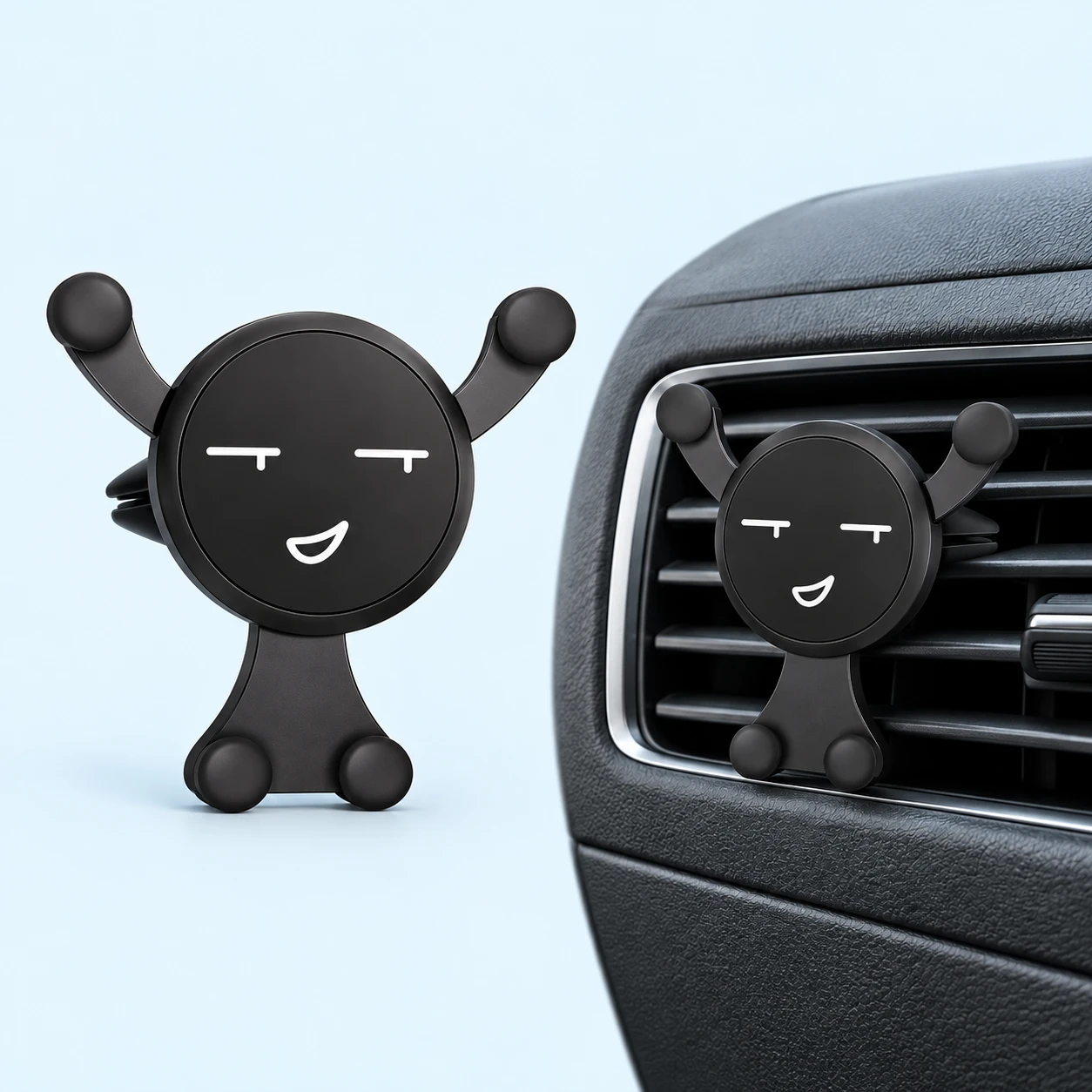
A phone holder car vent cradle offers a strategic cabin mounting location, positioning navigation screens near your natural driving line of sight without blocking forward windshield visibility. During hot summer drives, clipping a smartphone before an active air conditioning register delivers immediate thermal relief, circulating chilled air around lithium batteries strained by continuous GPS processing and fast charging. However, seasonal weather transitions reverse this thermal advantage completely. When winter arrives and drivers activate cabin heating or defrosters, blistering heater exhaust blows directly against phone backplates, rapidly escalating internal battery temperatures past safety thresholds. When battery sensors register excess heat, phones throttle processor speeds, dim displays automatically, and halt charging abruptly.
Selecting an effective car phone holder for air vent louvers requires understanding airflow dynamics, internal vent damper controls, and standoff distance. This guide examines thermal management around dashboard registers to help drivers preserve device health across all seasons.
Vent Climate Dynamics: Summer AC Benefits vs Winter Heater Risks
Automotive climate control systems funnel extreme temperatures directly through dashboard registers to regulate passenger comfort.
The thermal impact on mounted smartphones depends on seasonal air distribution:
- Summer Refrigerated Airflow: Air conditioning registers deliver dry air between four and eight degrees Celsius, preventing thermal processor throttling during heavy navigation loads.
- Winter Furnace Convection: Cabin heaters channel engine coolant heat exceeding fifty degrees Celsius directly into smartphone casings, triggering thermal safety shutdowns.
While summer cooling preserves battery longevity, uncontrolled winter heating accelerates lithium degradation and disables navigation charging without warning.
Mechanical Support and Standoff with Character Cradles
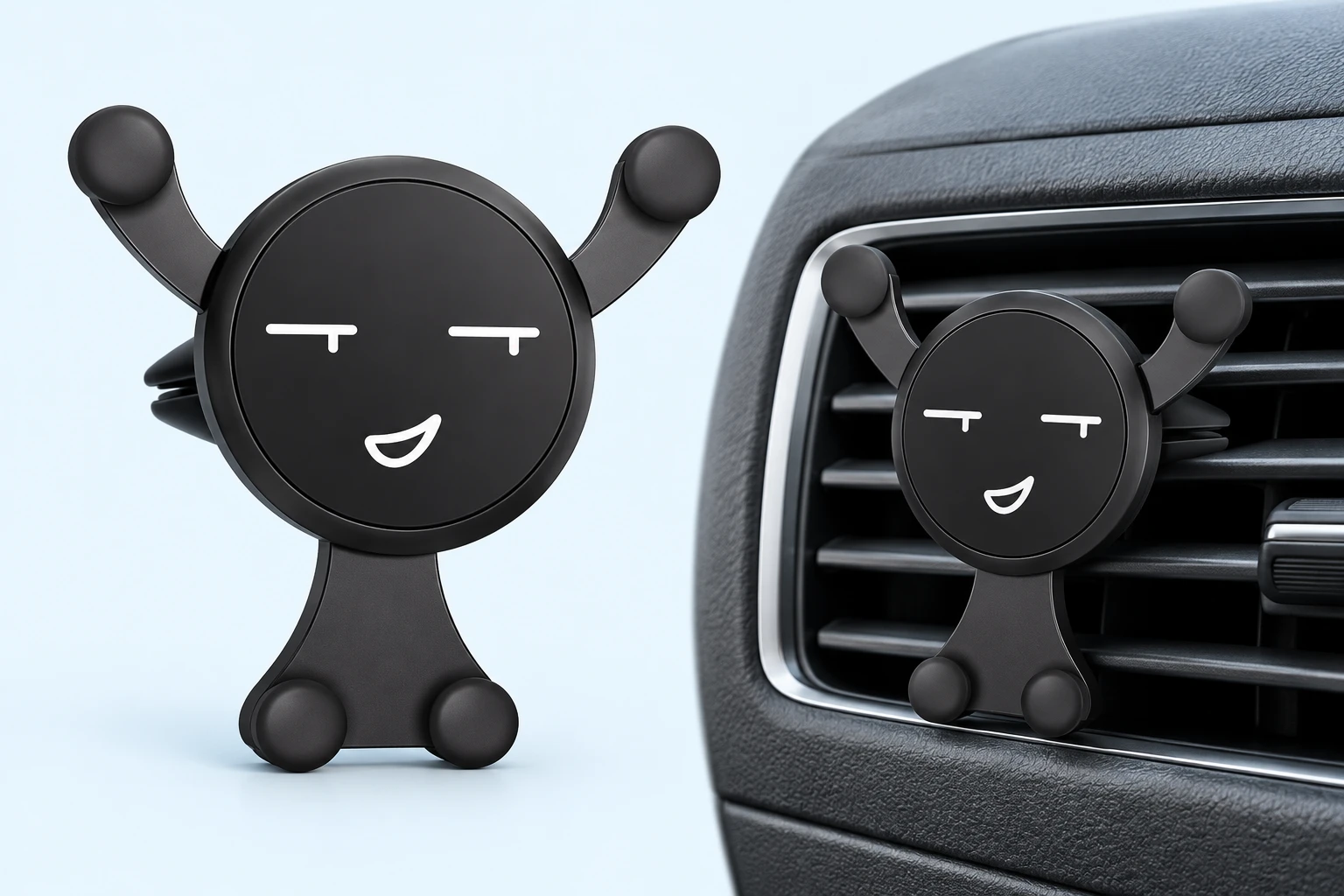
Drivers seeking stable vent mounting benefit from lightweight mechanical brackets that position phones slightly forward from register blades. The Black Smiling Figure Car Vent Phone Holder pairs a friendly character silhouette with curved grip arms and round contact pads.
Weighing seventy grams, its compact unpowered frame anchors firmly into horizontal louvers without exerting excessive downward torque on delicate internal vent mechanisms. Dual lower supports cradle handsets securely while leaving center charging ports unobstructed. The rear vent clip geometry creates clearance between the phone backplate and dashboard louvers, permitting warm air deflection when cabin dampers remain open.
Decorative Vent Pockets and Articulated Robot Brackets
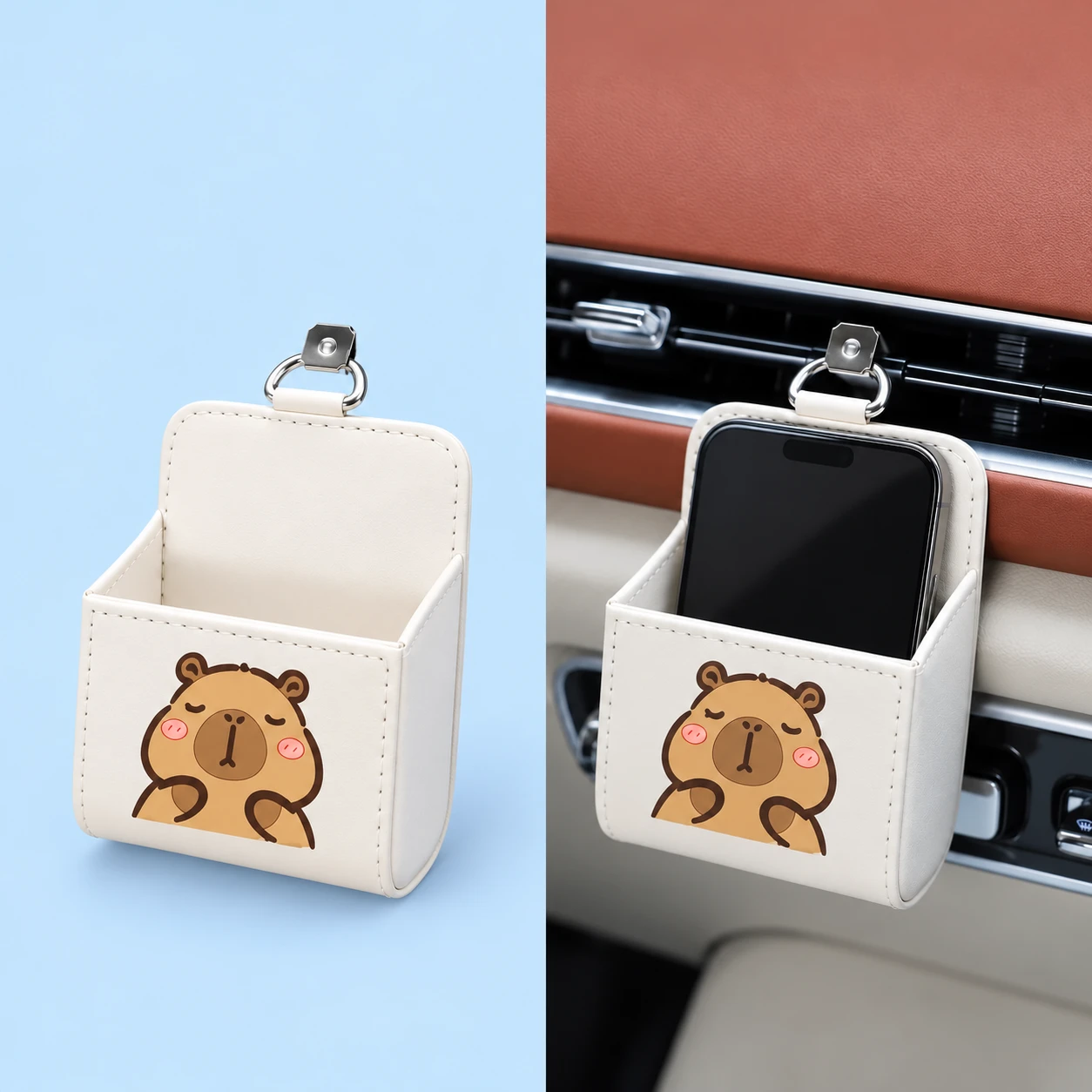
Drivers evaluating alternate cabin mounting styles can choose between padded soft pockets and mechanical cradles. The Cream Capybara Car Vent Phone Pocket provides drop-in fabric containment for casual cabin storage.
Its plush material insulates phone backs from direct register airflow, making it suitable for drivers who prioritize convenient drop-in storage over active landscape navigation.
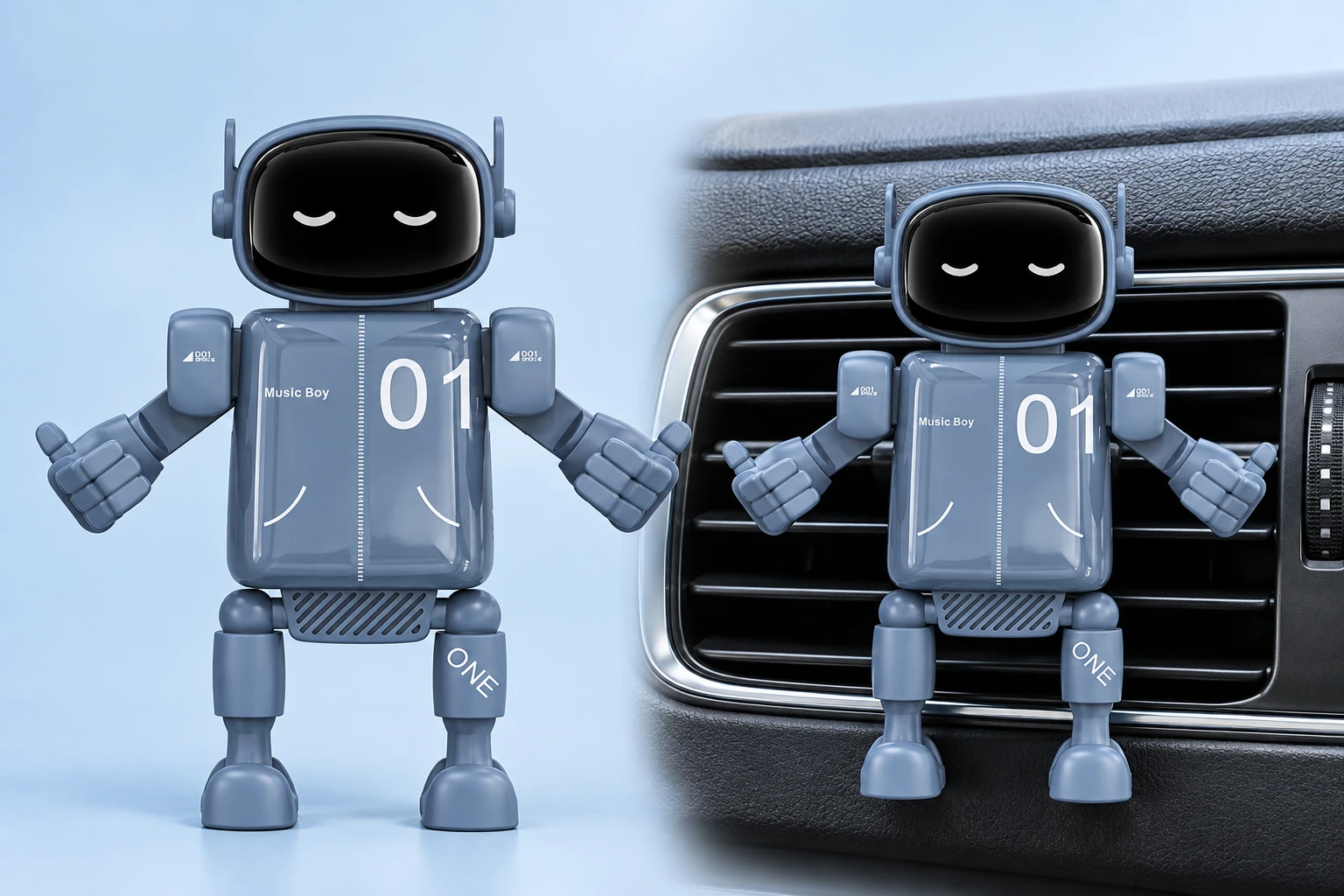
For precise screen positioning, the Dusk-Blue Music Robot Car Vent Phone Holder features a decorative robot aesthetic with functional side hand supports and lower feet. Weighing one hundred and one grams, its unpowered mechanical frame grips smartphones snugly while preserving full access to screen edges and volume keys.
Essential Airflow Protocols for Vent Mounted Devices
To safeguard smartphones against extreme temperatures across changing seasons, drivers should implement three practical habit checks.
Key operational rules include:
- Close the Dedicated Register Damper: In winter, rotate the thumbwheel damper behind the phone mount to shut off hot airflow completely while leaving other cabin vents open.
- Direct Airflow Toward Footwells: Set climate control dials to floor and windshield settings during freezing commutes, preventing dashboard registers from blasting heated air.
- Verify Louver Blade Integrity: Inspect vent blade tension before clamping heavy brackets, ensuring thin plastic slats hold the cradle upright without slipping downward.
Managing register dampers and selecting proper air vent phone holder brackets ensures reliable hands-free navigation while protecting battery health year-round.