 Blue Four-Position Folding Desk Stand
 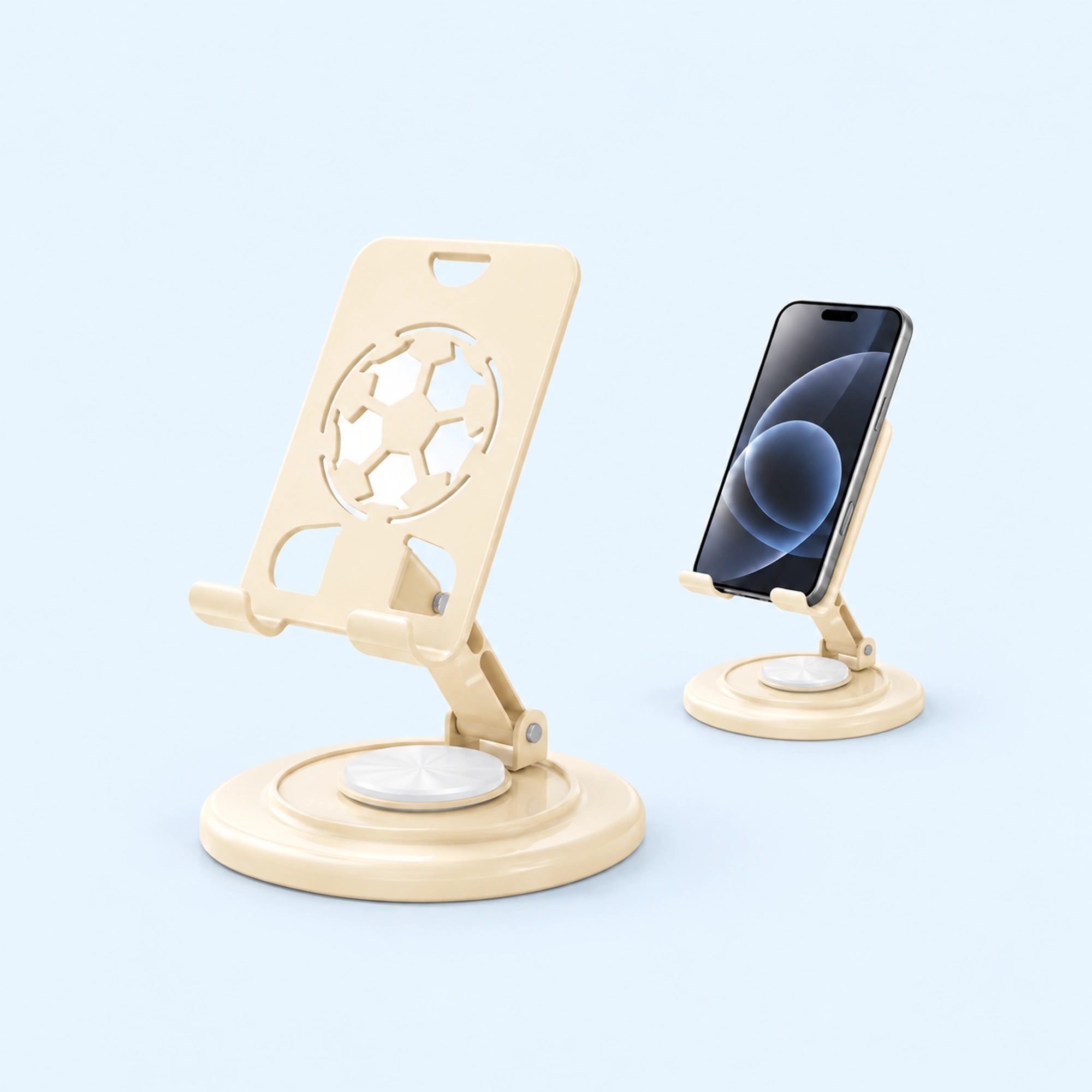 Cream Round-Base Folding Phone Stand
 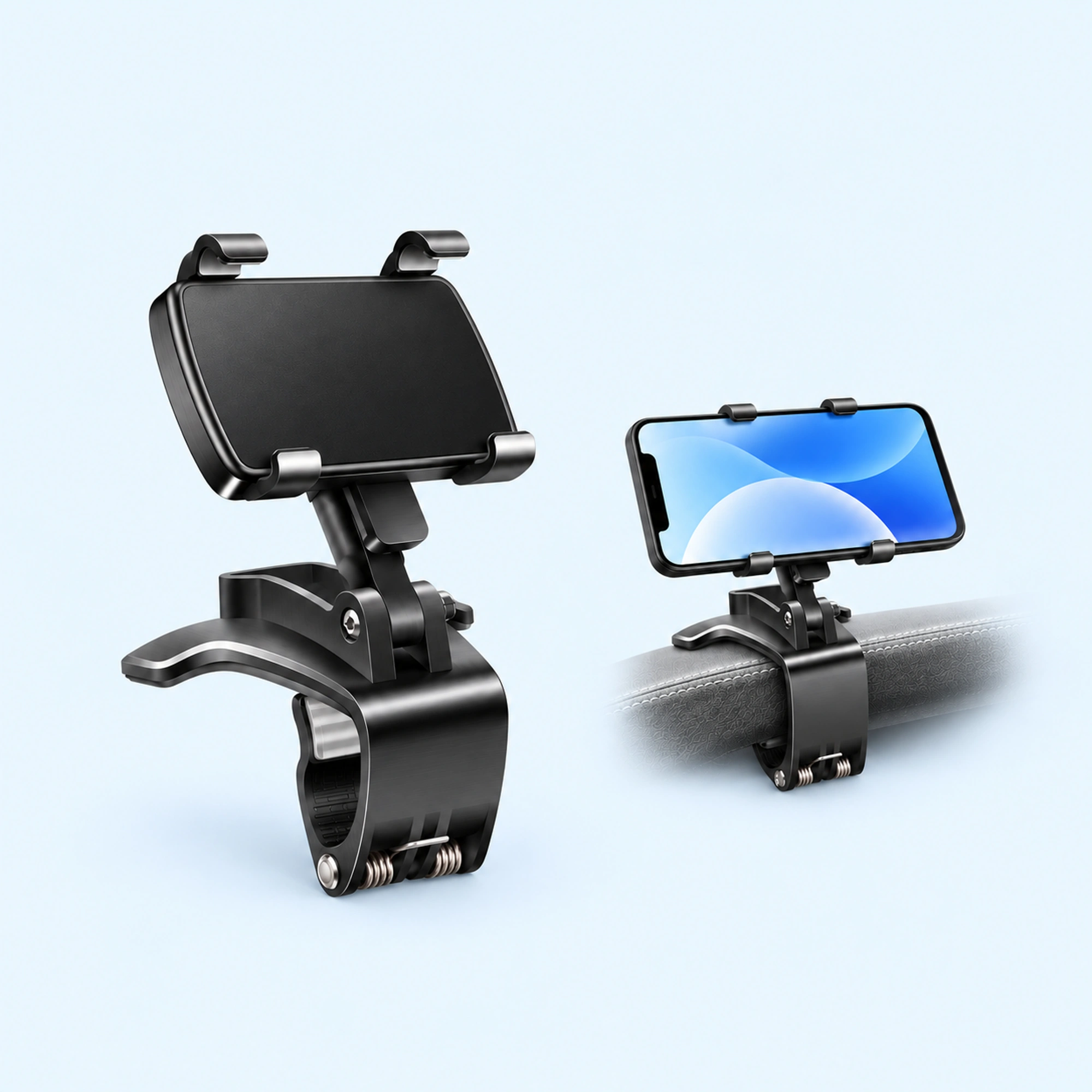 Dashboard Edge Clip Phone Holder
 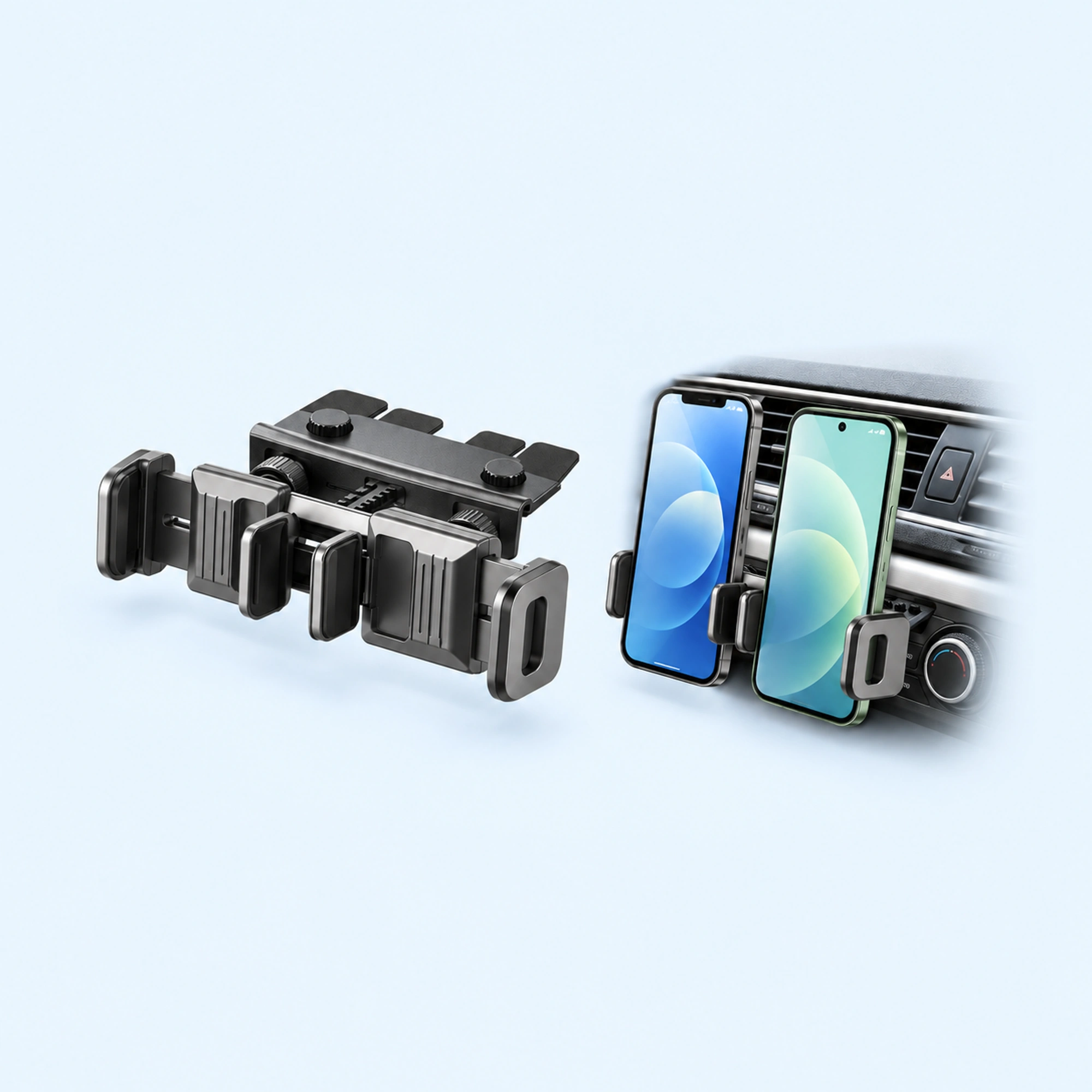 Dual-Cradle CD-Slot Phone Mount
 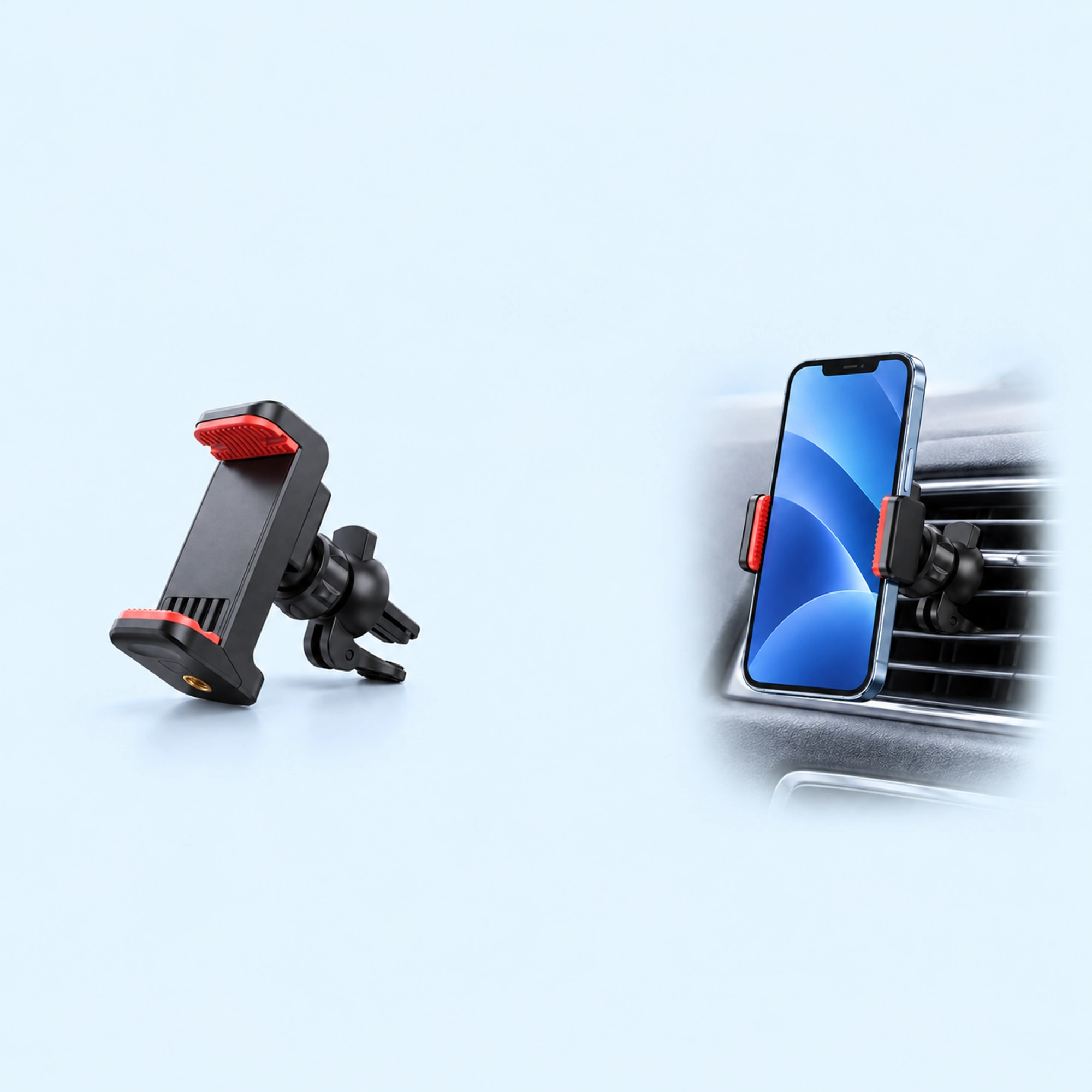 Red-Pad Compact Vent Phone Clip
 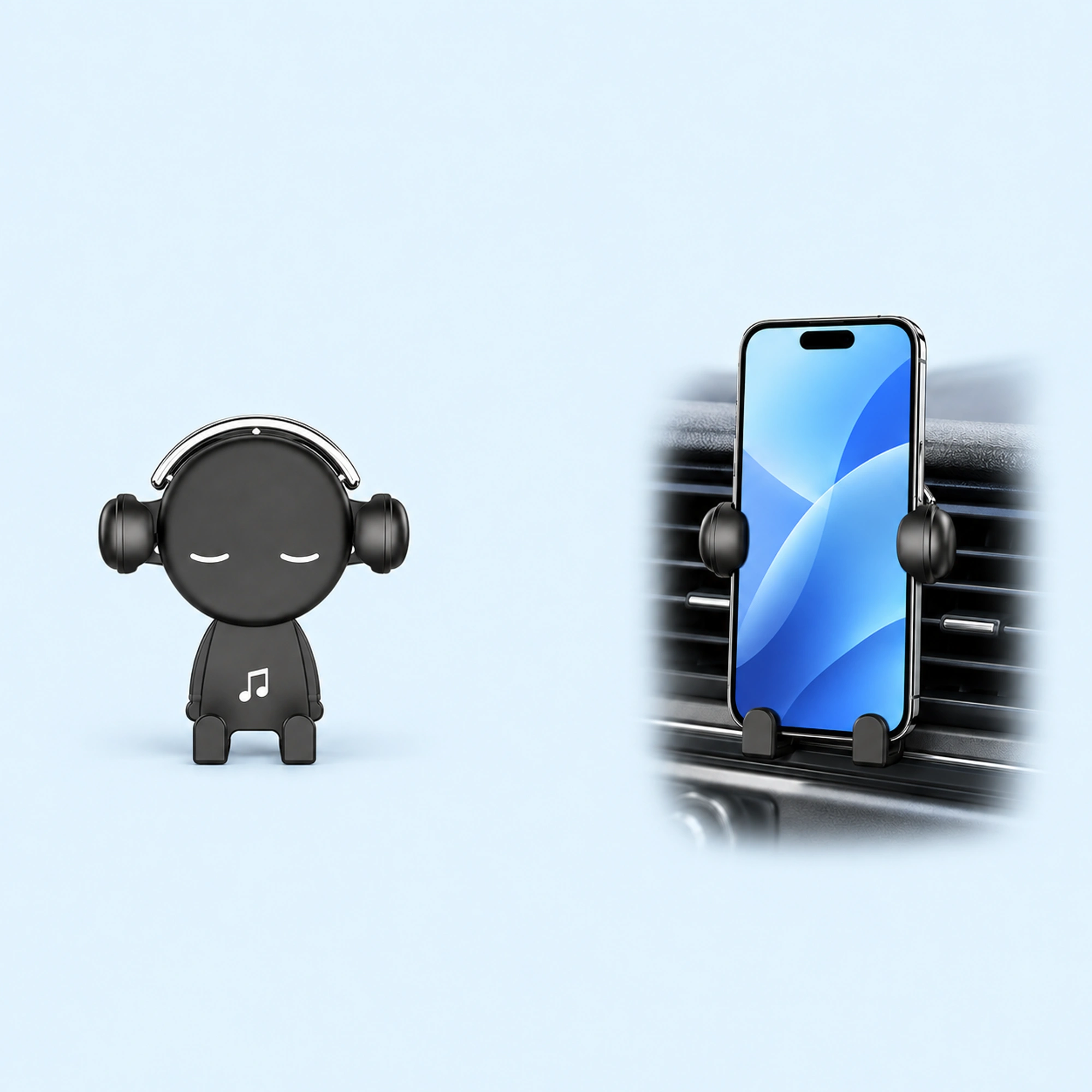 Music-Note Character Gravity Vent Holder
 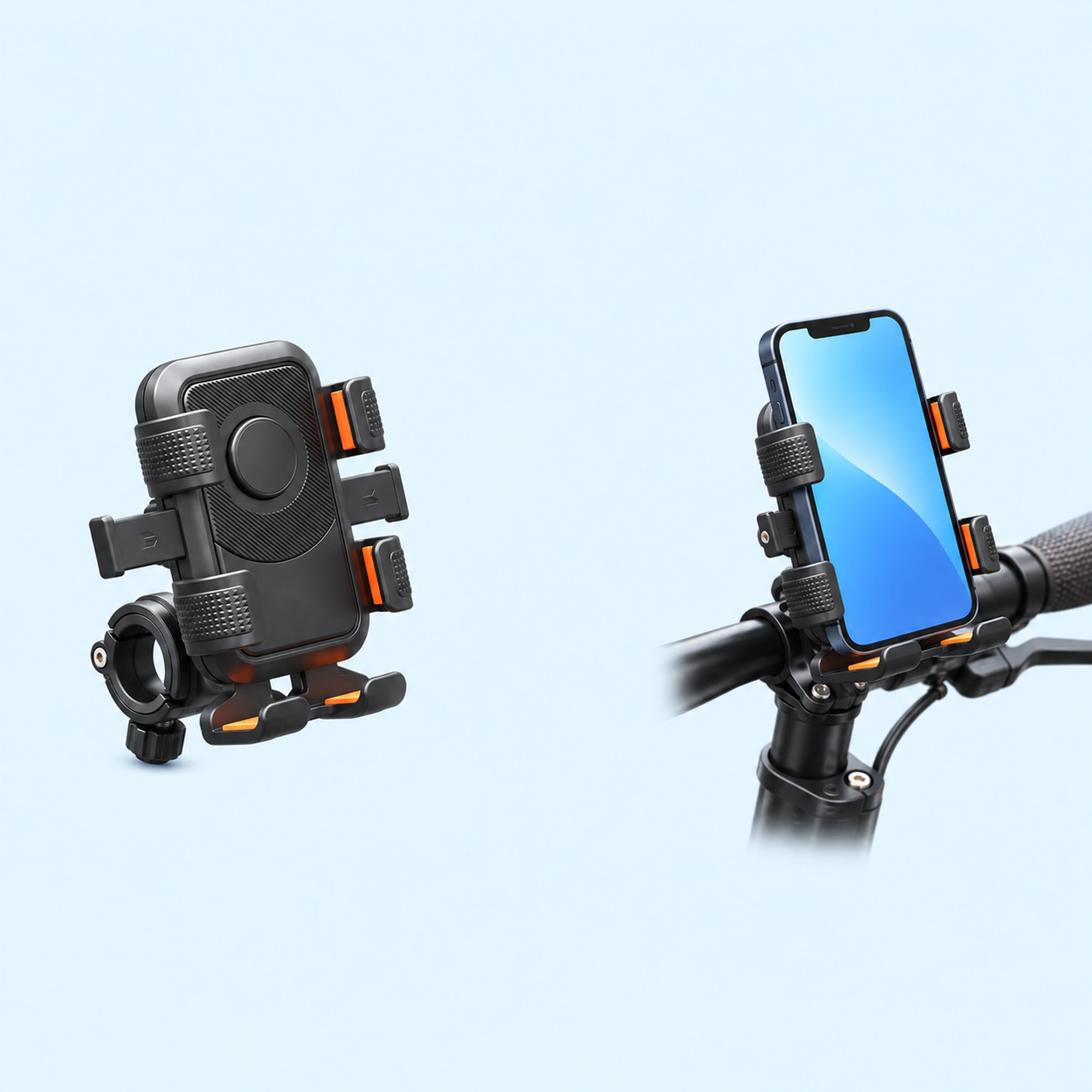 Black Six-Pad Handlebar Phone Cradle
 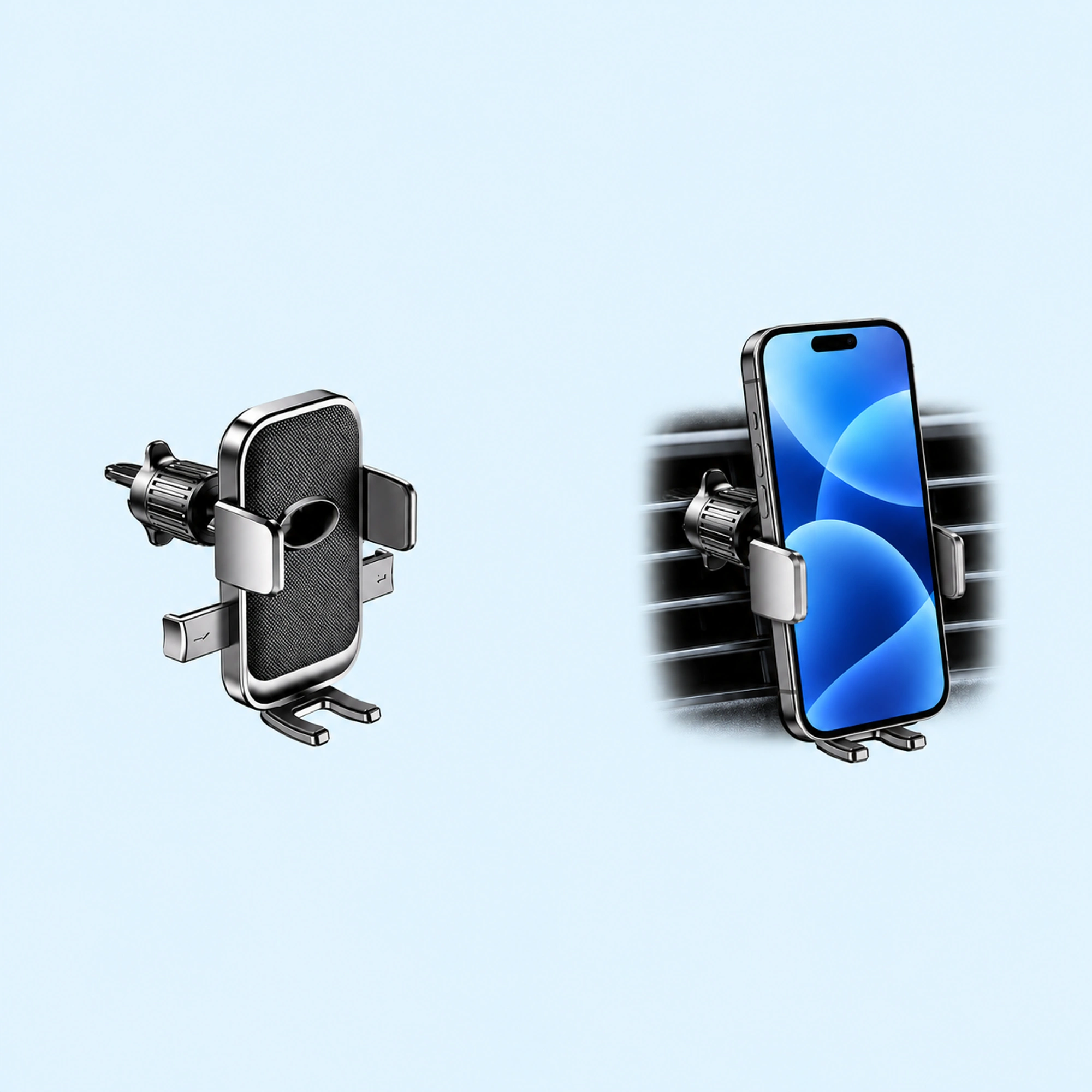 Oval-Opening Textured Vent Phone Cradle
 A rear view mirror phone holder hangs from the edge of the mirror on a clip, so your mirror decides whether it works. Before you buy, check three things: the shape and thickness of the mirror’s edge, whether the mirror moves when something hangs from it, and whether the phone would hang clear of your view and the controls. If any of the three fails, choose another mounting point.
We sell rear view mirror phone holders, so read this as a shop’s notes on its own listing plus what drivers say online.
What drivers say goes wrong
Two drivers on Reddit describe the problems buyers run into.
- One driver wrote that they like the phone just below the rearview mirror, but that the mirror-mounted holders they had seen all seemed flimsy. The driver asked for a holder that would hold the phone firm and steady where they wanted it.
- Another driver wrote that they got one that connects to the rearview mirror, but it was too long and sat funny.
Not everyone likes a phone in that position. One commenter replied that the position is pretty bad, because a phone screen forces your eyes to short-distance focus.
These are three people’s views. They point to the same checks: how firmly the holder grips, how far the phone hangs down, and whether a screen in that spot suits you.
What a mirror holder looks like
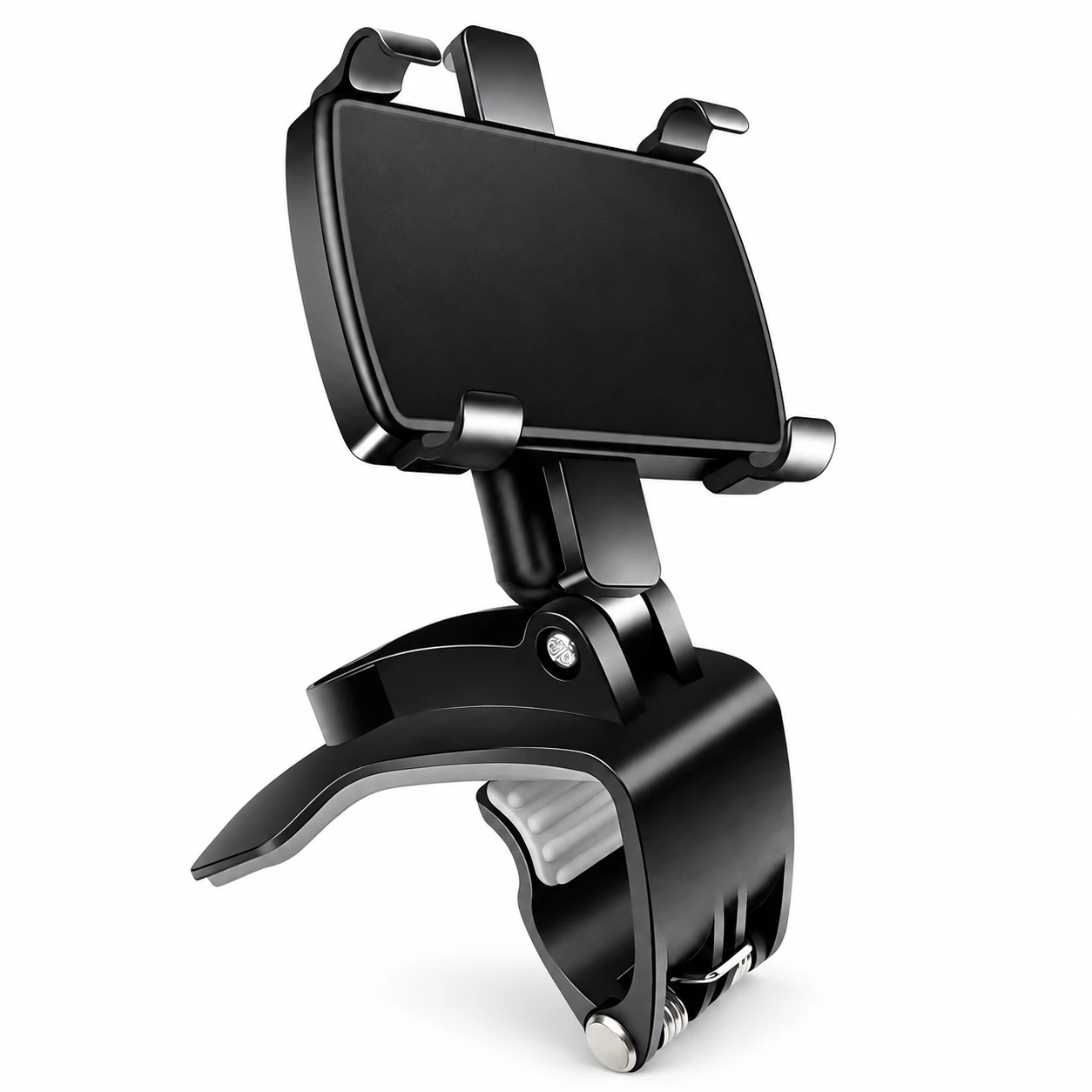
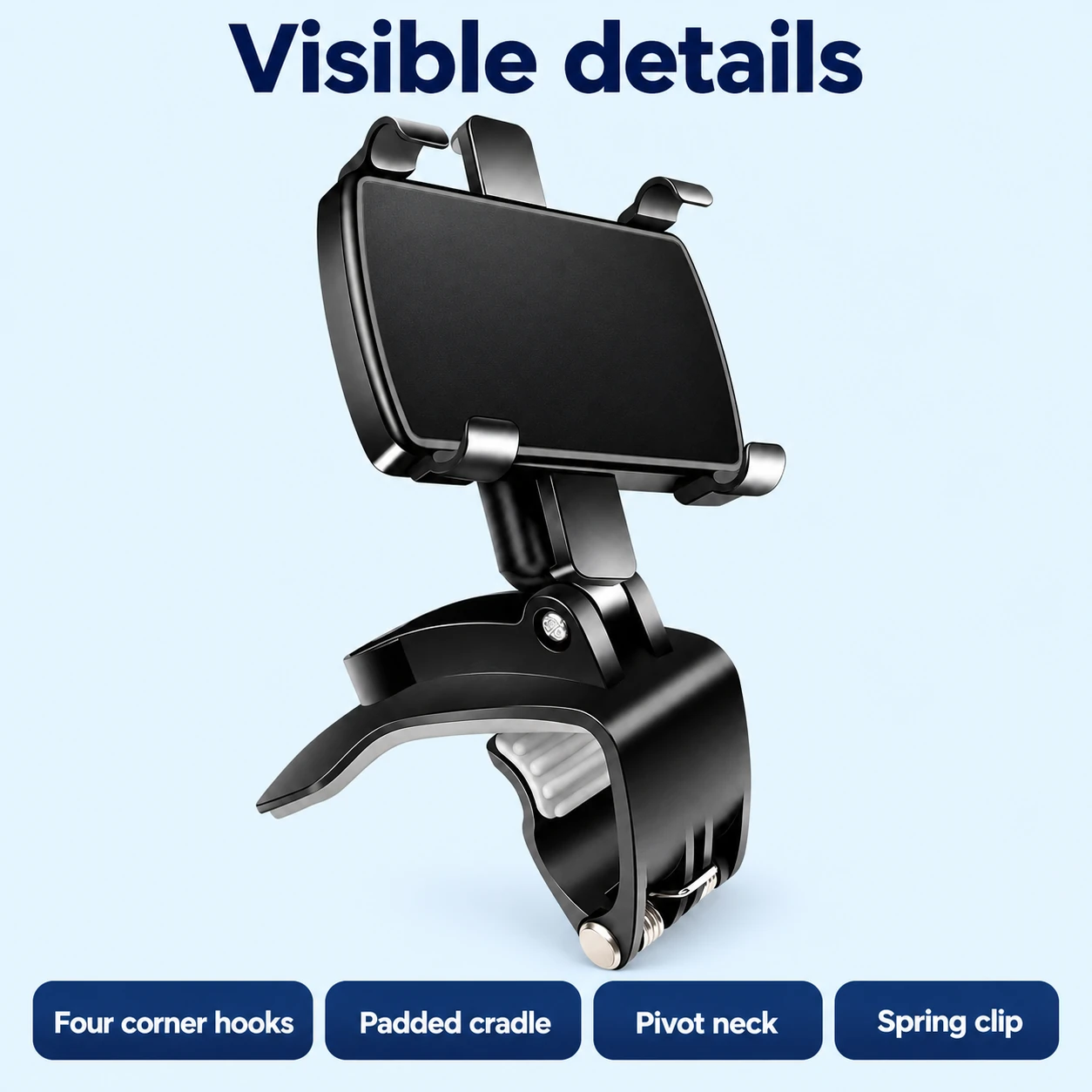
Our listing for the Black Rear View Mirror Phone Holder with Spring Clip says it combines a four-corner phone cradle with a broad spring clip. The same listing says the phone cradle connects to the clip through a short pivot neck with a visible screw.
People search for this product as a rearview mirror phone holder, a rear view mirror phone mount, a car mirror phone holder or a mirror phone mount. They all mean a holder that clips to the mirror and carries the phone below it.
Check your mirror before you buy
The listing gives rearview mirror and dashboard uses for this design, and says to check the shape and thickness of the intended attachment edge before ordering. It also says to check phone-case fit, mirror movement and nearby controls, and to choose a position that leaves the driving view clear.
Turn those into five checks in your own car.
- The edge. Look at the edge the clip would grip. Note how thick it is and whether it is flat or curved.
- Mirror movement. Press down gently on the mirror. If it tilts under a light push, a phone hanging from it will move it too.
- The phone and its case. Check that the cradle takes your phone with its normal case on.
- What sits nearby. Look for buttons, sensors or a sun visor that the holder or phone would touch.
- Your view. Hold the phone where it would hang. If it covers part of the road, the spot does not work.
Fit it in order
Work through these in order, with the car parked.
- Clip it on. Open the spring clip and seat it on the edge you checked.
- Set the angle. Turn the cradle on its pivot until the screen faces you.
- Seat the phone. Put the phone in the cradle with its case on.
- Check the mirror. Make sure the mirror still shows what it showed before. Reset it if it moved.
- Check the view. Sit in your normal position and look at the road. Move the holder or take it off if the phone is in the way.
Quick answers
Does a rear view mirror phone holder fit every mirror?
It depends on the mirror. Compare the edge shape, the thickness and the space around your mirror with the clip before you order.
Will the phone make the mirror move?
It can, if the mirror tilts easily. Press on the mirror first, and check it again once the phone is in the cradle.
Can I use it on the dashboard instead?
The listing gives a dashboard use for this design. The clip needs an edge to grip, so check for one. Our dashboard placement guide covers how to choose a spot.
Where to go next
Browse the rear view mirror phone holders, read whether a phone mount is legal in your car, or see how to choose a car phone holder by mount type.