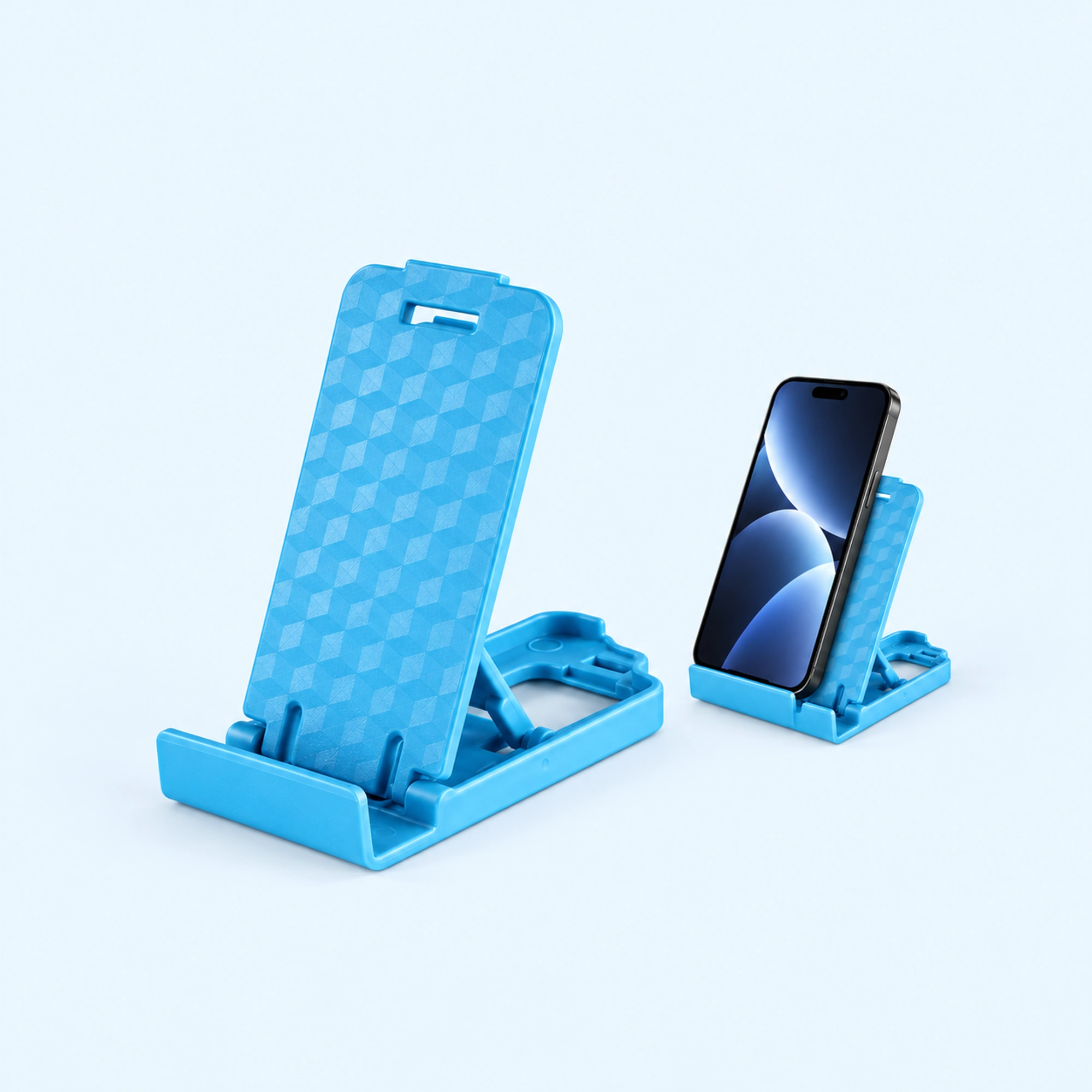
 Blue Four-Position Folding Desk Stand
 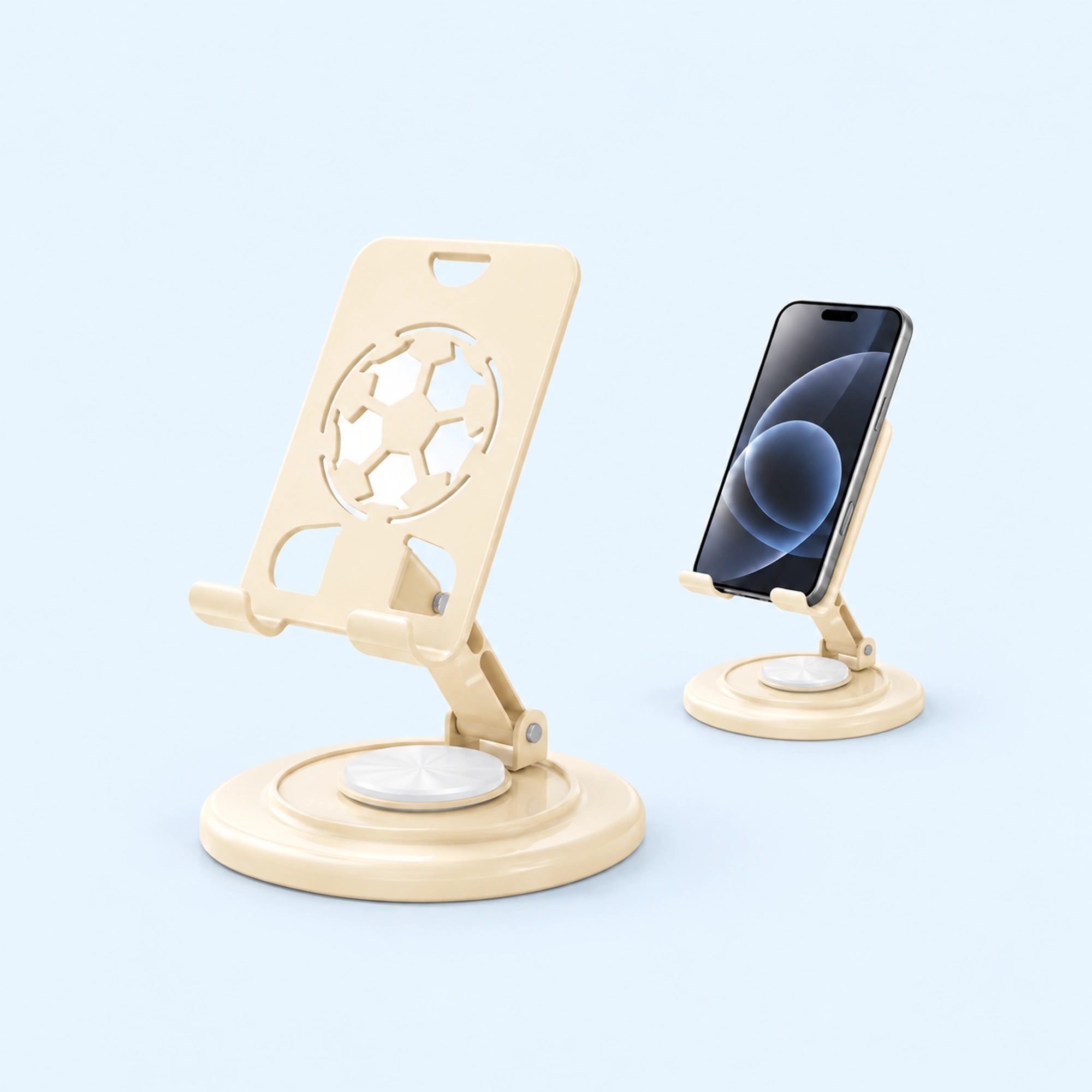 Cream Round-Base Folding Phone Stand
 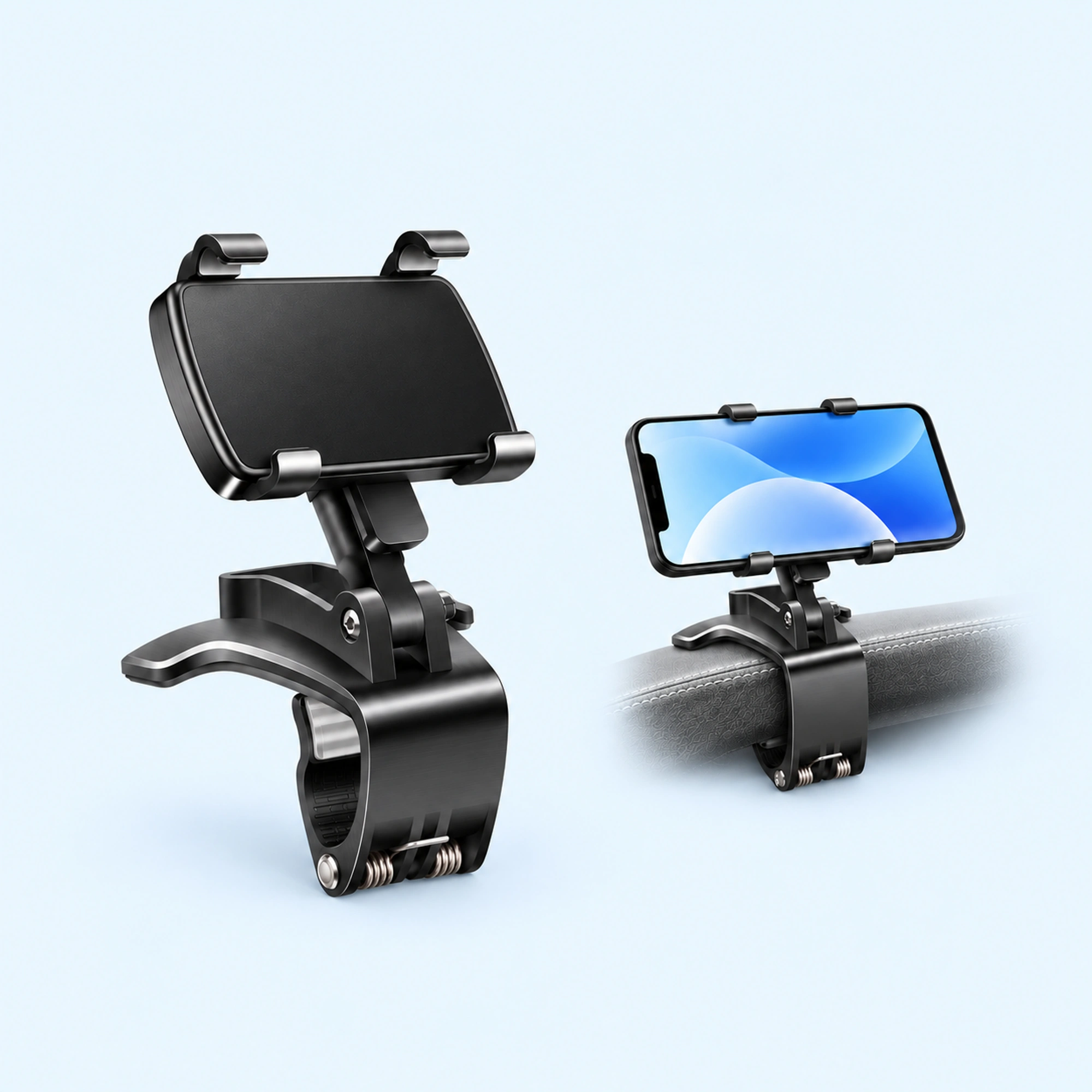 Dashboard Edge Clip Phone Holder
 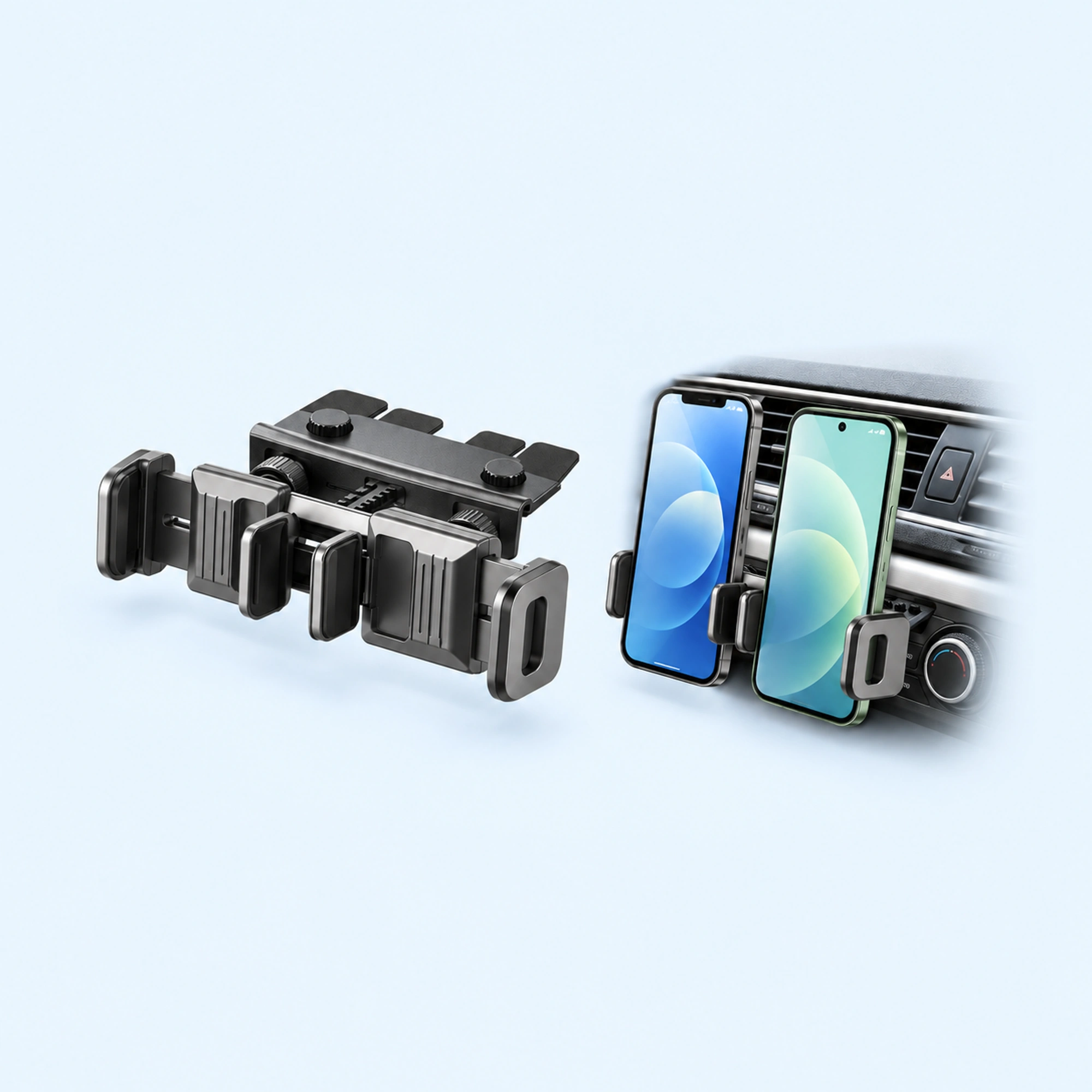 Dual-Cradle CD-Slot Phone Mount
 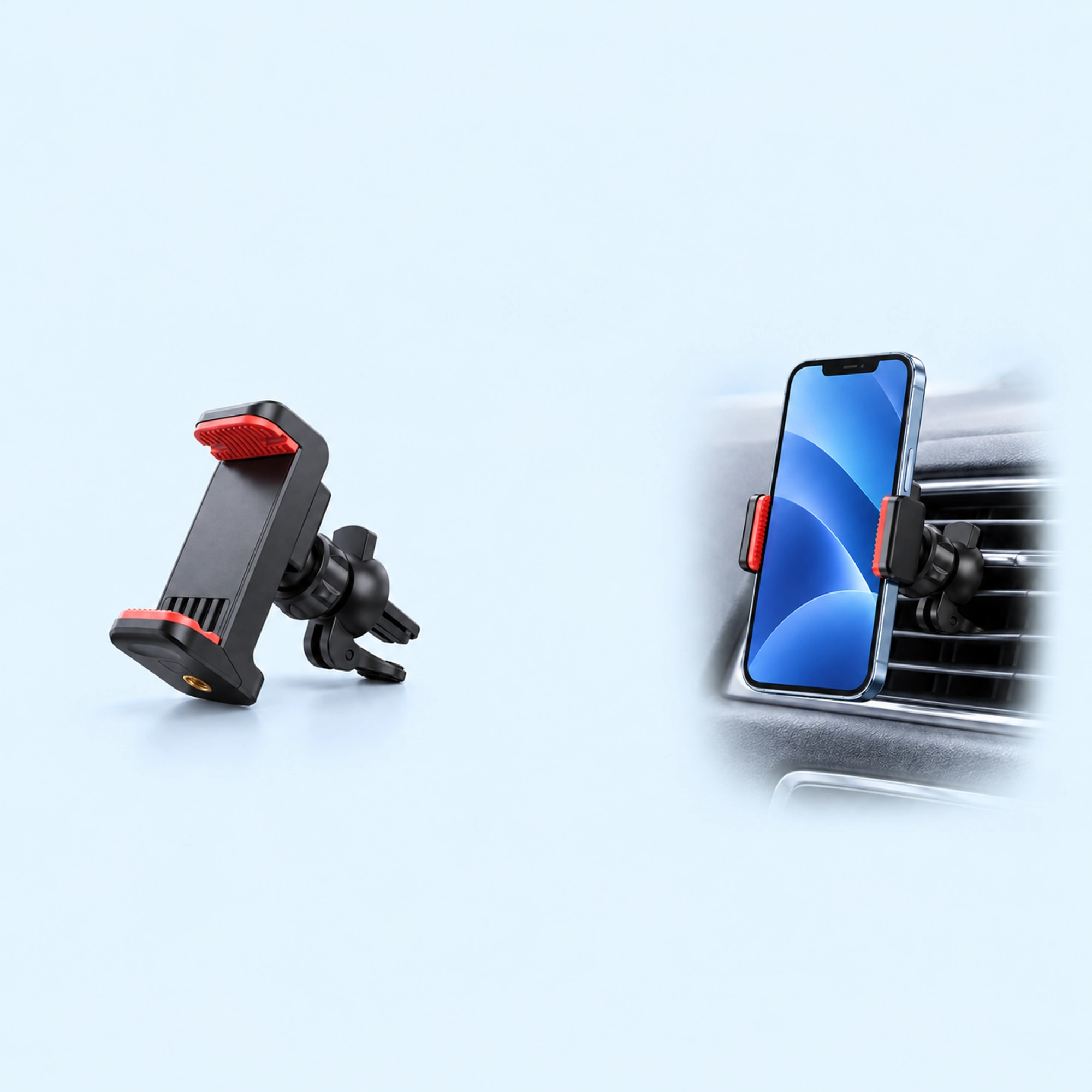 Red-Pad Compact Vent Phone Clip
 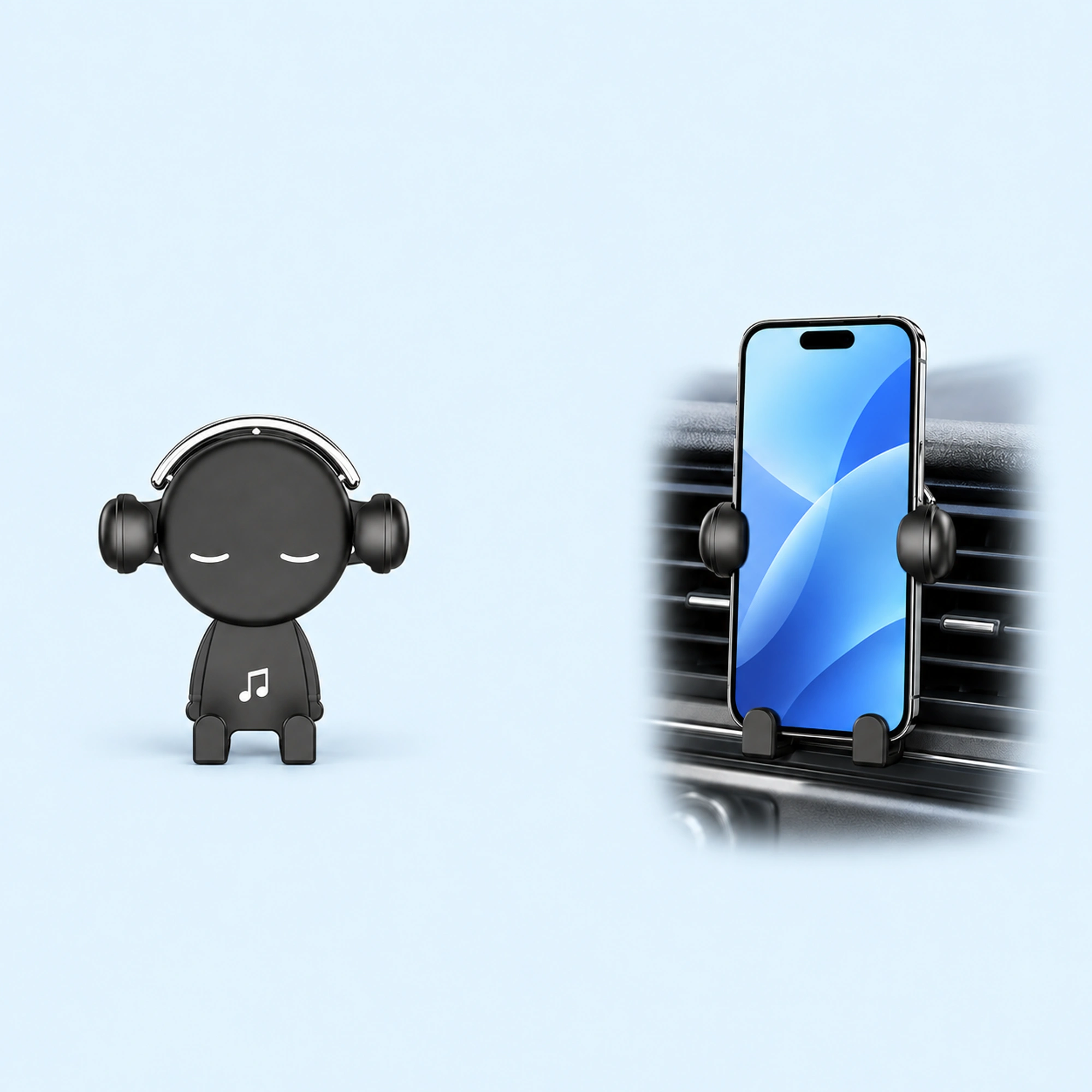 Music-Note Character Gravity Vent Holder
 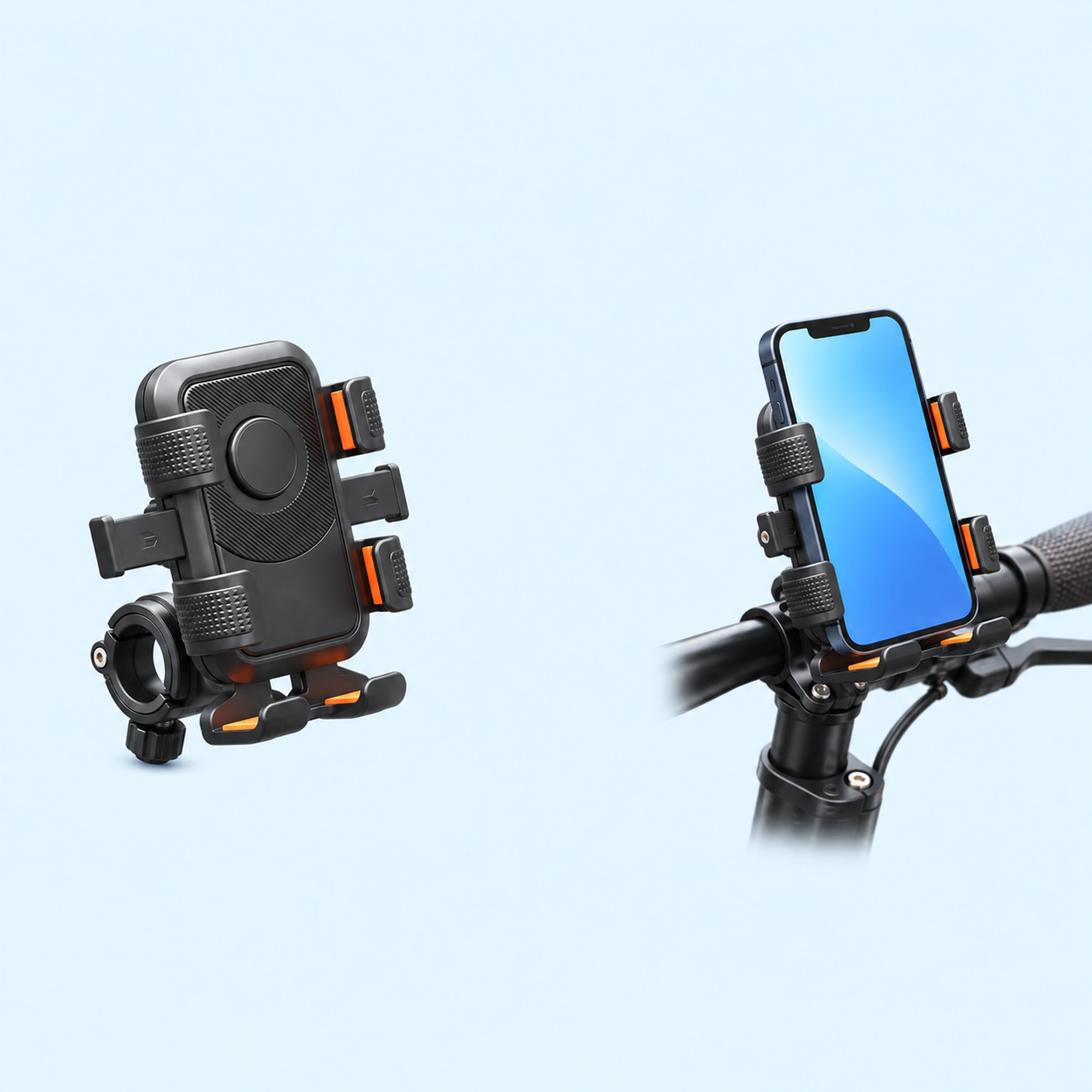 Black Six-Pad Handlebar Phone Cradle
 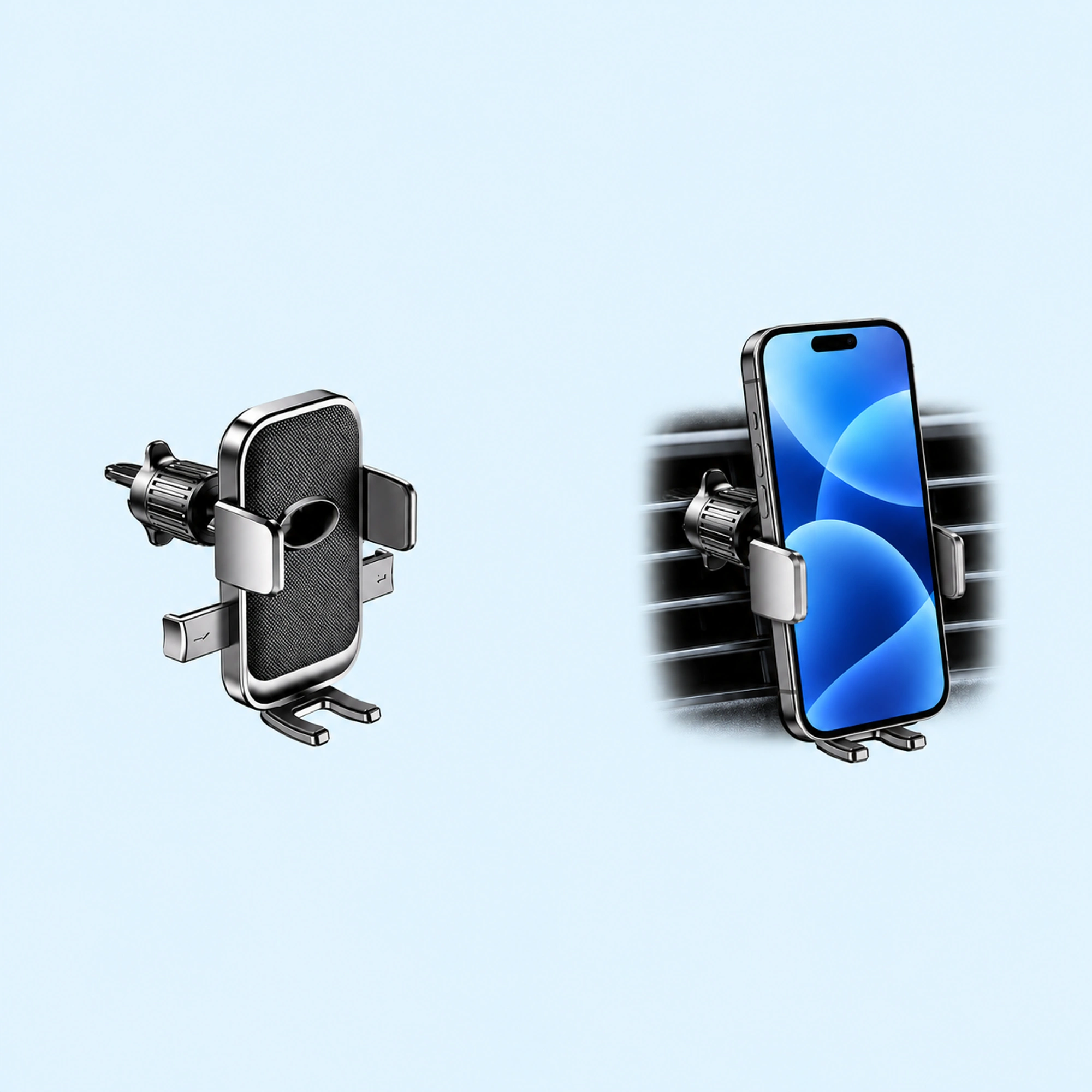 Oval-Opening Textured Vent Phone Cradle
 A scooter phone holder clamps to the handlebar and holds the phone in a cradle where you can see it. It has to fit twice: the clamp on your bar, and the cradle around your phone in its case. Check both before you order, then set it up with the scooter stopped.
We sell a scooter phone holder, so read this as a shop’s notes on its own listing plus what riders say online.
Why riders want one
Two posts on Reddit show the two things people ask for.
- One electric scooter rider wrote that “sometimes it would be nice to be able to have my phone on my mount so I can have navigation open when I need it.”
- Another scooter rider looking for a holder wrote that they didn’t want to change their case or attach anything to the phone, just a universal hold.
The first is about having the screen in view while riding. The second is about a holder that grips the phone as it is, case and all. A clamp-on cradle answers the second one only if your phone in its case fits the cradle, which is why the fit checks below matter.
What our listing says
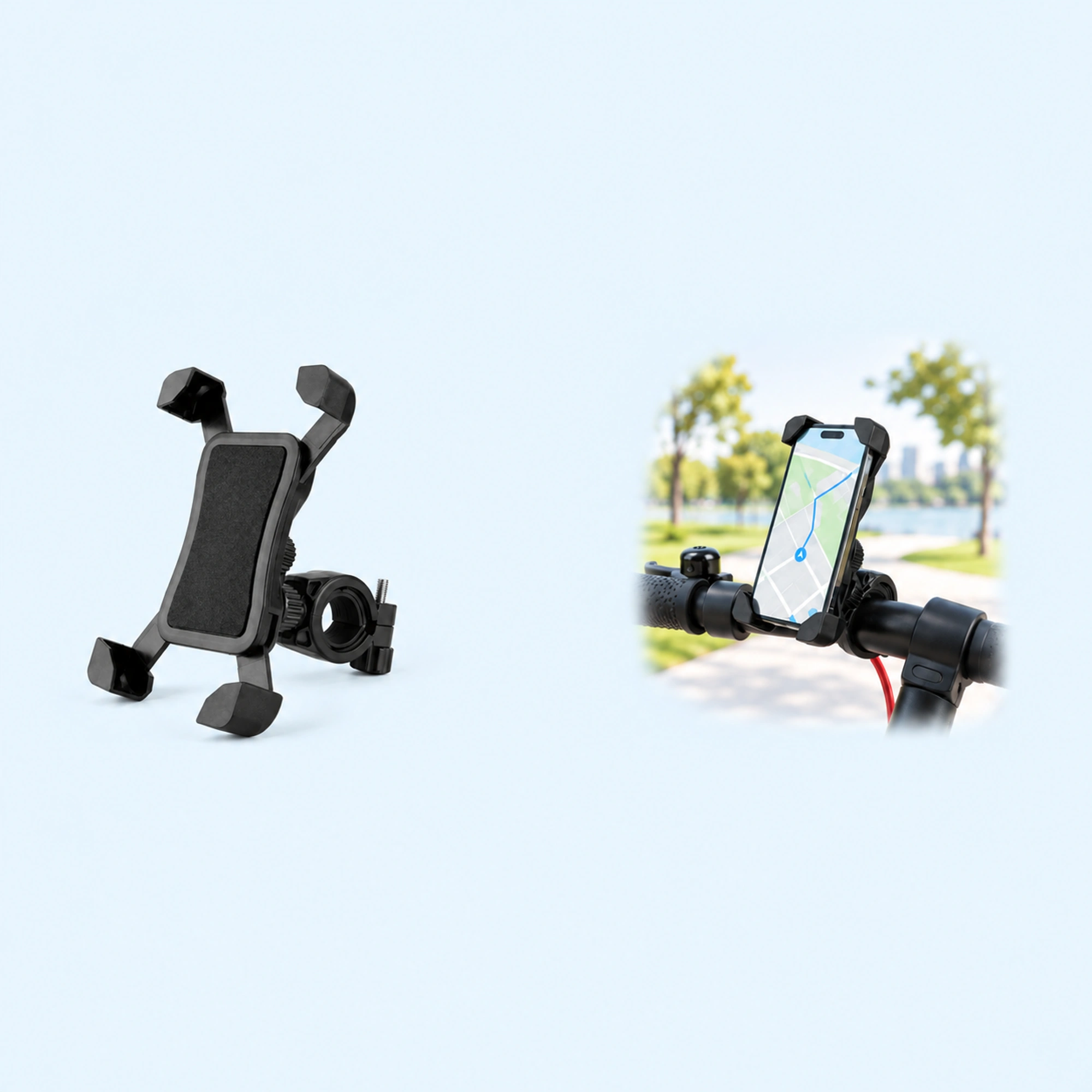
Our listing for the Four-Corner Scooter Phone Holder with Handlebar Clamp says it “has four raised corner supports around a rectangular contact pad.” It says “a rear connector joins the black plastic cradle to a round handlebar clamp, leaving the phone screen visible.”
It also says “the open cradle is a support holder, not a sealed weather cover or wireless charger.” So it holds the phone, but it does not cover it from rain or charge it.
People search for this as “scooter phone holder”, “scooter phone mount”, “phone holder for scooter”, “electric scooter phone holder”, “e scooter phone holder” or “phone mount for scooter”. They all mean a holder that clamps to the scooter’s handlebar.
Fit one: the bar
Our listing says “the rear clamp needs a suitable round bar section, with enough clearance for the connector, controls and cables.”
Look at your handlebar with that in mind.
- Find a round section. The clamp needs a round part of the bar to grip.
- Check the space around it. Make sure there is room for the clamp and its connector.
- Keep the controls clear. The holder should not sit on the throttle, brake lever, display or bell.
- Watch the cables. Leave the cables running along the bar free.
Fit two: your phone in its case
The listing says to “check phone-with-case dimensions, handlebar diameter and clearance around controls.”
- Measure with the case on. Compare your phone in its case with the four corner supports in the product images.
- Check the buttons. The listing says to “check that the corner supports do not press a button or cover a camera.”
- Check the screen. Make sure the parts of the screen you use, such as the map, are not under a corner support.
Set it up in order
The listing says to “set up and check the mount while stationary.”
- Stop the scooter. Fit and adjust the holder while the scooter is parked.
- Clamp it on. Fit the clamp on the round section you checked.
- Seat the phone. Place the phone in the four corner supports.
- Check the buttons and camera. Make sure no corner support is pressing a button or covering a camera.
- Check the controls. Turn the bar and work the brakes and throttle to confirm nothing is in the way.
If you also ride a bike, our bike phone mount guide covers handlebar, stem and case mounts, and our guide to why phones come off bike mounts explains what keeps one in place.
Quick answers
Does a scooter phone holder fit any scooter?
No. Our listing says the clamp needs “a suitable round bar section” with clearance for the connector, controls and cables. Check your bar before you order.
Does it keep the phone dry?
No. Our listing says the open cradle is “not a sealed weather cover.”
Where to go next
Browse the scooter phone holders, or go straight to the Four-Corner Scooter Phone Holder.