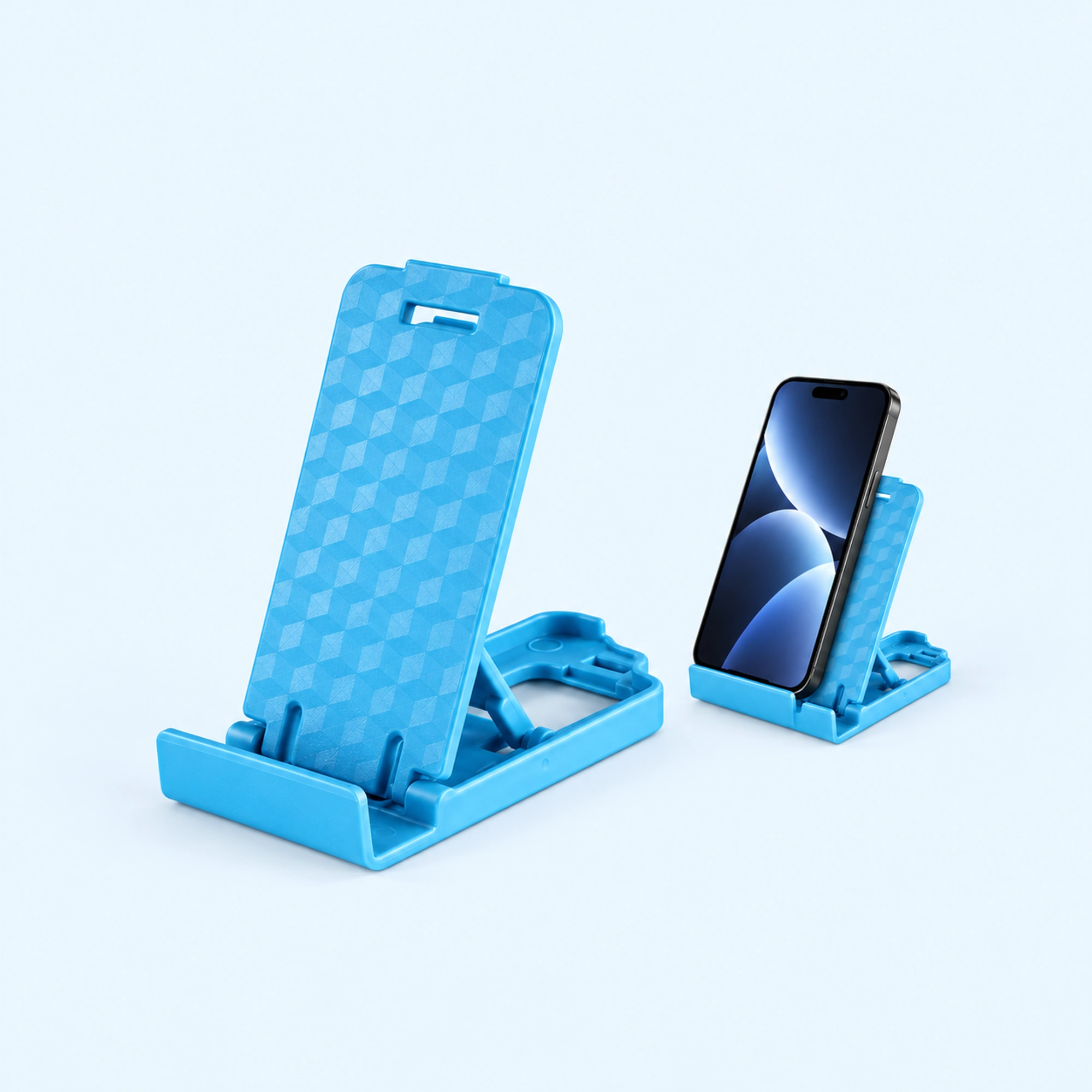
 Blue Four-Position Folding Desk Stand
 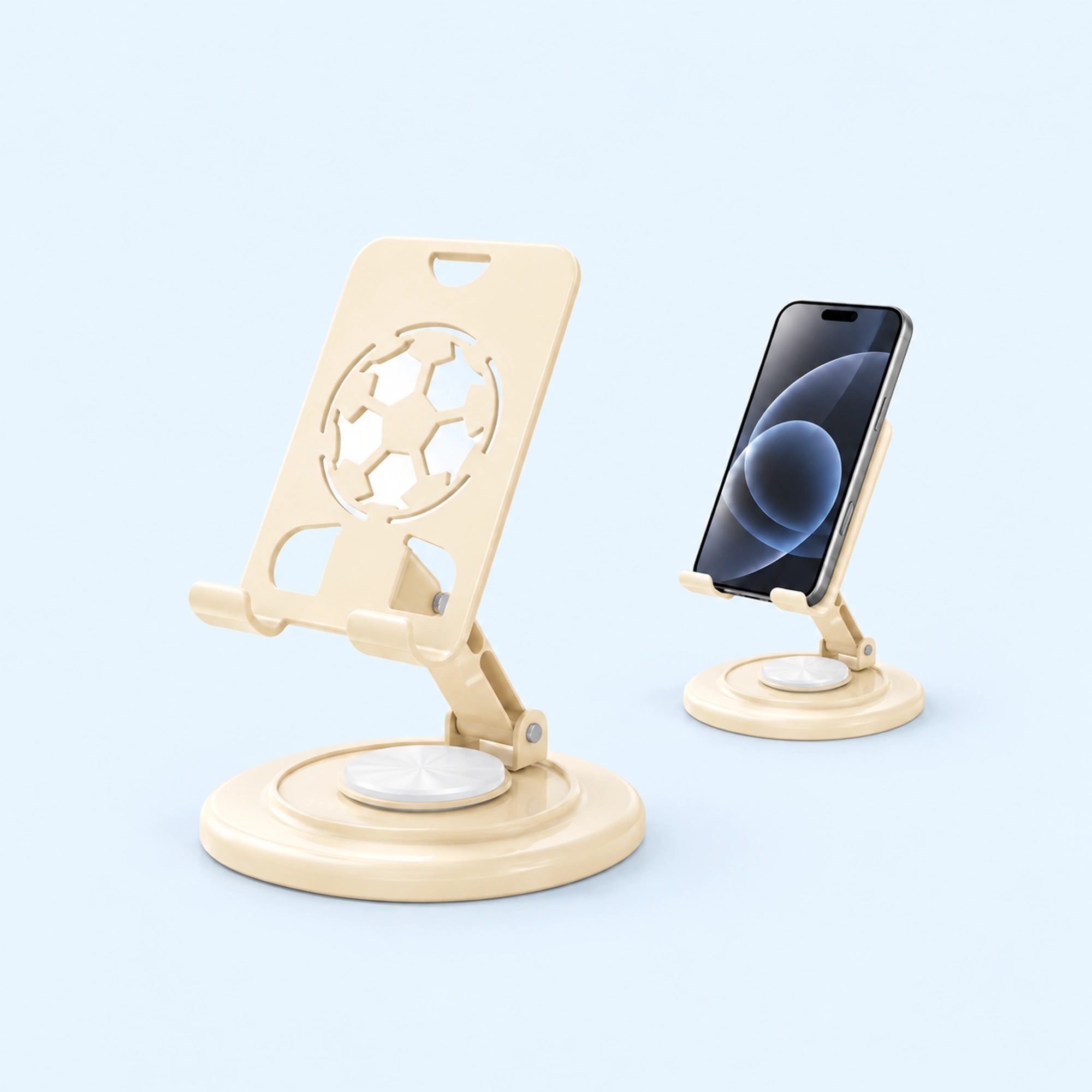 Cream Round-Base Folding Phone Stand
 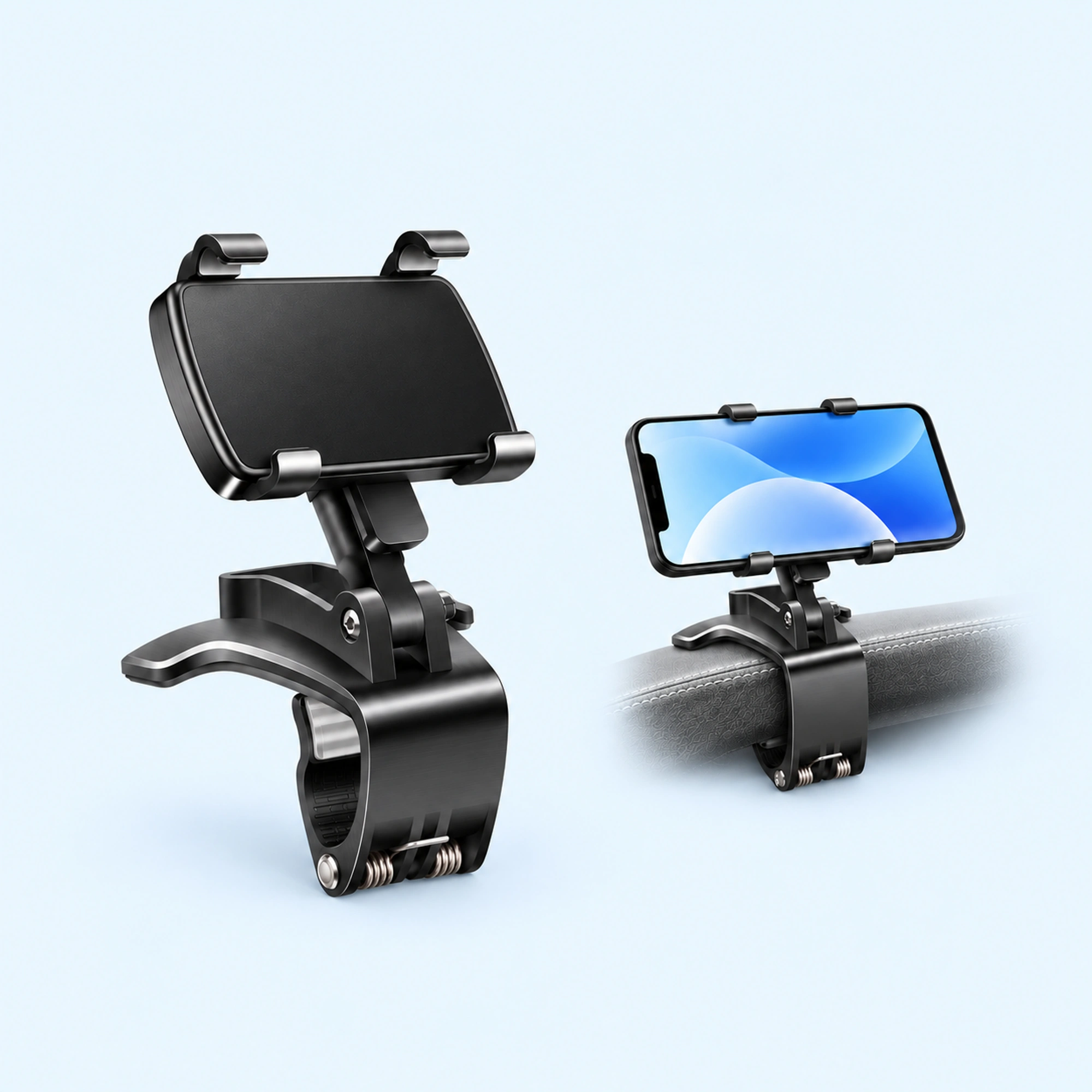 Dashboard Edge Clip Phone Holder
 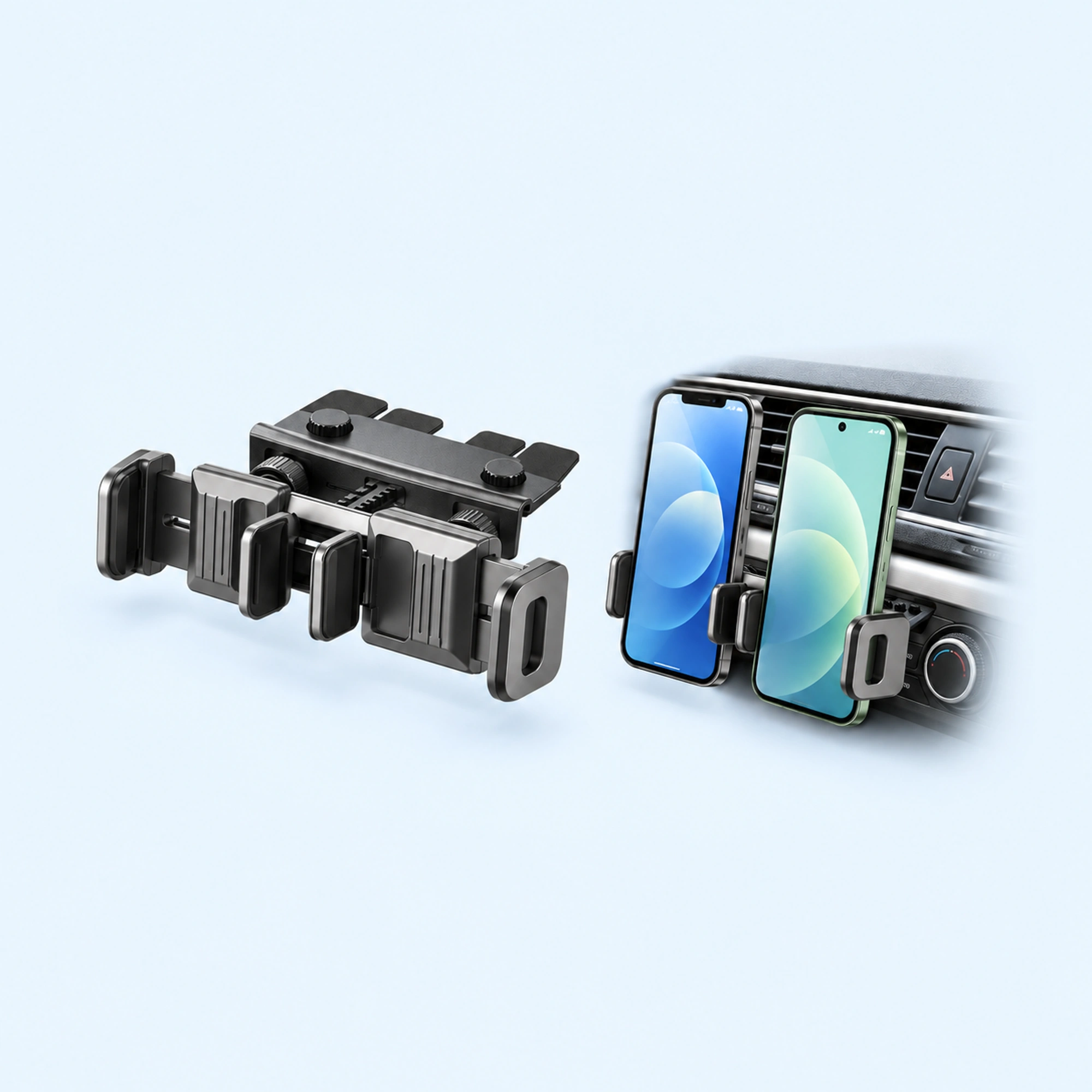 Dual-Cradle CD-Slot Phone Mount
 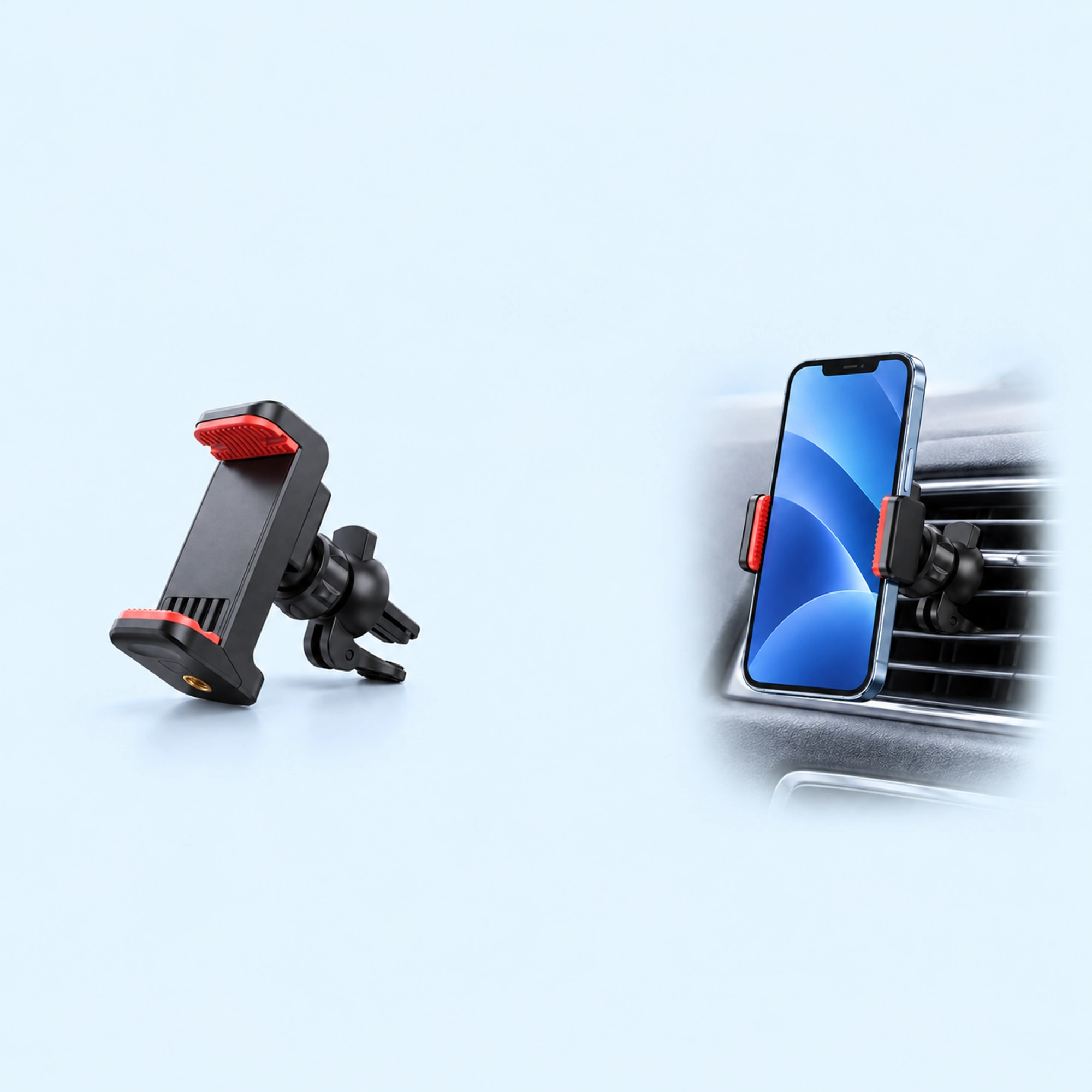 Red-Pad Compact Vent Phone Clip
 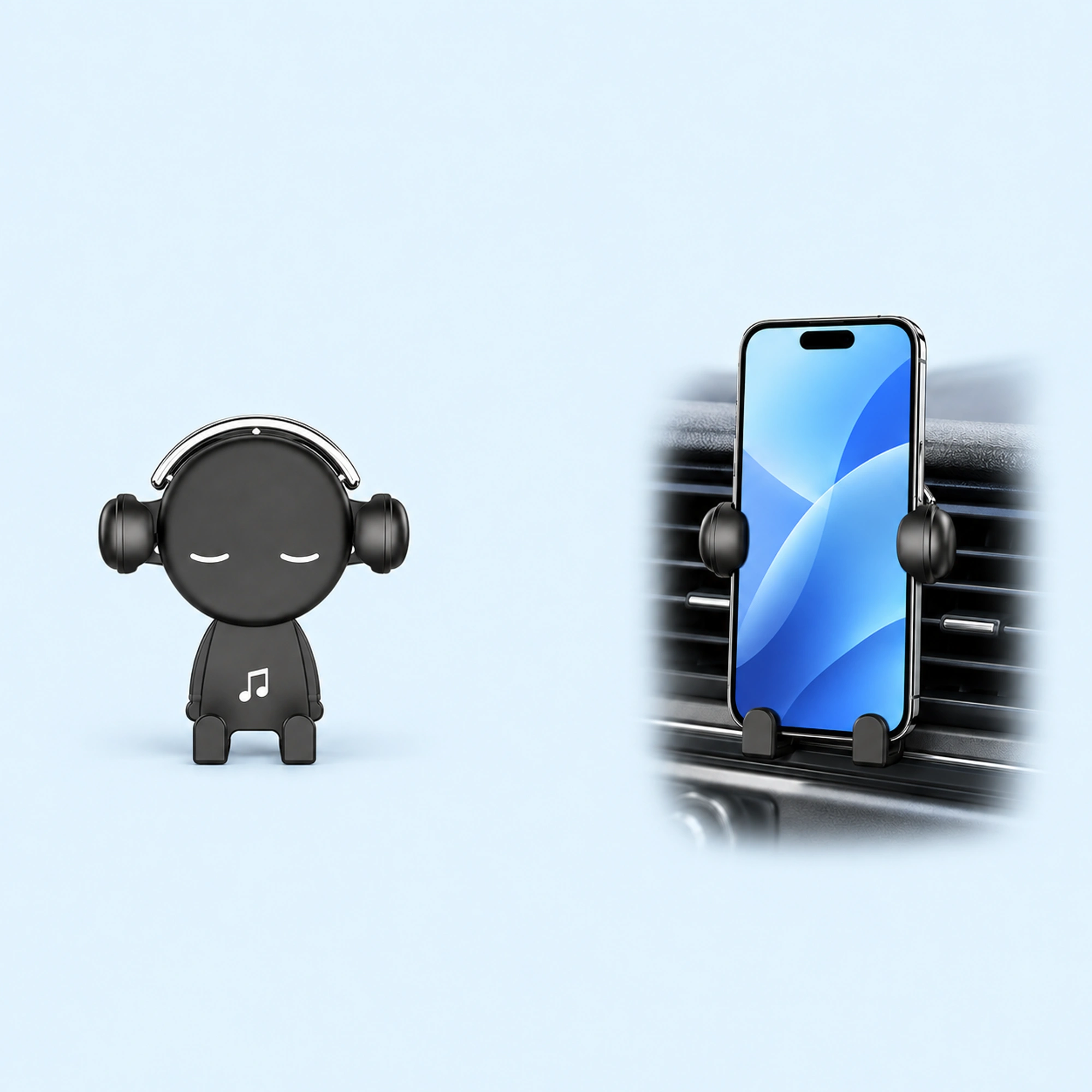 Music-Note Character Gravity Vent Holder
 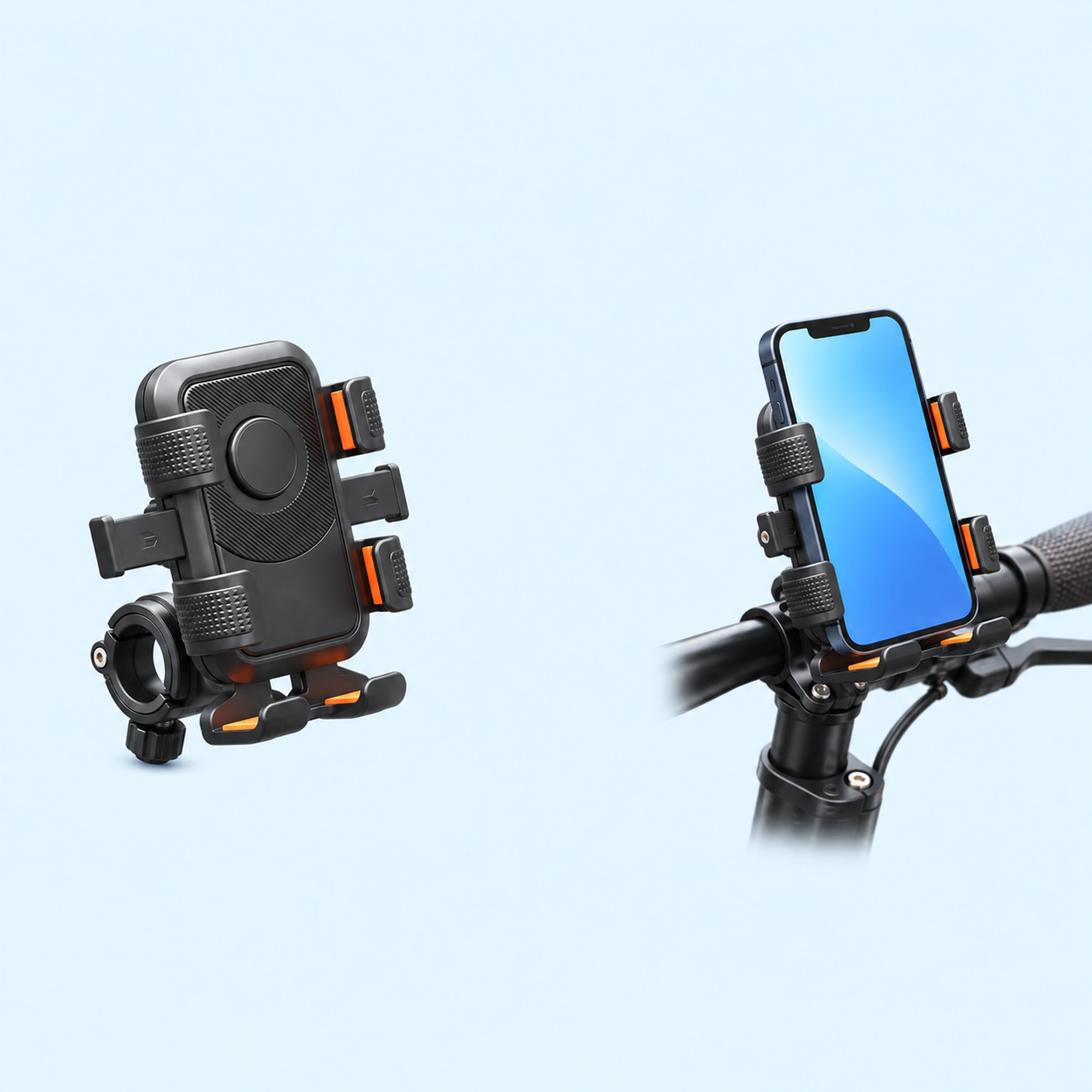 Black Six-Pad Handlebar Phone Cradle
 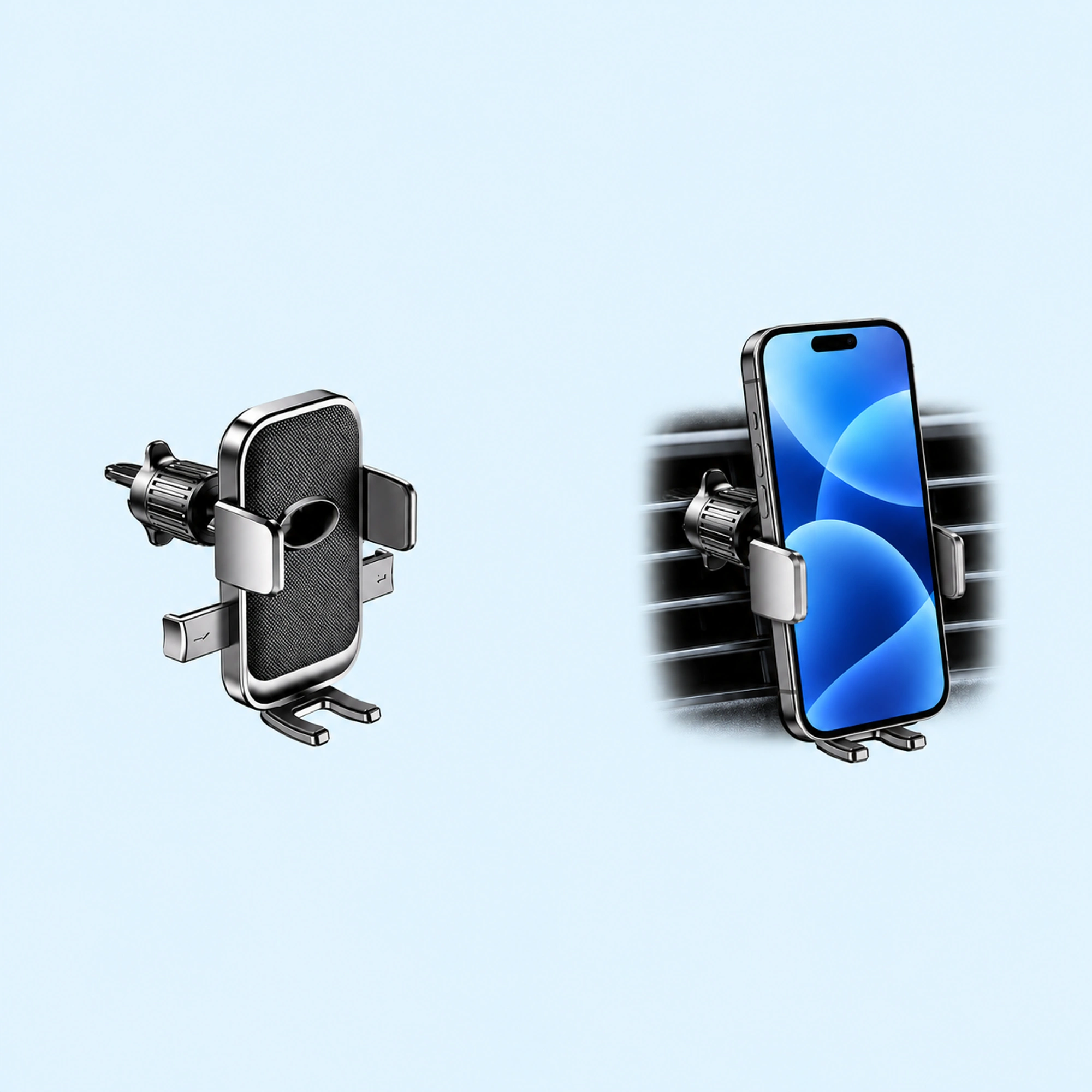 Oval-Opening Textured Vent Phone Cradle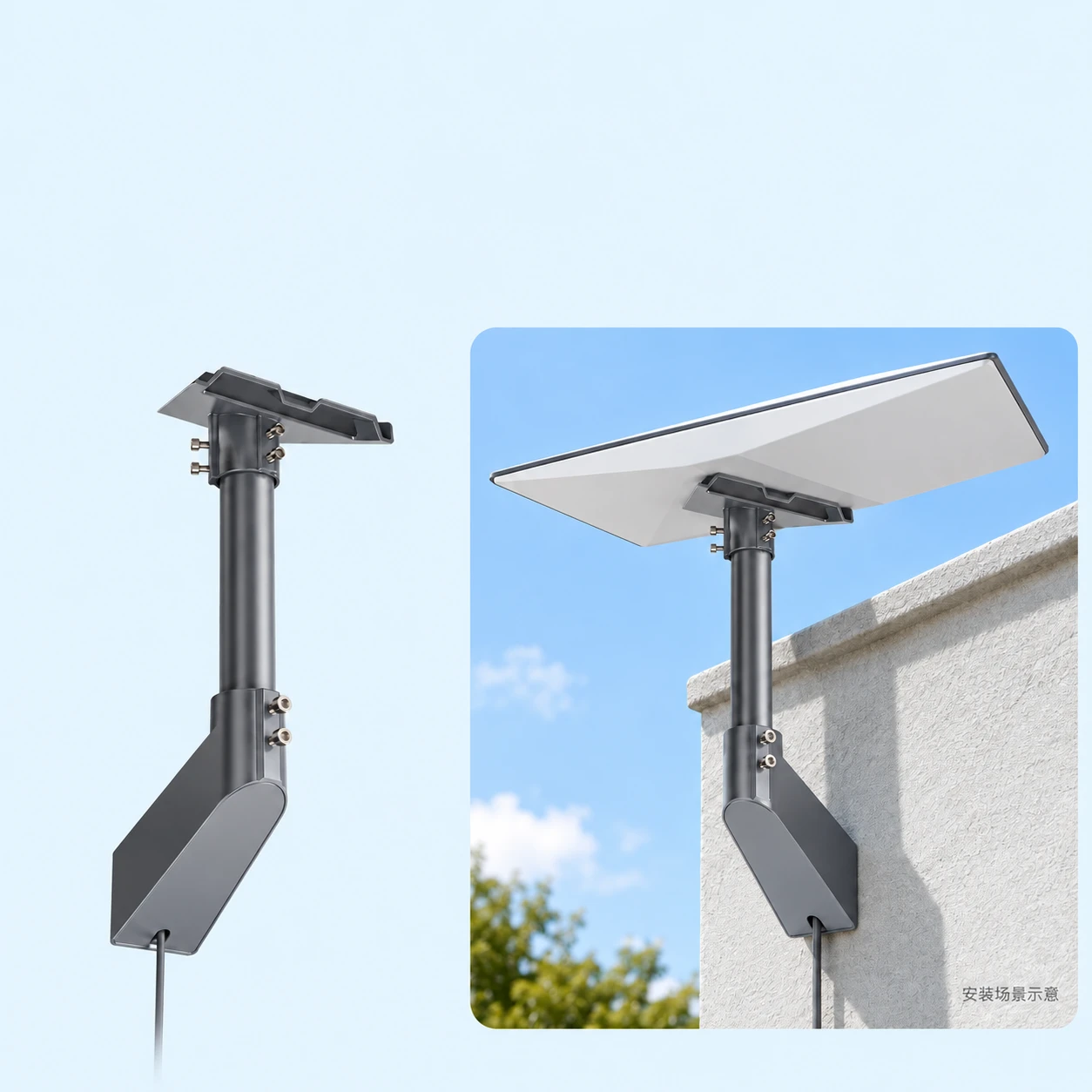
Choosing the right starlink eave mount comes down to angled wedge base geometry vs welded L-bracket clearance around gutter lines. In our Starlink Mounts catalog, this guide compares EP-SK0180-GEN3 Gray Wall Mount ($120.00), Starlink Standard Gen3 Wedge Eave Wall Mount ($135.00), and SK0068 Welded L-Wall Mount for Starlink Standard ($160.00) for shoppers evaluating a starlink under eave mount or starlink wedge mount. According to our product pages, each listing supplies only the specified bracket or adapter hardware—Starlink terminals, routers, cables, ballast blocks, and vehicles shown in illustrations are not included, and vehicle setups depict stationary use only without wind or driving load guarantees.
Documented Product Details: Comparing starlink eave mount Hardware Options
When selecting between a starlink eave mount, a starlink under eave mount, and a starlink wall mount, every Starlink hardware generation uses a distinct mechanical interface. Below are the verified supplier-stated specifications and package boundaries documented on our product pages for installing under sloped eaves and fascia boards with the EP-SK0180-GEN3 gray wall mount, Gen 3 wedge eave wall mount, and SK0068 welded L-wall bracket:
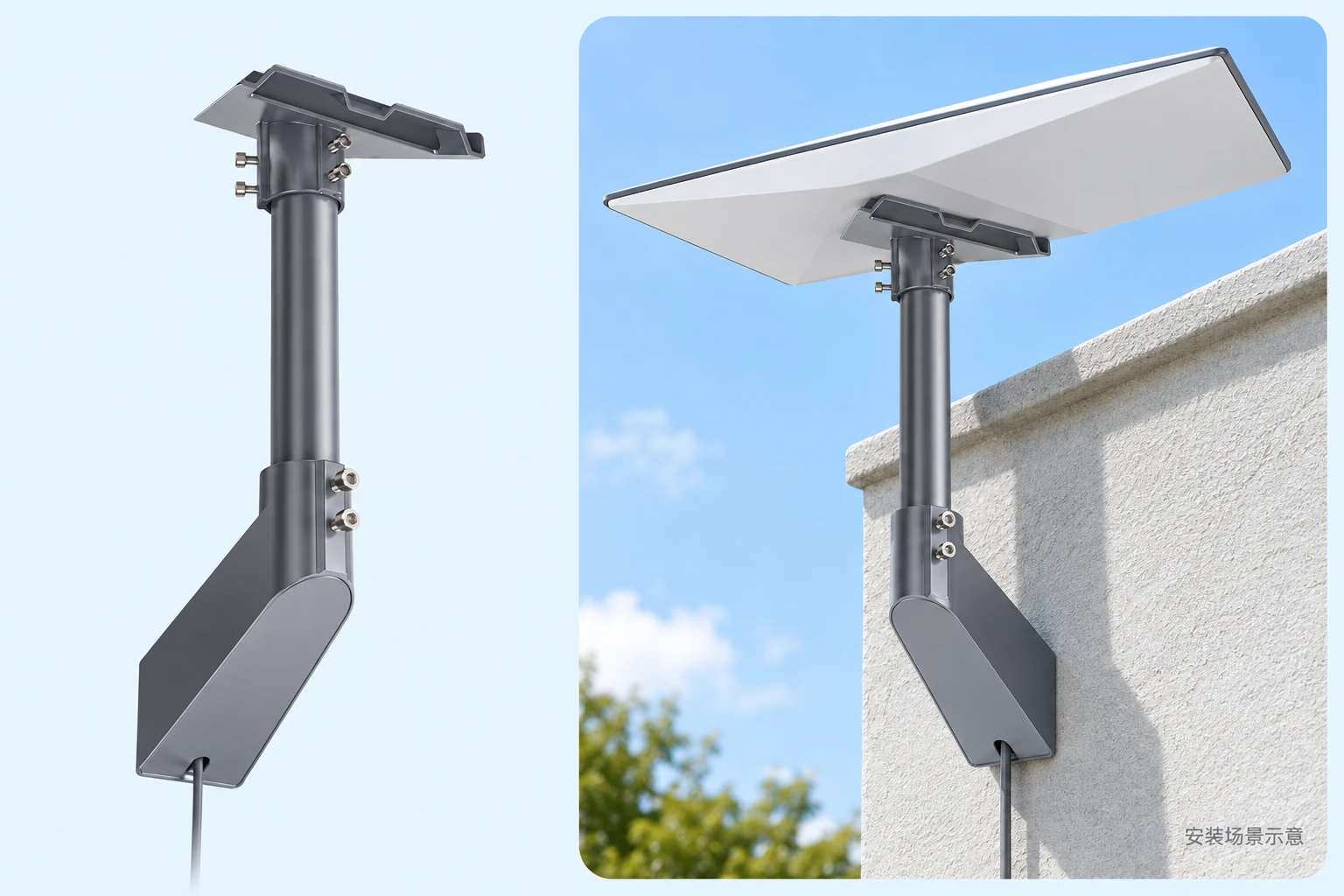
- EP-SK0180-GEN3 Gray Wall Mount ($120.00 · SKU
HP-SL-1066752558089-6116254873700): Targeted for Starlink Gen 3 / Standard setups as a Exterior Wall / Eave / Fascia Mount in a gray finish. Documented package scope: Gray EP-SK0180-GEN3 mounting bracket with a wedge-shaped wall attachment and upright terminal support. Starlink terminal, router, power supply, cables and surrounding scenery are not included unless explicitly listed above. Compatibility follows the supplier listing and has not been independently installation-tested. Image is an AI-generated product and installation illustration. - Starlink Standard Gen3 Wedge Eave Wall Mount ($135.00 · SKU
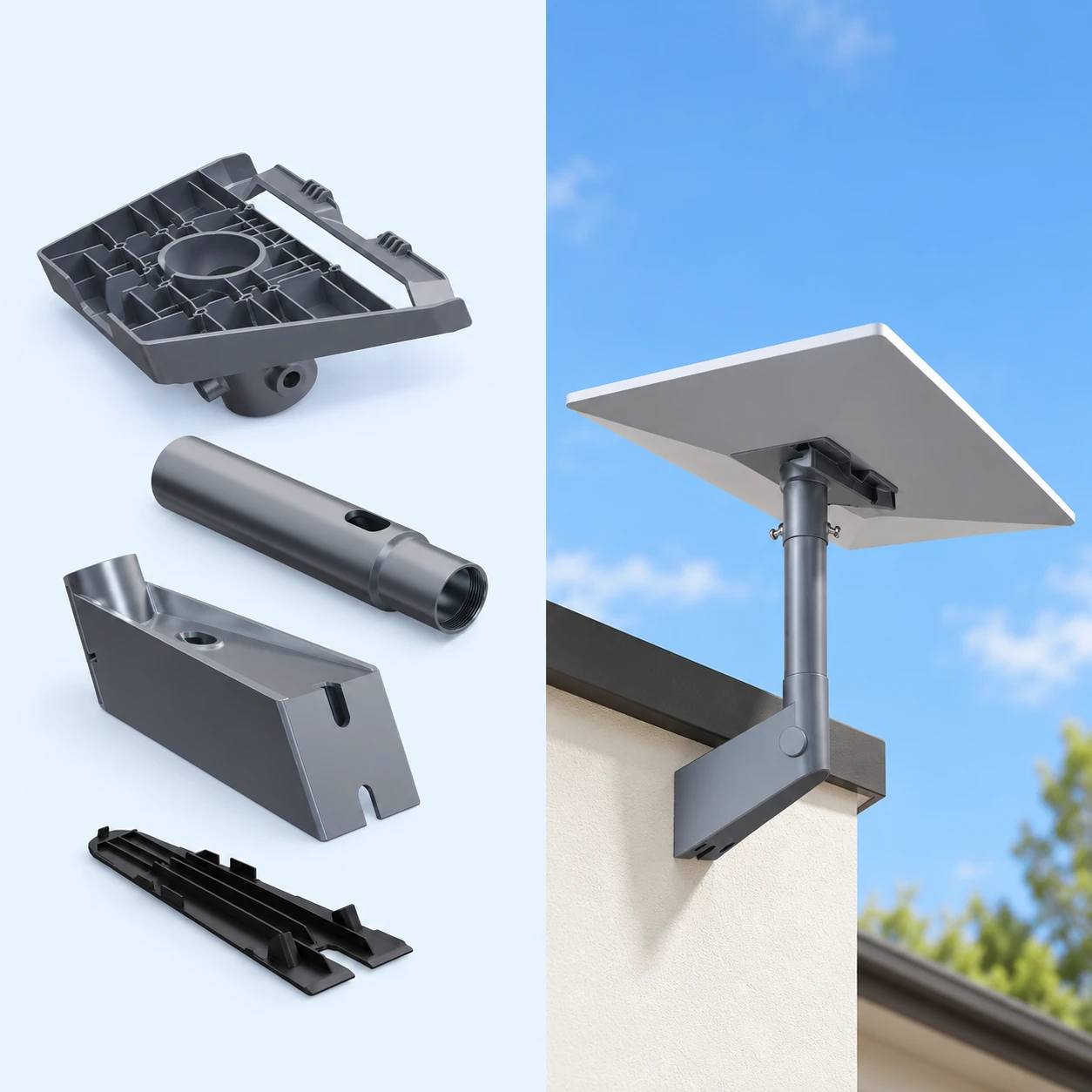
HP-SL-1091282005723-6311000047118): Targeted for Starlink Gen 3 / Standard setups as a Exterior Wall / Eave / Fascia Mount in a pictured finish finish. Documented package scope: A wedge-style eave wall mount for the pictured Starlink Standard Gen3 terminal. Supplier installation and compatibility images explicitly identify Standard and exclude Mini. Includes the pictured mounting assembly only; Starlink terminal, cables, building and other scene items are not included. Verify your terminal connector before purchase. Compatibility is supplier-described and has not been independently fit-tested. Product image is an AI-generated illustration based on supplier references. - SK0068 Welded L-Wall Mount for Starlink Standard ($160.00 · SKU
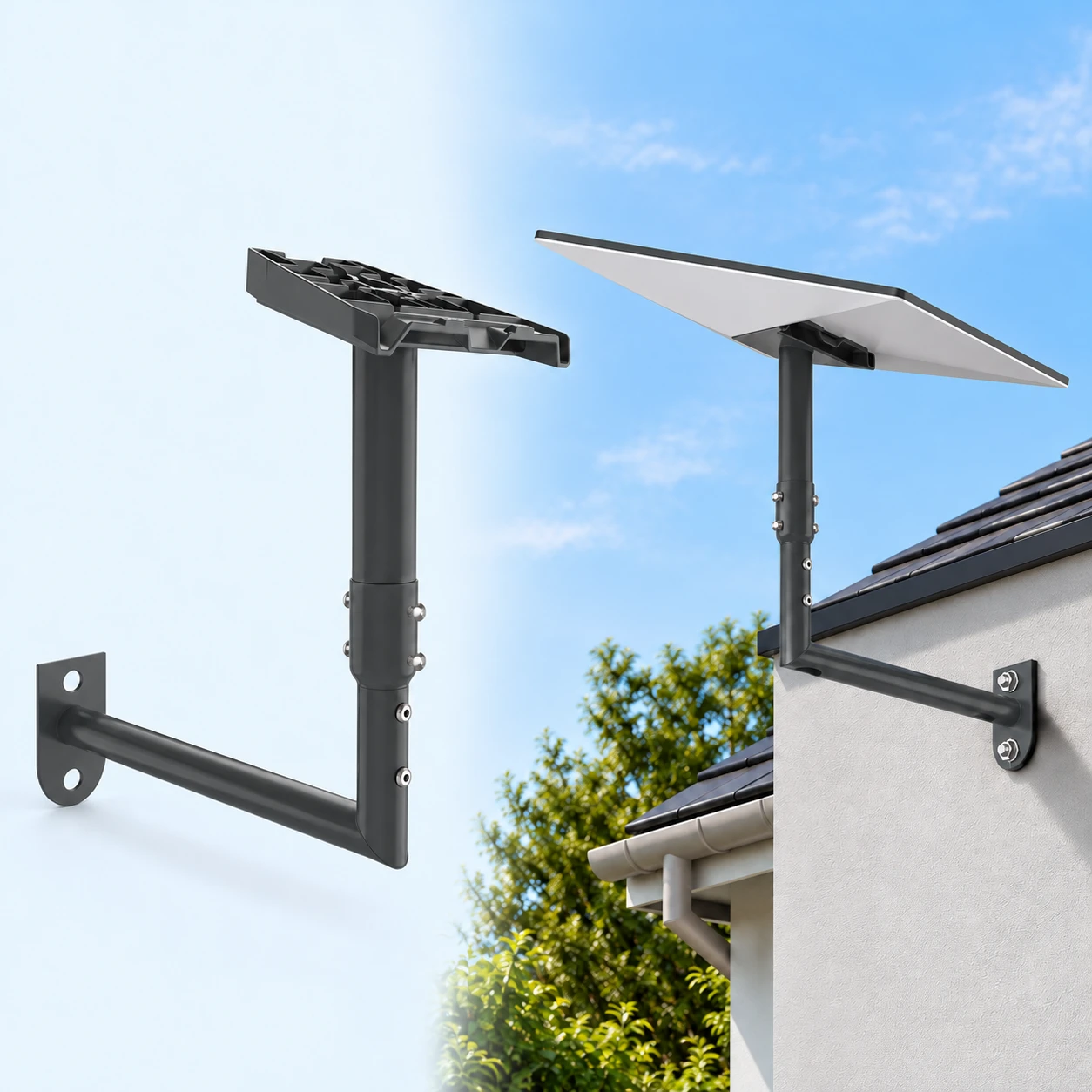
HP-SL-1060126852823-6102106312257): Targeted for Starlink Standard setups as a Exterior Wall / Eave / Fascia Mount in a pictured finish finish. Documented package scope: Welded L-shaped wall bracket, supplier model SK0068. Starlink terminal, router, cables, vehicle, support structures and other scene props are not included. Installation hardware is not fully documented. Compatibility follows supplier descriptions and has not been independently installation-tested. Images are AI-generated product and installation illustrations; no load rating, weatherproofing or safe use while driving is claimed.
Side-by-Side Comparison: starlink eave mount vs. starlink under eave mount
| Model & Product Page | Target Terminal | Mount Style & Finish | Listed Price & Primary Scope | Key Selection & Verification Point |
|---|---|---|---|---|
| EP-SK0180-GEN3 Gray Wall Mount | Starlink Gen 3 / Standard | Exterior Wall / Eave / Fascia Mount (Gray) | $120.00 — Gray EP-SK0180-GEN3 mounting bracket with a wedge-shaped wall attachment and upright terminal support. | Verify Starlink Gen 3 / Standard receiver fit & surface clearance; terminal/props excluded |
| Starlink Standard Gen3 Wedge Eave Wall Mount | Starlink Gen 3 / Standard | Exterior Wall / Eave / Fascia Mount (Pictured finish) | $135.00 — A wedge-style eave wall mount for the pictured Starlink Standard Gen3 terminal. | Verify Starlink Gen 3 / Standard receiver fit & surface clearance; terminal/props excluded |
| SK0068 Welded L-Wall Mount for Starlink Standard | Starlink Standard | Exterior Wall / Eave / Fascia Mount (Pictured finish) | $160.00 — Welded L-shaped wall bracket, supplier model SK0068. | Verify Starlink Standard receiver fit & surface clearance; terminal/props excluded |
To browse all 133 satellite dish and router brackets side by side, visit our Starlink Mounts collection, or continue comparing related configurations in Starlink Mini Wall Mount Guide: Enclosed Wedge Arms vs Dual-Knob J-Brackets and Starlink Gen 3 Wall Mount Guide: Telescoping Arms vs Boxed L-Shaped Masts.
What r/Starlink Users Discuss About starlink eave mount & starlink wedge mount Setups
In community threads on r/Starlink, satellite internet owners frequently share practical installation questions before ordering a starlink eave mount or starlink wedge mount. Note that community discussions reflect general category experiences across various third-party mounts rather than test data for our specific catalog SKUs:
- Looking for suggestions on mount : r/Starlink: Community members highlight real-world checks around I’m looking for a mount that would invert this current J pole. I’m looking for it to mount in the same position but clear the gutter and go … When evaluating our EP-SK0180-GEN3 Gray Wall Mount ($120.00) for a starlink under eave mount setup, always cross-check the gallery photos and supplier notes (
Gray EP-SK0180-GEN3 mounting bracket with a wedge-shaped wall attachment and upright terminal support.) against your actual dish socket and mounting surface before drilling or clamping. - r/Starlink - Help with best place to mount: Community members highlight real-world checks around Ok guys would like some suggestions on where to mount the satellite. Let me state I’m not big on heights, can do them but don’t like them. Read more When evaluating our Starlink Standard Gen3 Wedge Eave Wall Mount ($135.00) for a starlink under eave mount setup, always cross-check the gallery photos and supplier notes (
A wedge-style eave wall mount for the pictured Starlink Standard Gen3 terminal.) against your actual dish socket and mounting surface before drilling or clamping. - Starlink GEN3 Mounting: Community members highlight real-world checks around You will need the “Standard Wall Mount” Mount directly to the fascia at the peak of the roof if the overhang is too long. should clear … When evaluating our SK0068 Welded L-Wall Mount for Starlink Standard ($160.00) for a starlink under eave mount setup, always cross-check the gallery photos and supplier notes (
Welded L-shaped wall bracket, supplier model SK0068.) against your actual dish socket and mounting surface before drilling or clamping.
Pre-Purchase & Installation Checklist for Your starlink eave mount
Before ordering or installing any starlink eave mount or starlink wall mount, complete these five verification steps:
- Confirm your exact Starlink terminal generation: Verify whether your dish is a Starlink Mini, Starlink Gen 3 Standard (kickstand model), Starlink Gen 2 (actuated mast), or V5 / Performance unit, as receiver sockets are not cross-compatible without a matching adapter.
- Inspect the decision axis (angled wedge base geometry vs welded L-bracket clearance around gutter lines): Compare the bracket geometry shown in the product gallery for EP-SK0180-GEN3 Gray Wall Mount ($120.00), Starlink Standard Gen3 Wedge Eave Wall Mount ($135.00), and SK0068 Welded L-Wall Mount for Starlink Standard ($160.00) against your pipe diameter, roof pitch, wall overhang, glass pane, or cabinet space.
- Review what is included vs. excluded in the box: Each SKU includes only the supplier-documented bracket assembly (for example, Gray EP-SK0180-GEN3 mounting bracket with a wedge-shaped wall attachment and upright terminal support.). Starlink dishes, routers, cables, ballast bricks, and mounting surfaces shown in right-hand scene illustrations are excluded.
- Follow stationary use and load boundaries: Vehicle, suction-cup, magnetic, and roof-rack illustrations show stationary setups only. No wind-speed rating, highway driving certification, or structural load guarantee is claimed.
- Dry-fit the bracket before final tightening: Test-fit the receiver collar, cable routing path, and fastener clearance while on stable ground before committing to final placement.
Frequently Asked Questions (FAQ)
How do I choose between the featured starlink eave mount models in this guide?
Start by matching your terminal model and mounting surface to angled wedge base geometry vs welded L-bracket clearance around gutter lines. For example, the EP-SK0180-GEN3 Gray Wall Mount ($120.00) is documented for Starlink Gen 3 / Standard setups (Gray EP-SK0180-GEN3 mounting bracket with a wedge-shaped wall attachment and upright terminal support.), whereas the Starlink Standard Gen3 Wedge Eave Wall Mount ($135.00) covers A wedge-style eave wall mount for the pictured Starlink Standard Gen3 terminal.. Check each product gallery to confirm the exact receiver interface before ordering.
Will a starlink under eave mount for Starlink Mini fit a Starlink Gen 3 Standard dish?
No, unless the listing explicitly includes a multi-model conversion adapter. Starlink Mini mounts use either a compact cylindrical pipe-adapter plug or a four-sided Mini cradle, whereas Starlink Gen 3 Standard mounts use a wider slide-in latch tray or Gen 3 socket adapter. Always verify the target terminal listed in the product specifications.
What is included in the package when I order a starlink wedge mount from this guide?
Each product page states the exact bracket and fastener scope for that SKU—such as Gray EP-SK0180-GEN3 mounting bracket with a wedge-shaped wall attachment and upright terminal support. for the EP-SK0180-GEN3 Gray Wall Mount. The Starlink satellite dish, router, power supply, cables, masonry ballast blocks, and vehicles or roofs depicted in right-hand AI scene illustrations are demonstration props and are not included.
Are vehicle or roof starlink eave mount brackets rated for in-motion driving or high winds?
No. All product descriptions in our Starlink Mounts catalog state supplier-documented hardware geometry only. Vehicle suction-cup, magnetic, and roof-rack illustrations depict stationary setups while parked, and no wind-load, weatherproofing, or in-motion driving guarantee is claimed.