
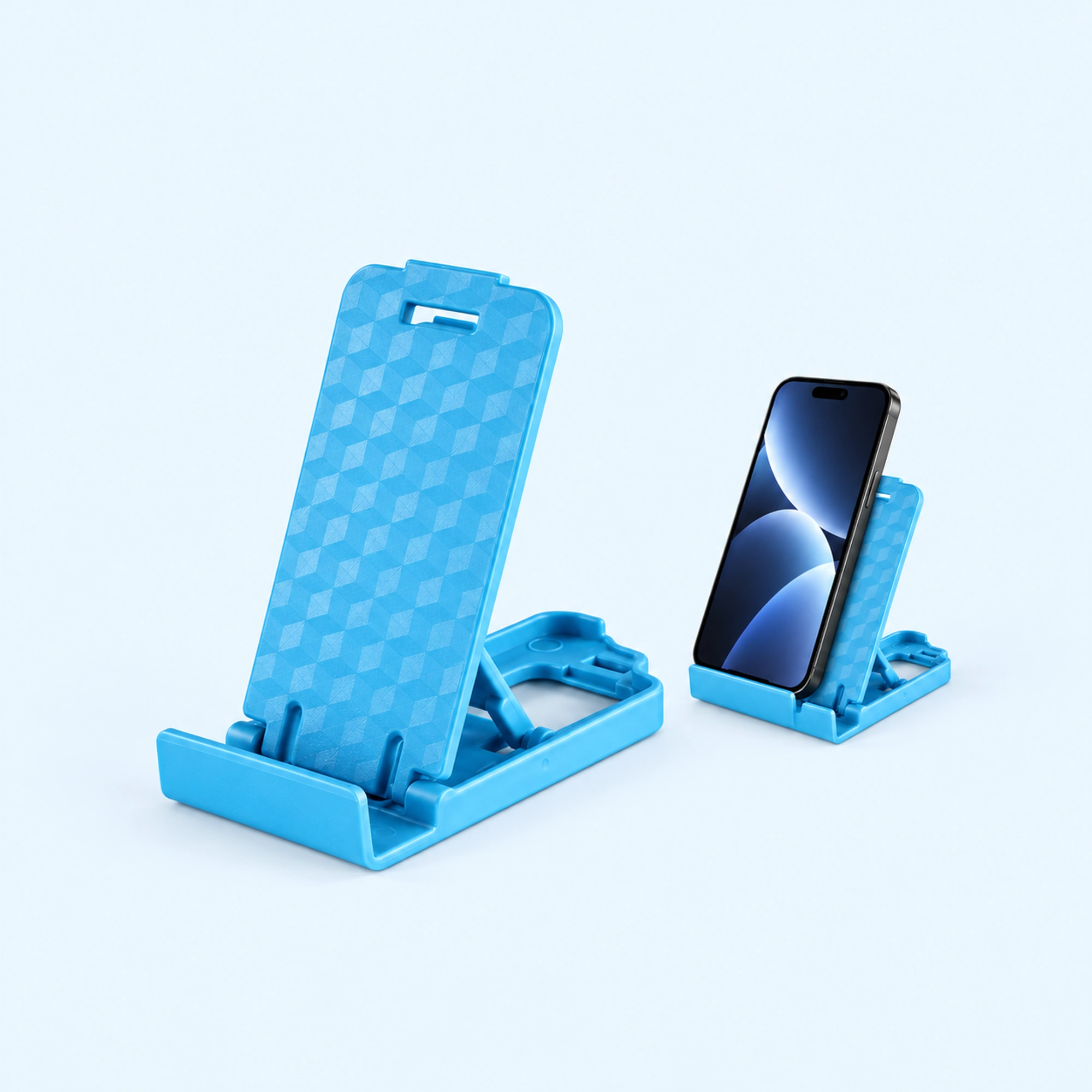
 Blue Four-Position Folding Desk Stand
 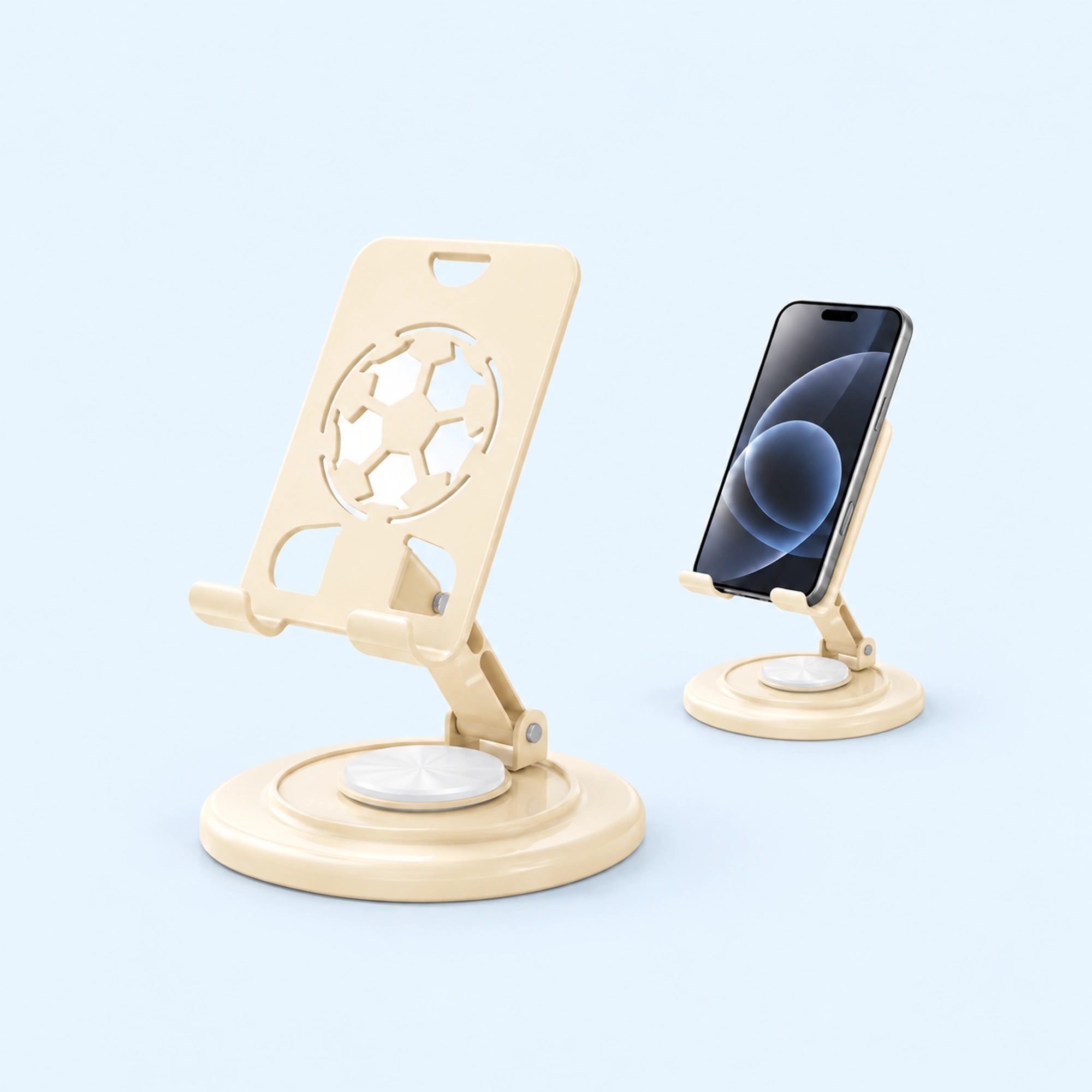 Cream Round-Base Folding Phone Stand
 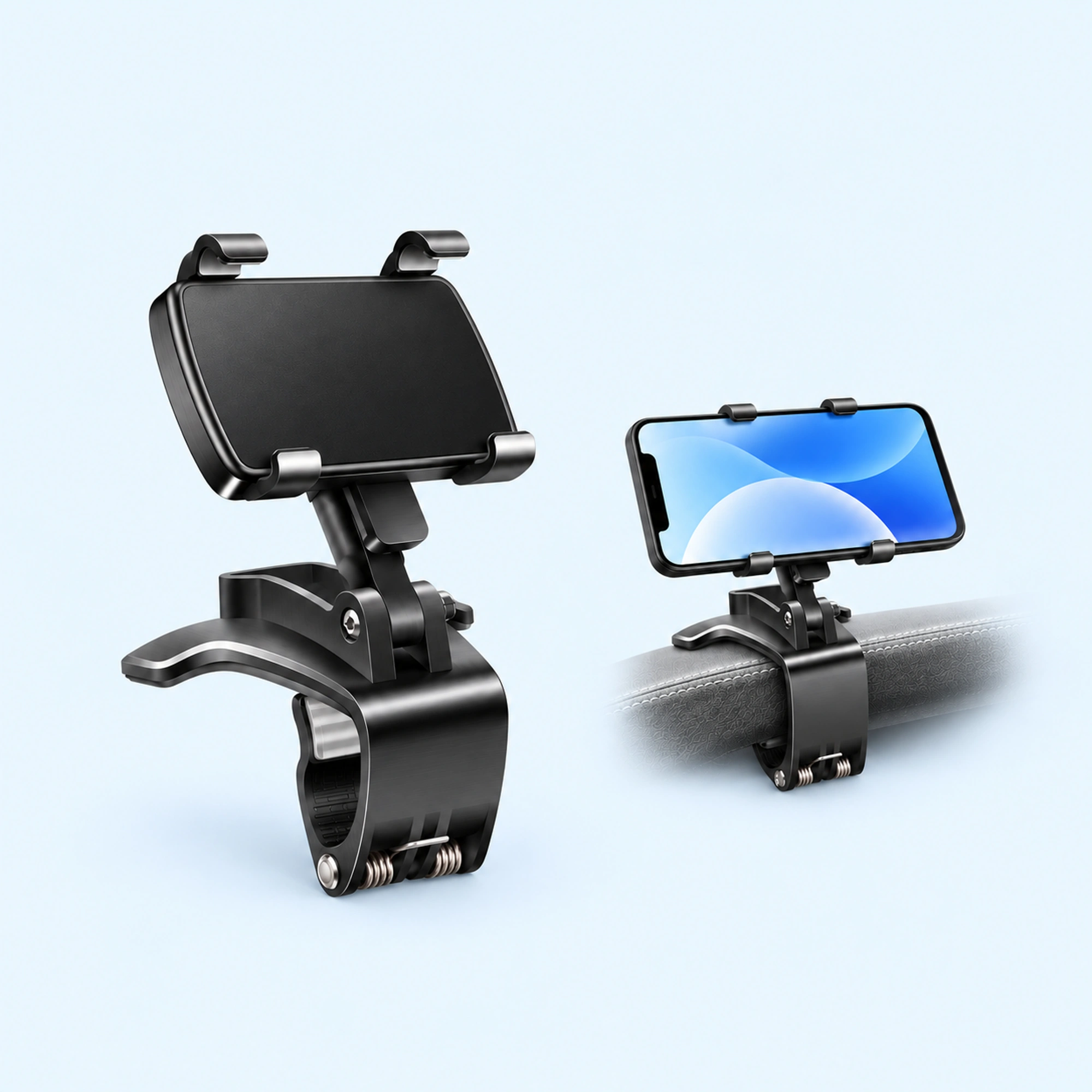 Dashboard Edge Clip Phone Holder
 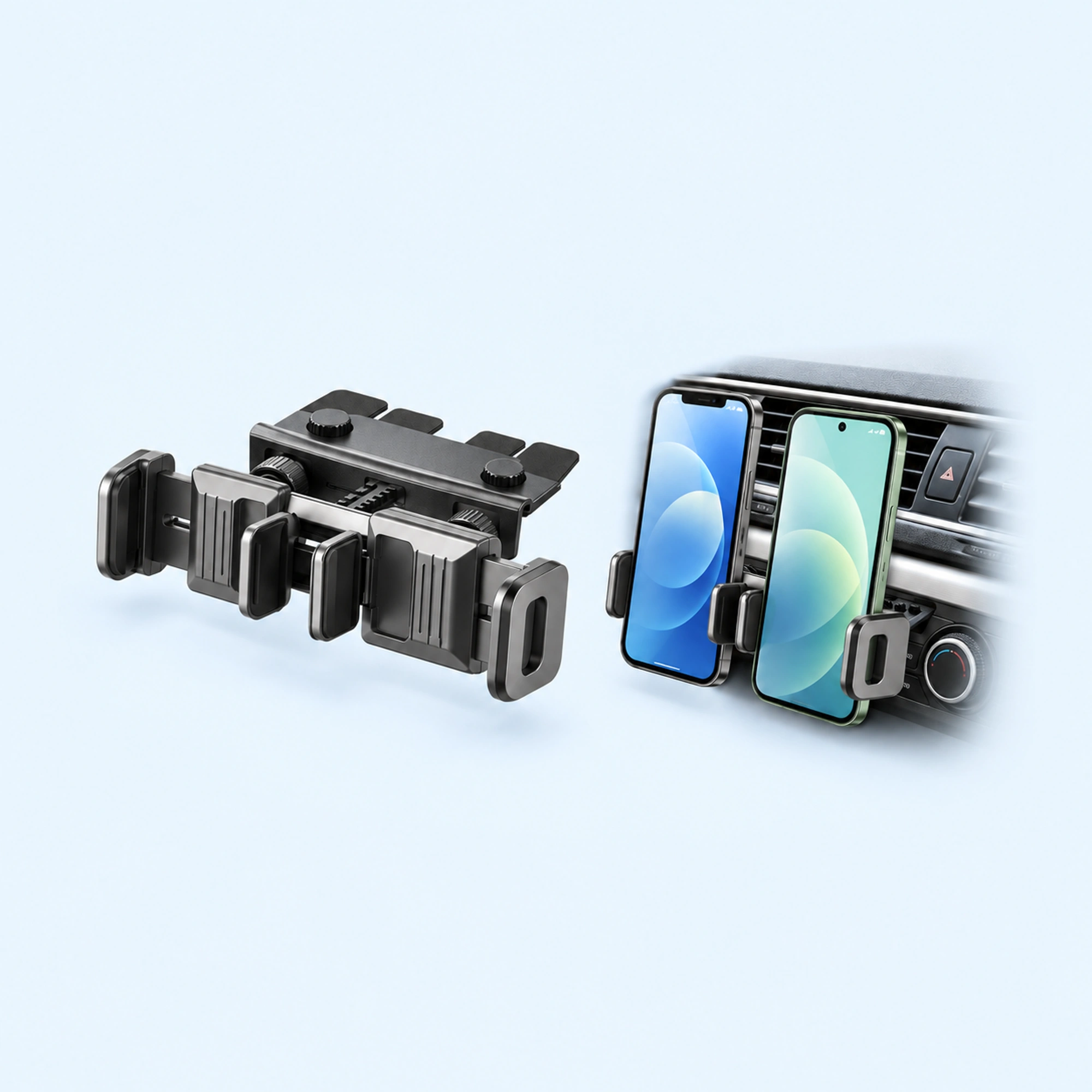 Dual-Cradle CD-Slot Phone Mount
  Red-Pad Compact Vent Phone Clip
  Music-Note Character Gravity Vent Holder
  Black Six-Pad Handlebar Phone Cradle
 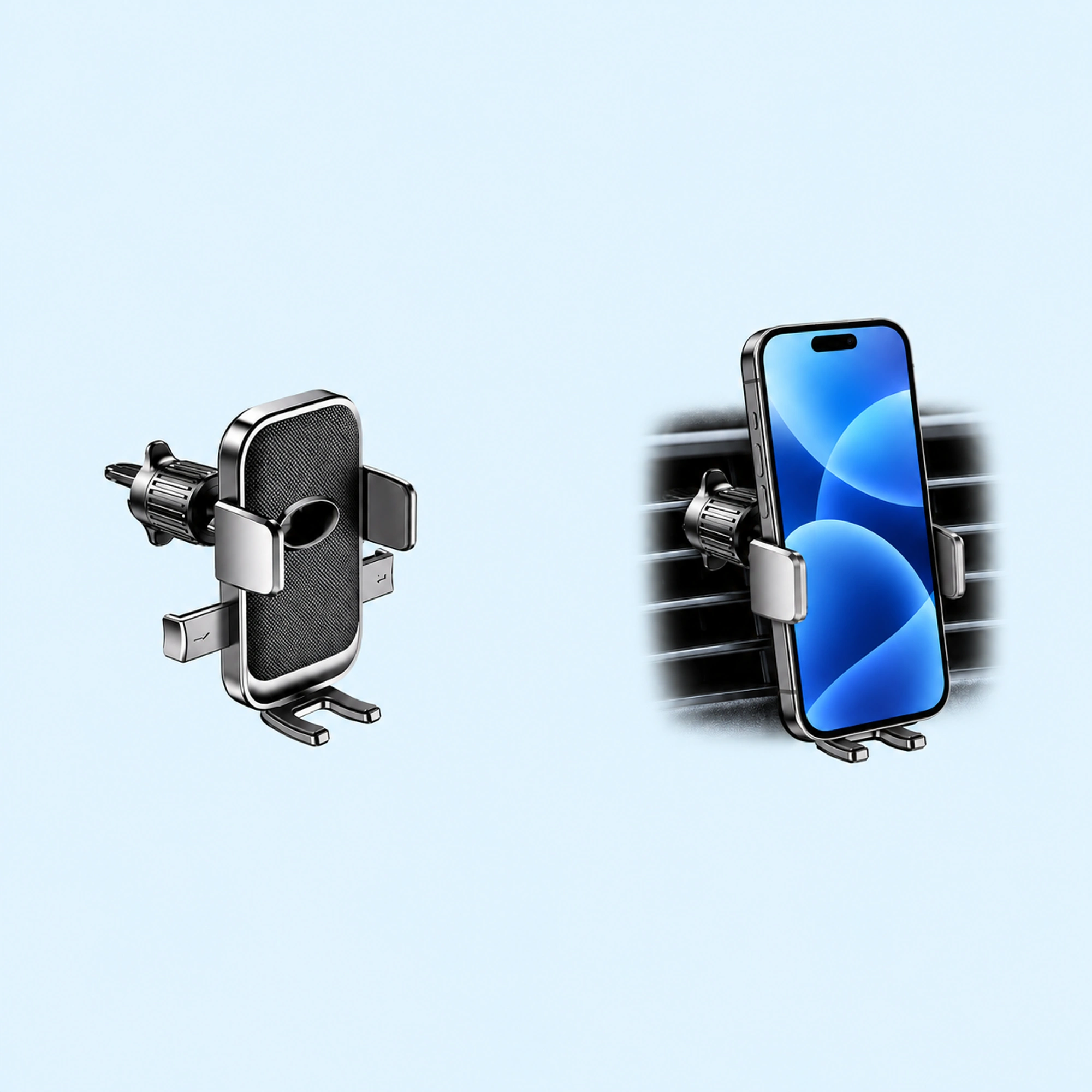 Oval-Opening Textured Vent Phone Cradle
A phone stand wobbles for one of three physical reasons: the base is too light for the phone’s leverage, the contact surfaces don’t grip, or the arm/hinge flexes. Diagnose which one you have and the fix is usually obvious — sometimes free, sometimes a better stand.
Cause 1: The base is too light
Every tap on the screen is a small push at the top of a lever. If the mass isn’t concentrated low in the base, that push rocks the whole stand — the classic tap-tap-wobble of hollow plastic stands.
Fixes:
- Move the stand’s feet to the desk’s most rigid area (near a leg, not mid-span of a thin desktop).
- Add mass low if your stand allows it (some people literally tape a coin stack under cheap stands — it works, it’s just ugly).
- Or buy weight where it belongs: a heavier metal stand with most of its mass in the base is the entire reason a stand doesn’t rock when you type on the phone.
Cause 2: The contact points slip
Wobble that feels like sliding rather than rocking is a grip problem — hard plastic feet on a laminate desk, or a bare metal cradle against a glass phone back.
Fixes:
- Clean both surfaces; dust kills soft-grip pads.
- If the pads have hardened with age, replace them (generic silicone bumper dots cost very little).
- Check the cradle lip: a phone in a slick case needs a lip or soft channel that actually captures it, case on. Check the stated size range with the case on, because removing a case every time you dock is a workflow nobody keeps up.
Cause 3: The arm or hinge flexes
If the base stays put but the phone nods when you tap, the flex is in the arm, the hinge, or a too-thin neck. Friction hinges also loosen over time.
Fixes:
- Re-tighten the hinge if it has a visible screw.
- Shorten the lever: lower the phone position and steepen the angle so taps push into the structure instead of across it.
- Gooseneck arms are the worst offenders here — they trade stability for reach. For video calls at a fixed angle, a rigid tilting dock beats a flexible arm every time.
Quick diagnosis table
| Symptom | Likely cause | Cheapest fix | Proper fix |
|---|---|---|---|
| Whole stand rocks when tapping | Light base | Relocate on desk | Weighted dock |
| Stand slides on the desk | Worn/dirty feet | Clean or replace pads | Dock with grippy base pad |
| Phone nods, base still | Arm/hinge flex | Tighten, steepen angle | Rigid tilt dock |
| Rattles in a car | Vent-fin mount loose | Re-seat the clip | Purpose-built vent mount |
The one-handed test
A desk stand is working when you can drop the phone in and take it out one-handed without the stand moving or needing your other hand as a counterweight. That’s the bar we build to — every dock we ship is load-tested before it leaves — and it’s a fair bar to hold any stand to, including one you already own.
If yours fails the test after the fixes above, browse the desk phone stand collection. Almost everything is $19.99 at the time of writing, and everything is covered by our 30-day Steady-Hold Guarantee, so the one-handed test can happen on your own desk.
FAQ
Does a heavier stand always mean more stable? Only if the mass sits low. A tall stand with weight at the top is less stable than a lighter one with a dense base — what matters is mass placement, not the shipping weight.
Why does my stand wobble more with a big phone? A taller, heavier phone raises the center of mass and lengthens the lever. Big phones (6.5”+) need proportionally more base mass — check the stand’s supported size range, not just whether the phone physically fits.
Can I fix a wobbly gooseneck arm? You can reduce it — shorten the working length, bend a wider support curve, and clamp to a rigid edge. You cannot eliminate it; flexibility is the product.
Do soft desk mats make stands wobble? Yes. A plush mat lets any base rock. Put the stand directly on the desk surface, or on the thinnest part of the mat.