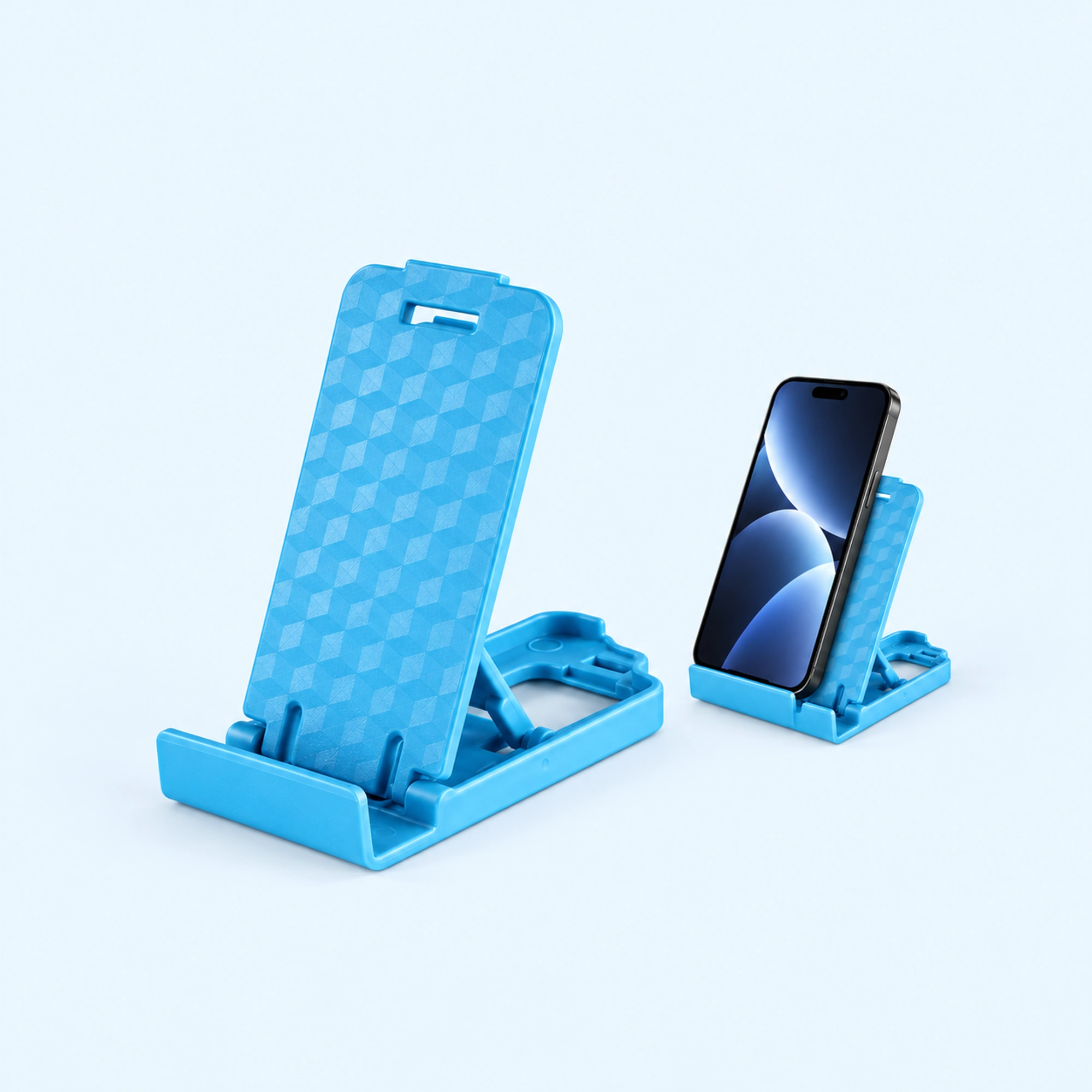
 Blue Four-Position Folding Desk Stand
 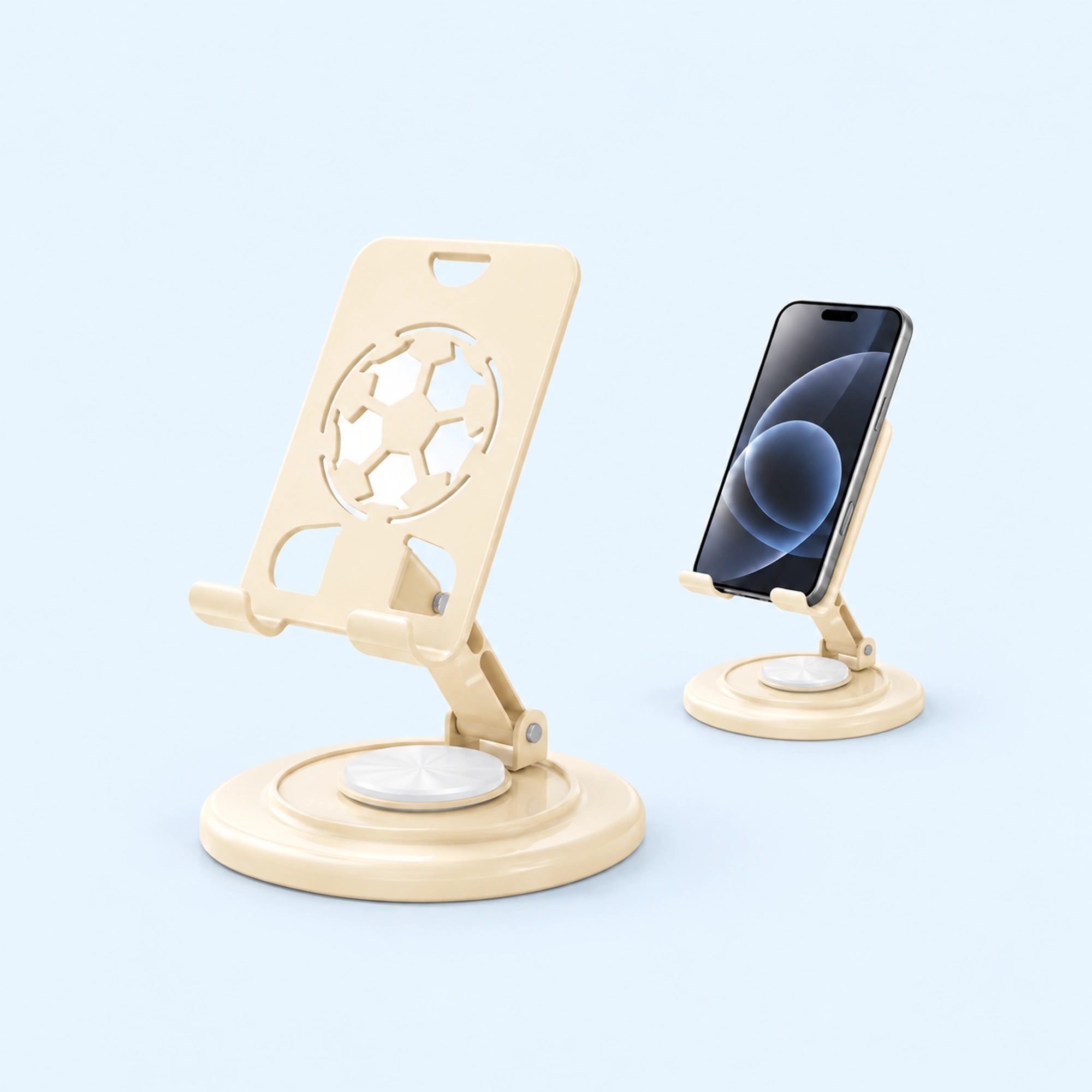 Cream Round-Base Folding Phone Stand
 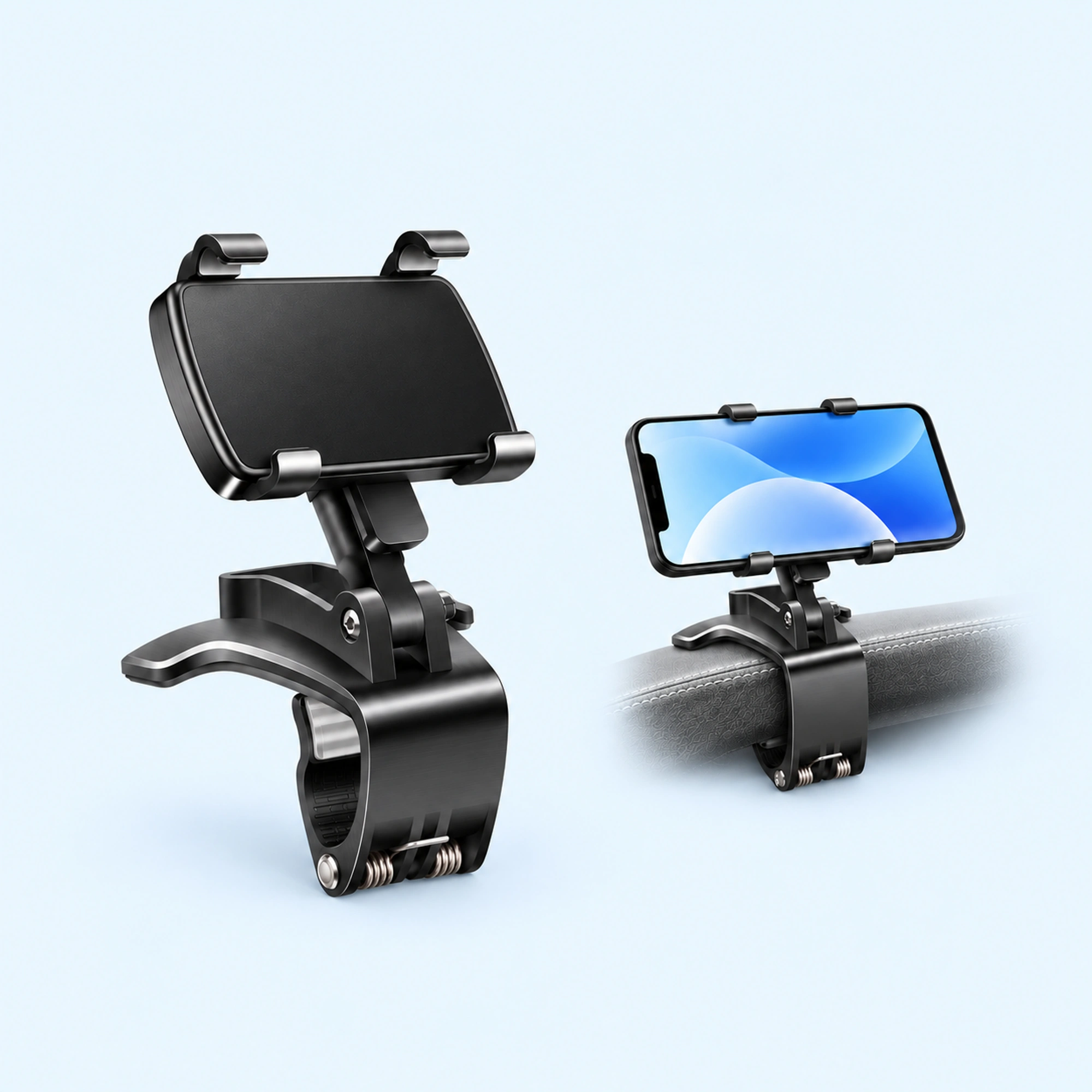 Dashboard Edge Clip Phone Holder
 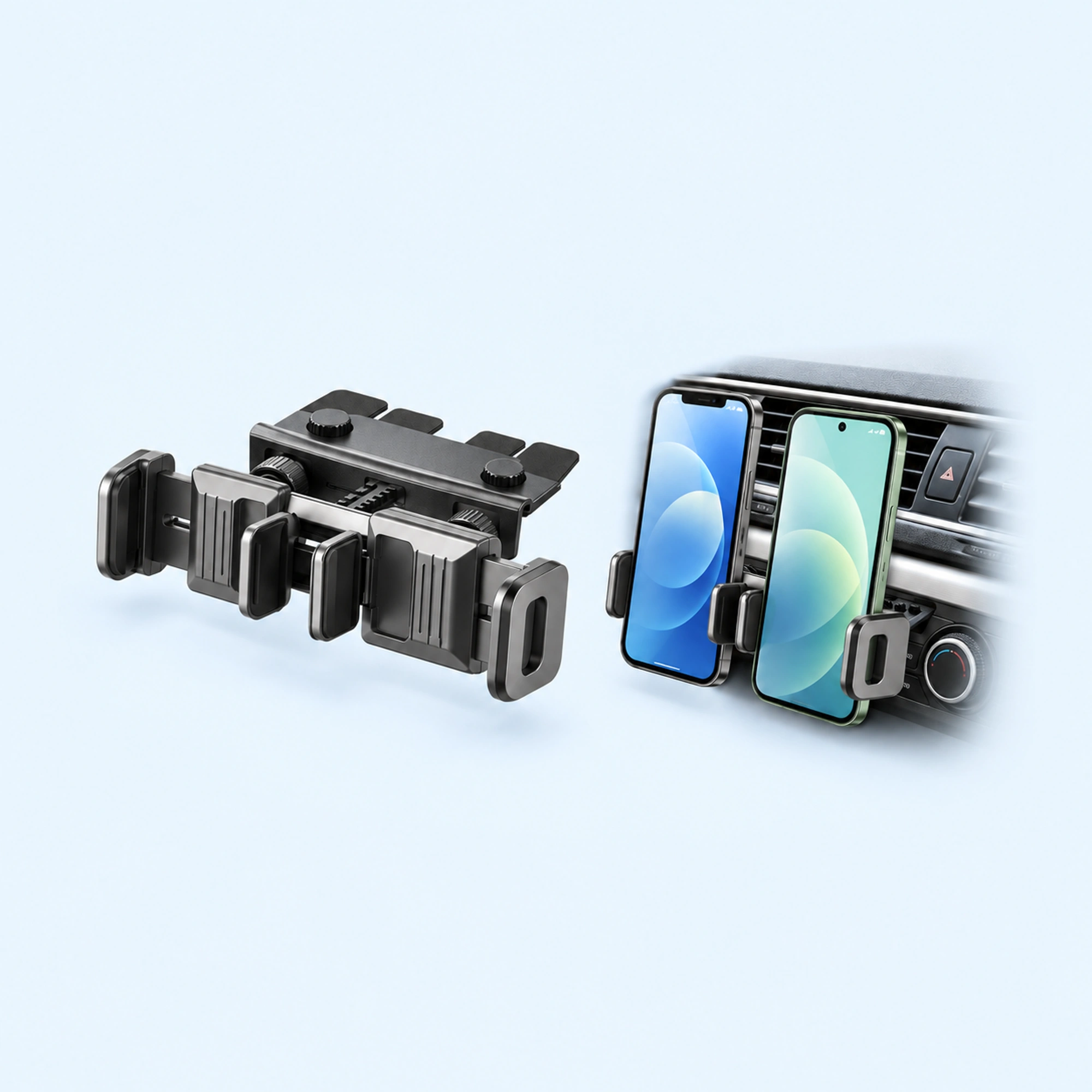 Dual-Cradle CD-Slot Phone Mount
 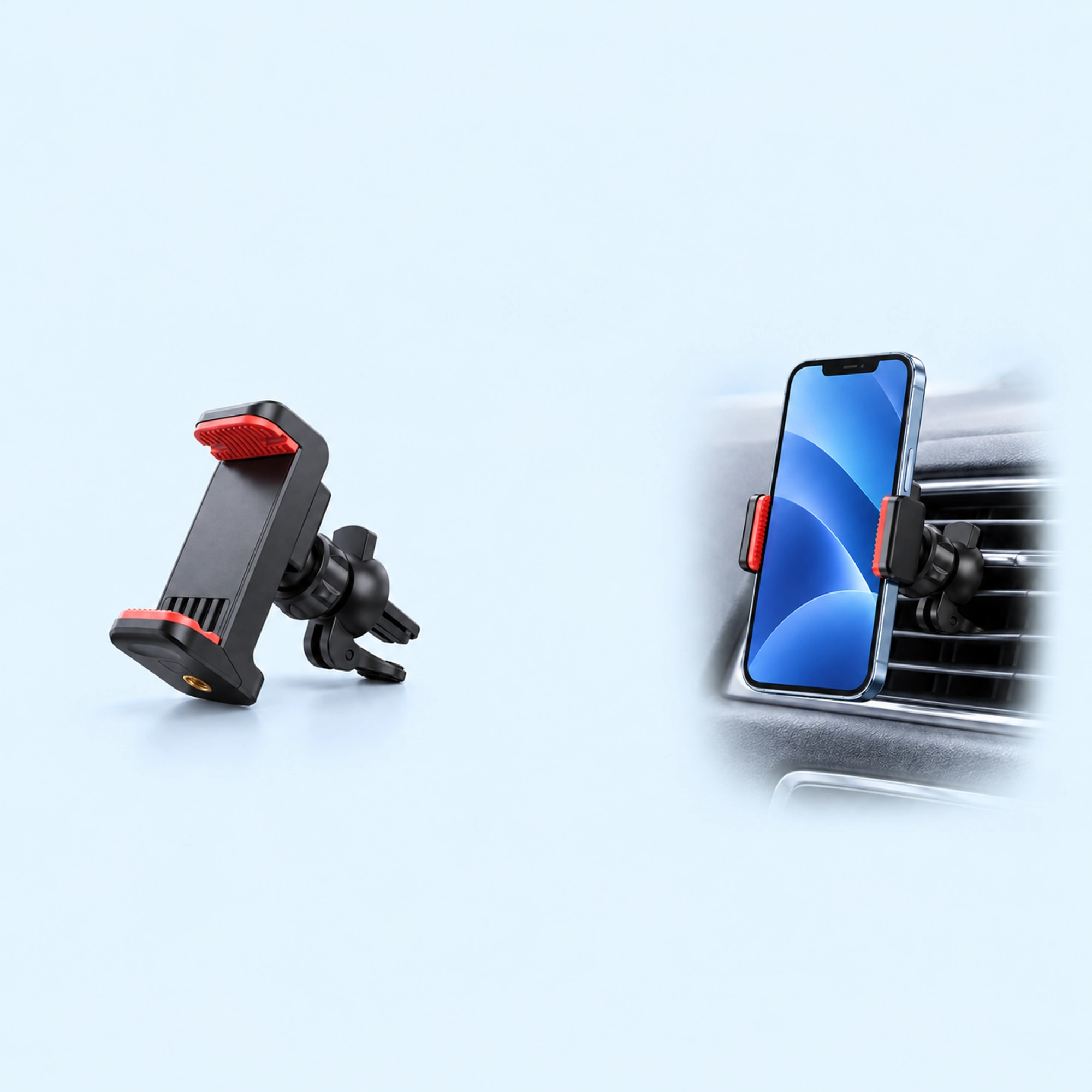 Red-Pad Compact Vent Phone Clip
 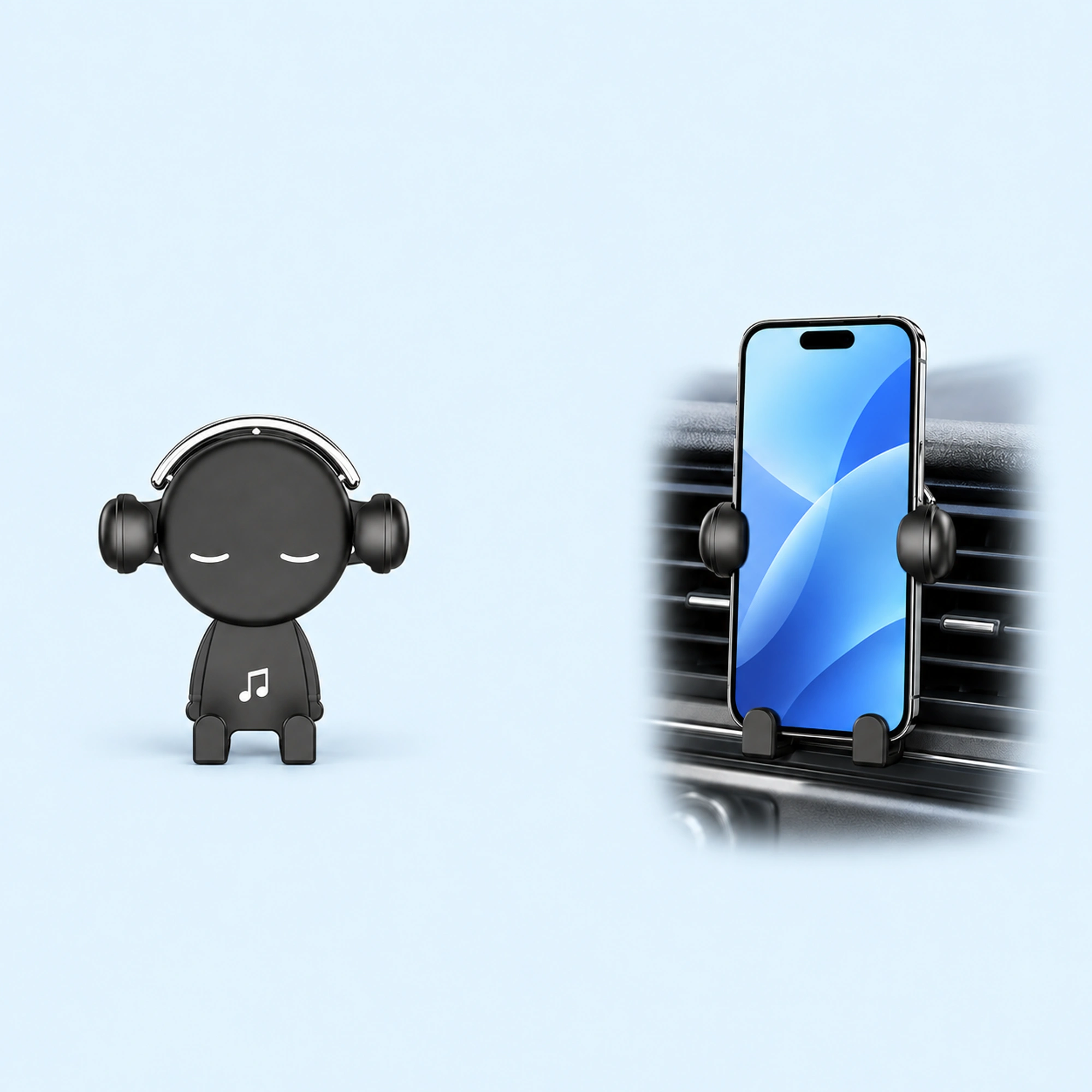 Music-Note Character Gravity Vent Holder
 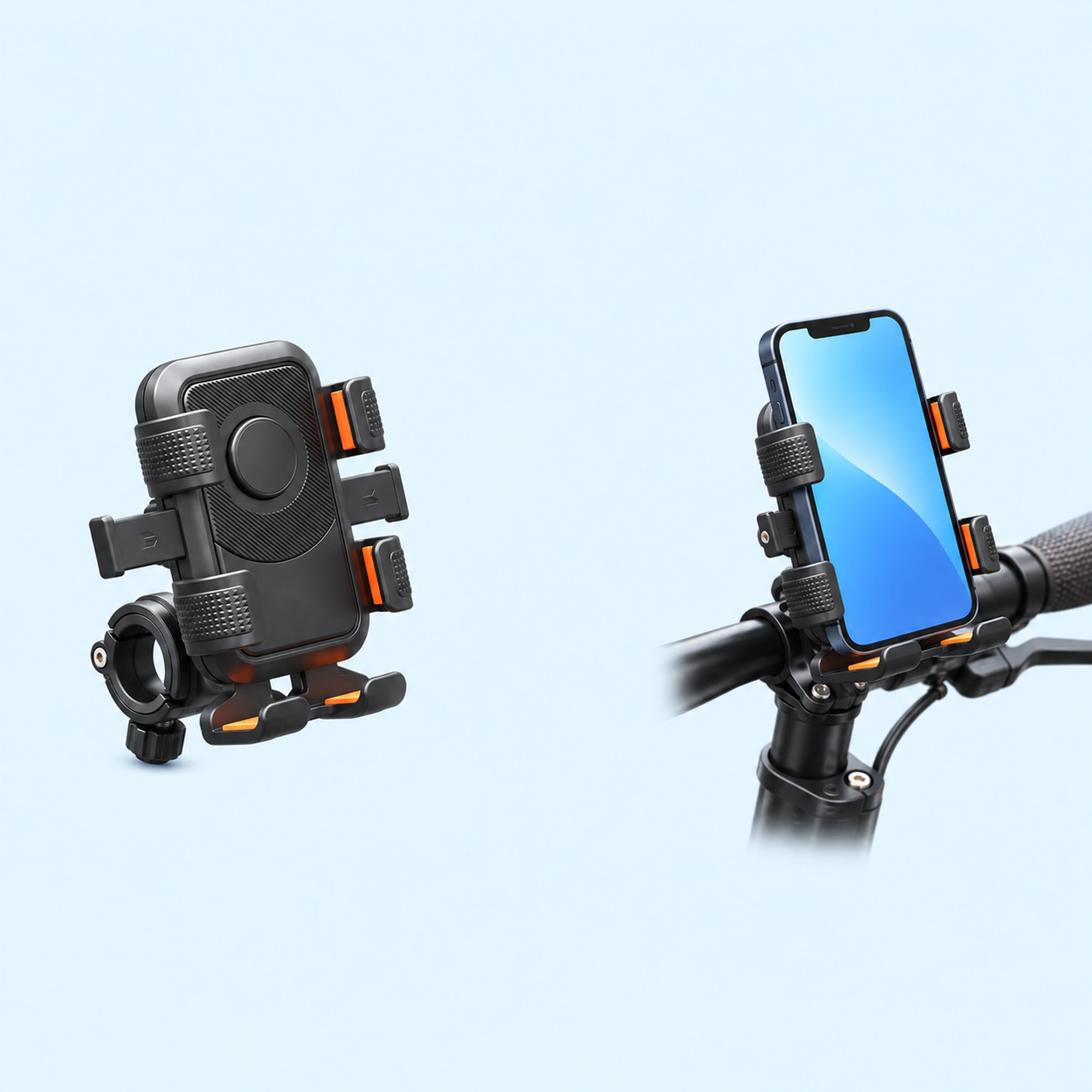 Black Six-Pad Handlebar Phone Cradle
 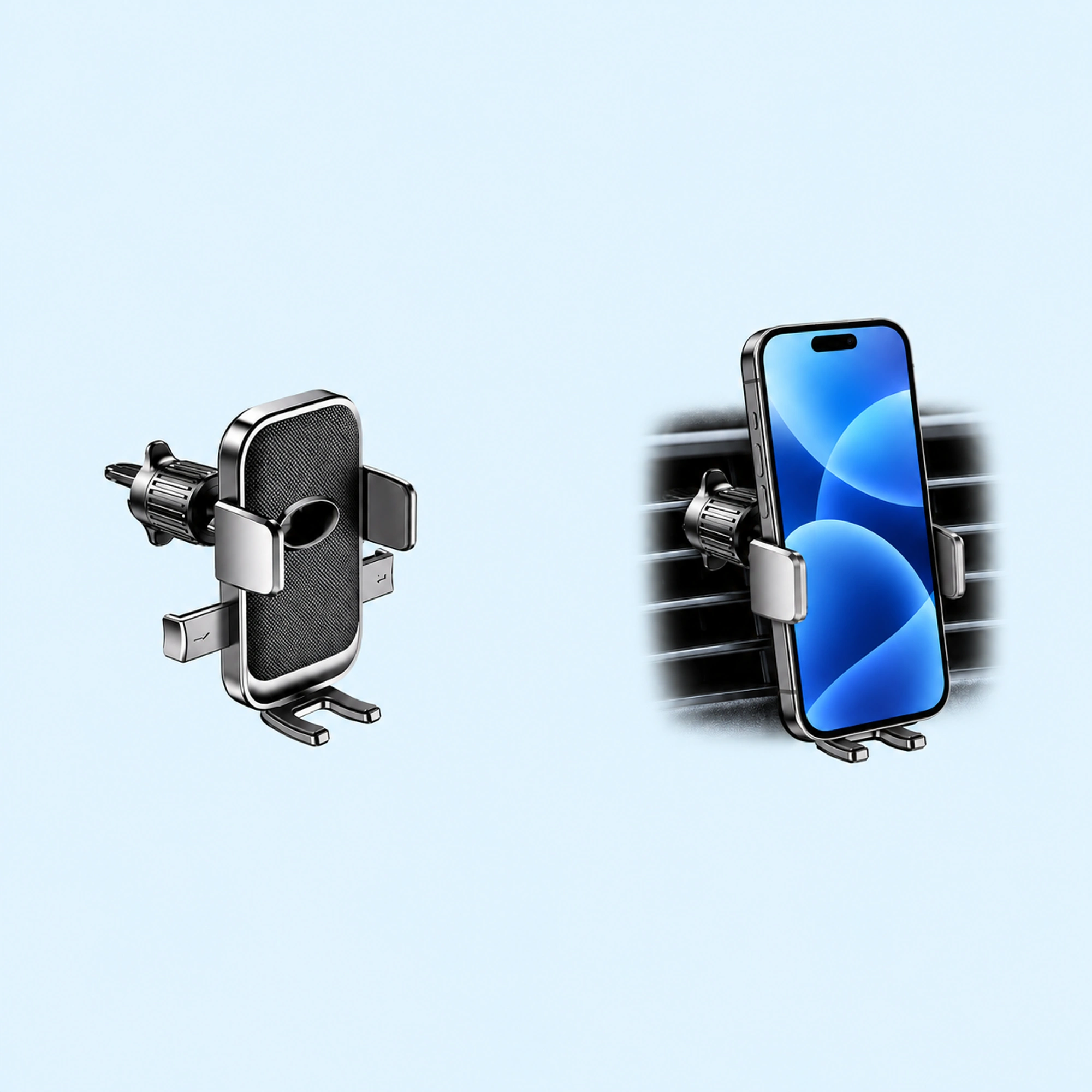 Oval-Opening Textured Vent Phone Cradle
 A wireless car charger mount holds the phone and charges it through a pad on the holder. Before you buy one, check four things: how it gets power, whether your phone and case suit the pad, the surface the base needs, and the space around it. If the phone gets hot while it charges, look at the sun, the case, how the phone sits on the pad, and what the phone is running.
We sell wireless charging car phone holders, so read this as a shop’s notes on its own listing plus what drivers say online.
What to check before you buy
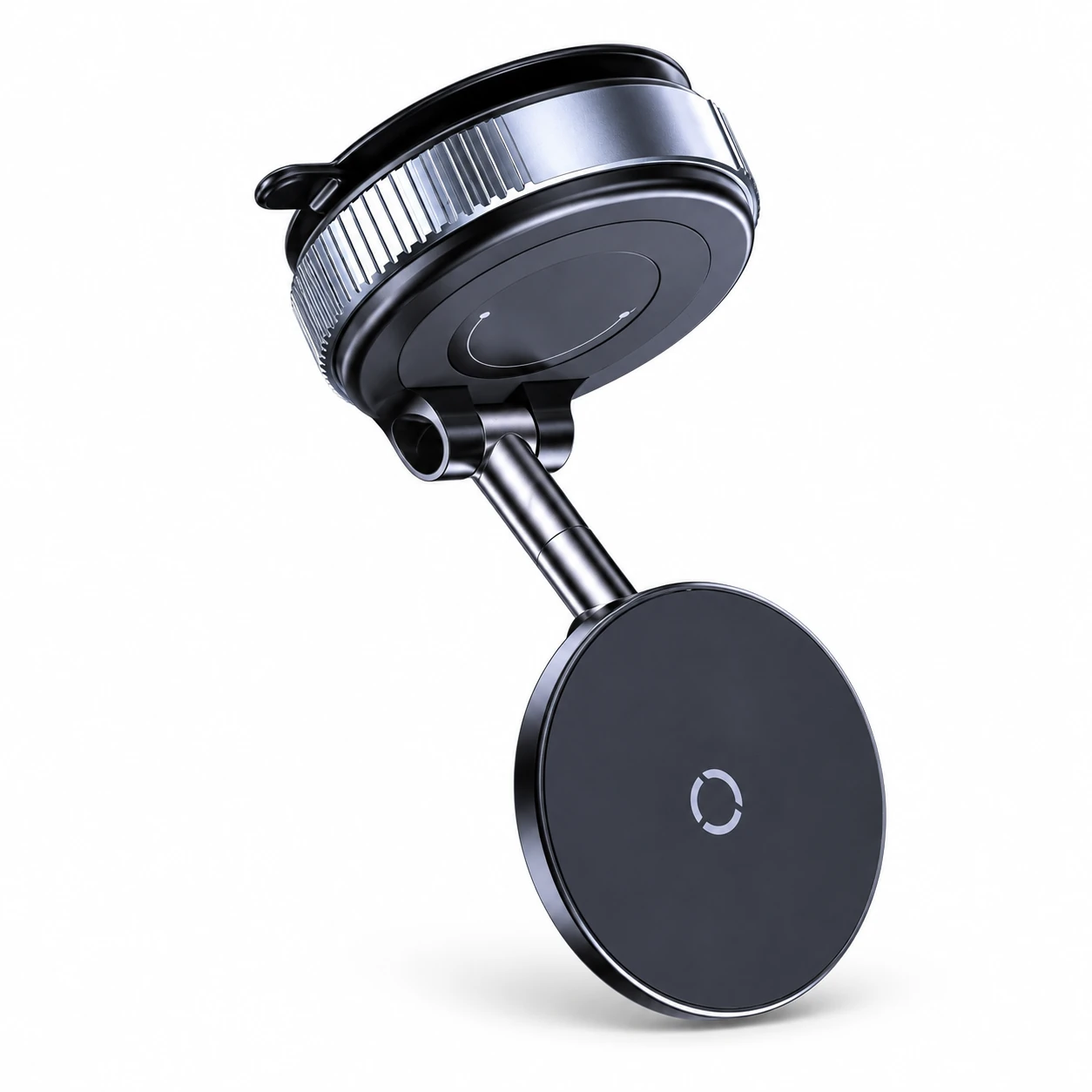
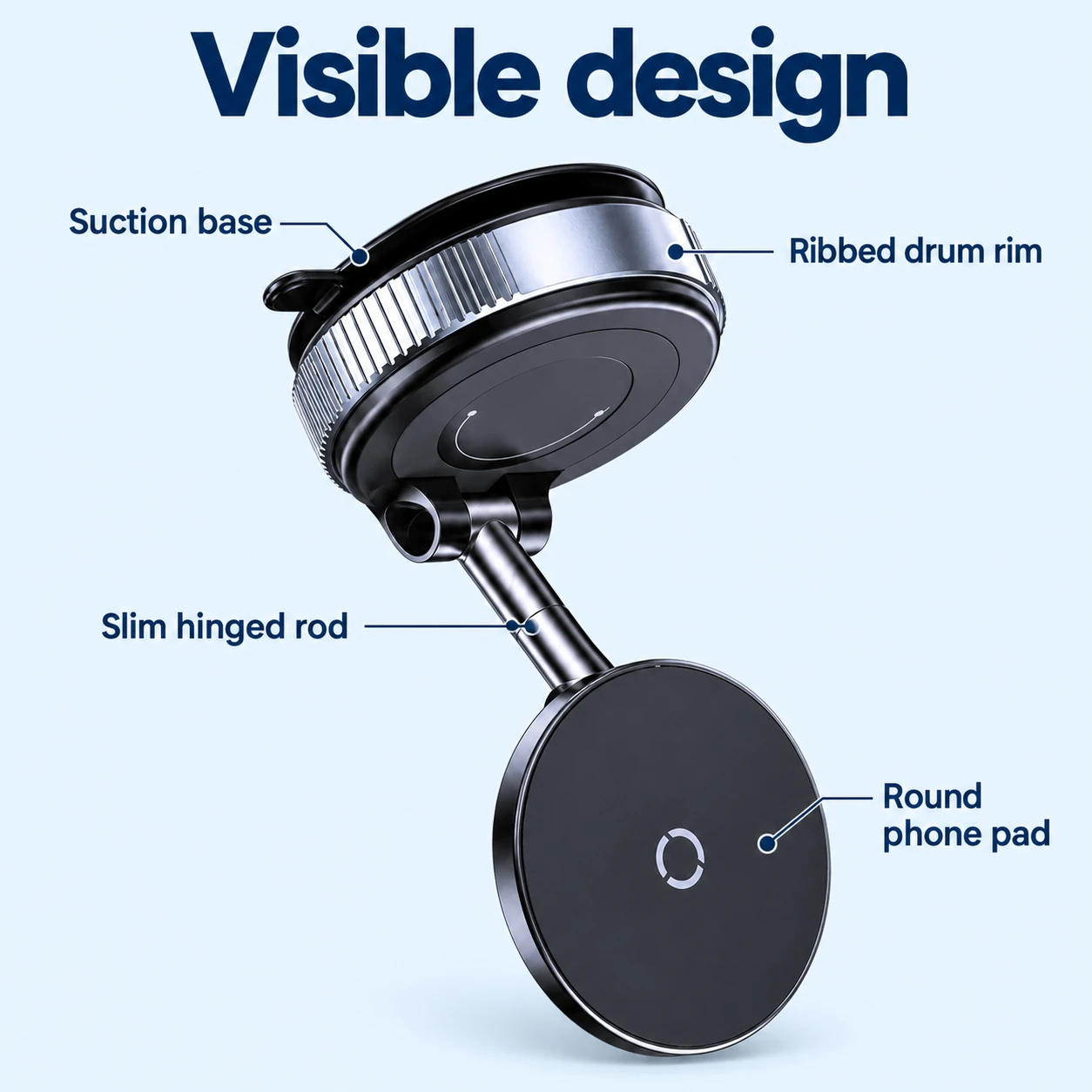
Our listing for the Black Round-Pad Folding Car Phone Charger says this car phone holder has a round charging pad linked by a slim hinged rod to a drum-shaped suction base. The listing says to check the mounting surface, phone and case compatibility, power connection and clearance before ordering. It also says the phone, vehicle and separate charging adapter are not included.
Turn those into four checks in your own car.
- Power. The pad needs power from the car. Find the socket or port you would use, and have an adapter ready if the listing says one is not included.
- Phone and case. Check that your phone charges wirelessly, and that the pad suits the case you use every day.
- Mounting surface. A suction base needs a smooth spot. Our suction cup phone holder guide covers which surfaces work.
- Clearance. Leave room for the arm, the phone and the cable. None of them should cover the road or the controls.
People search for this product as a wireless charger car mount, a wireless charging car phone holder, a wireless car phone charger or a car phone mount with charger. They all mean a holder that charges the phone while it holds it.
Why the phone gets hot on a wireless car charger mount
Two drivers on Reddit describe the problem.
One driver wrote that they use a wireless charging holder in the car and the phone always overheats after about 15 minutes. The driver had tried about four chargers and had the same issue to varying degrees. The driver guessed it had something to do with how the charging coils line up between the phone and the charger, and noted that the phone was in a case. The same phone never overheats at night on the wireless charger next to the bed.
Another driver, using a car’s built-in wireless charger, wrote that between the heat generated by charging and the summer sun, the phone gets so hot it stops charging. That driver wrote that they had been plugging the phone in and stashing it in the shade when they remembered to.
One commenter replied that the charger is not the only thing to check, and that they would also keep an eye on battery health or apps and services running in the background.
These are three people’s accounts, and none of them shows what caused the heat. They do point to the same places to look: the sun, the case, how the phone sits on the pad, and what the phone is running.
What to try if the phone gets hot
Change one thing at a time, so you can see what helps.
- Move it out of the sun. A spot lower on the dash or to the side keeps the phone out of direct sun through the glass. Our dashboard placement guide covers how to choose one.
- Reseat the phone. Take it off and put it back so it sits centered on the pad.
- Try it without the case. Do this while parked. If the phone runs cooler, the case is the thing to change.
- Close what you do not need. Apps running in the background add to the work the phone is doing.
- Use the cable on hot days. Plug the phone in and keep it in the shade, as one of the drivers above did.
Set it up in order
Work through these in order, with the car parked.
- Pick the spot. Choose a smooth surface that keeps your view of the road and the controls clear.
- Fix the base. Press it down and lock it.
- Connect the power. Run the cable so it stays clear of the steering wheel and the gear lever.
- Seat the phone. Put it on the pad with its case on, and check that the phone shows it is charging.
- Check the view. Sit in your normal position and look at the road. Move the holder if the phone is in the way.
Quick answers
Does a wireless car charger mount come with a car adapter?
It depends on the listing. Check what is included before you order, and have an adapter ready if one is not.
Does a wireless car charger mount work with a case?
It depends on the phone and the case. Check both against the listing before you order, and test the hold and the charging with your everyday case while parked.
Why does my phone get hot on a wireless car charger?
There is more than one place to look. Check the sun, the case, how the phone sits on the pad and what the phone is running, and change one thing at a time.
Where to go next
Browse the wireless charging car phone holders, read the MagSafe car mount guide for how a magnetic mount holds a phone, or see how to choose a car phone holder by mount type.