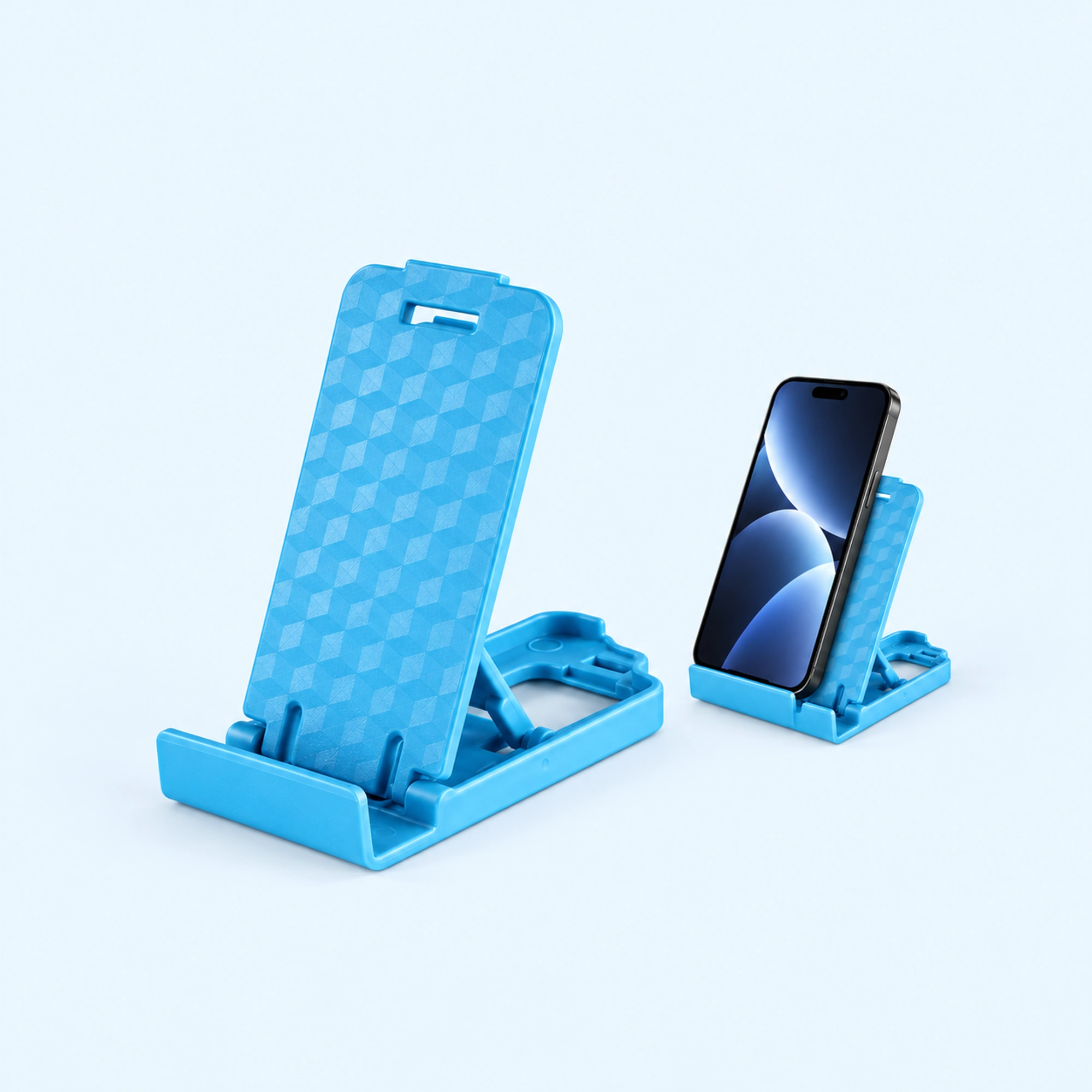
 Blue Four-Position Folding Desk Stand
 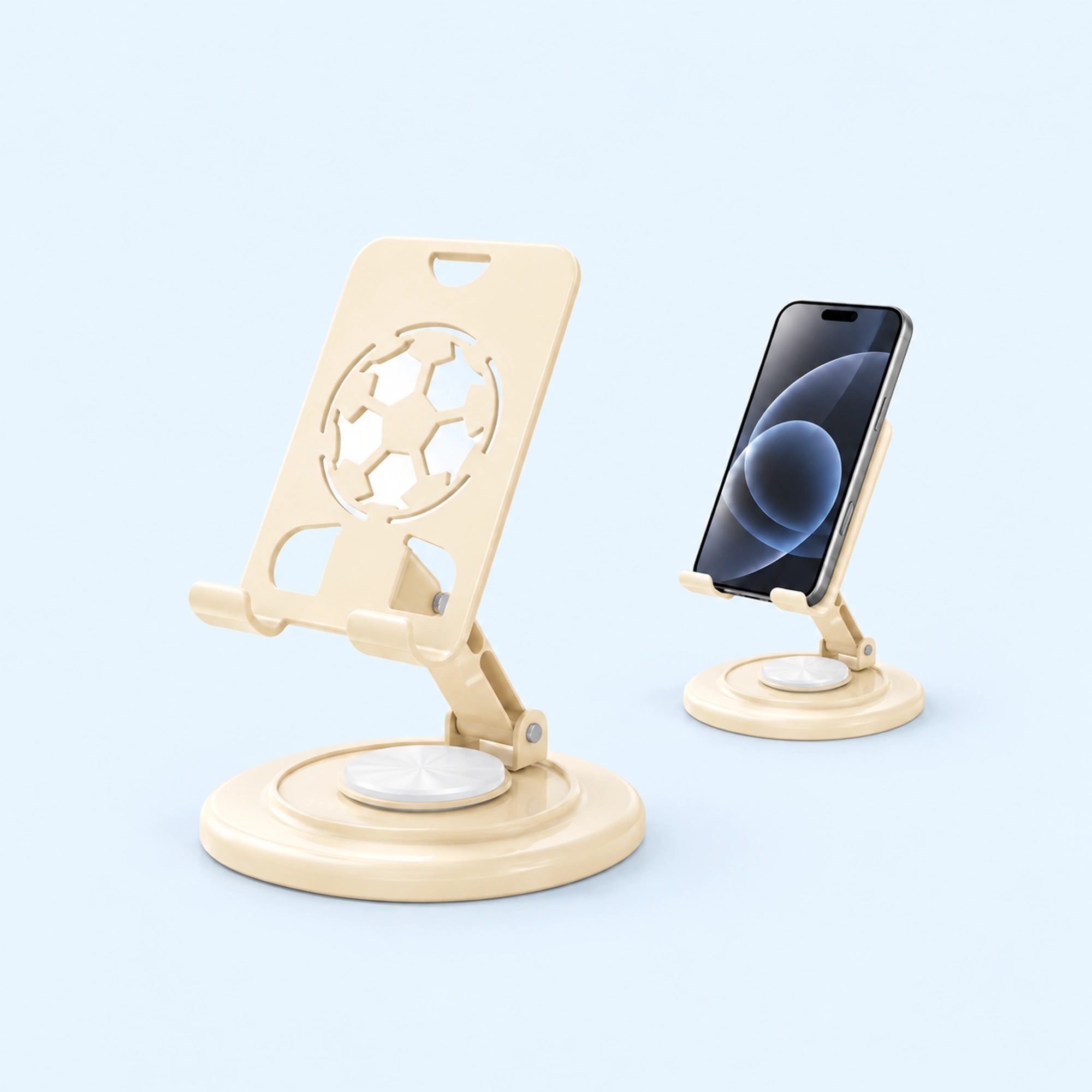 Cream Round-Base Folding Phone Stand
 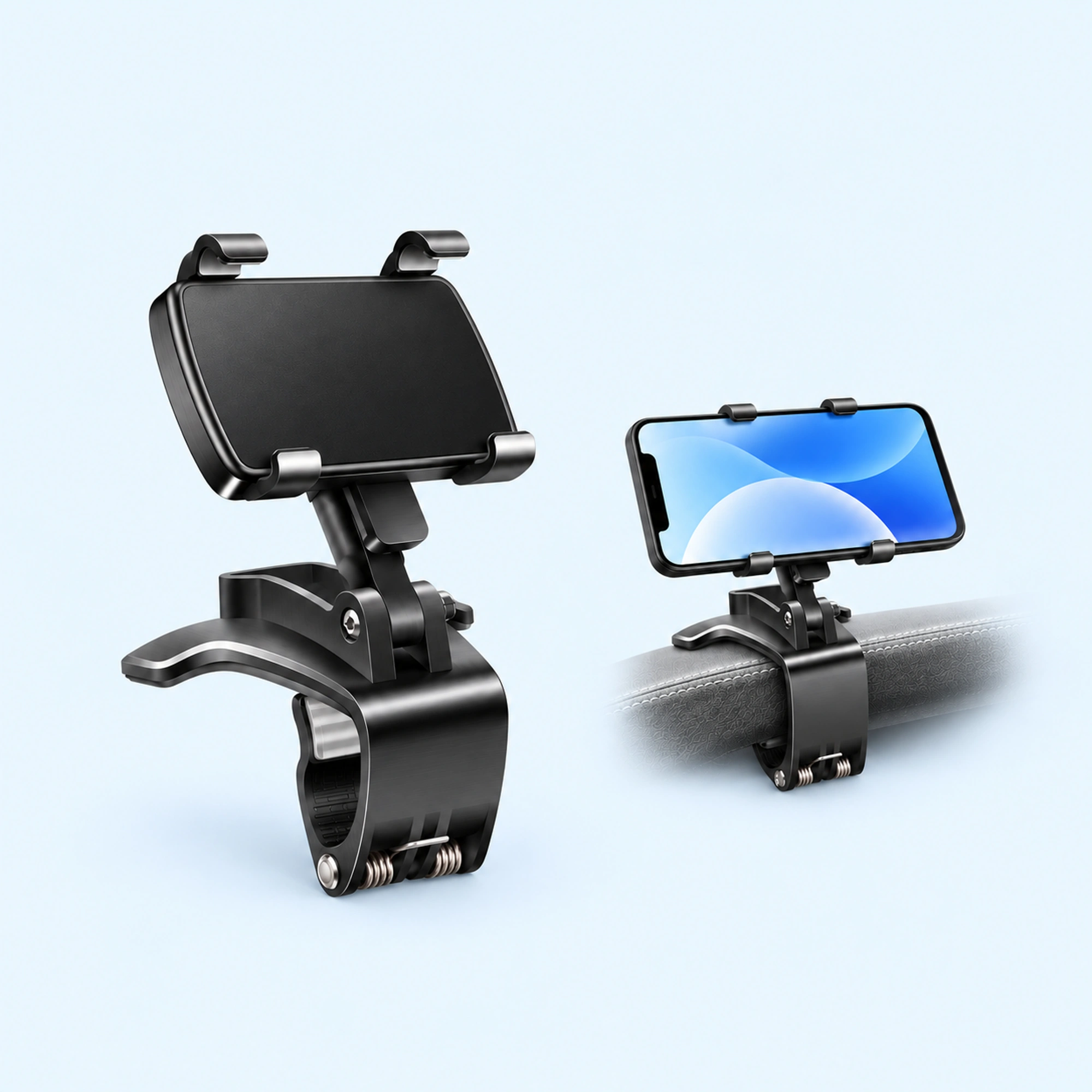 Dashboard Edge Clip Phone Holder
 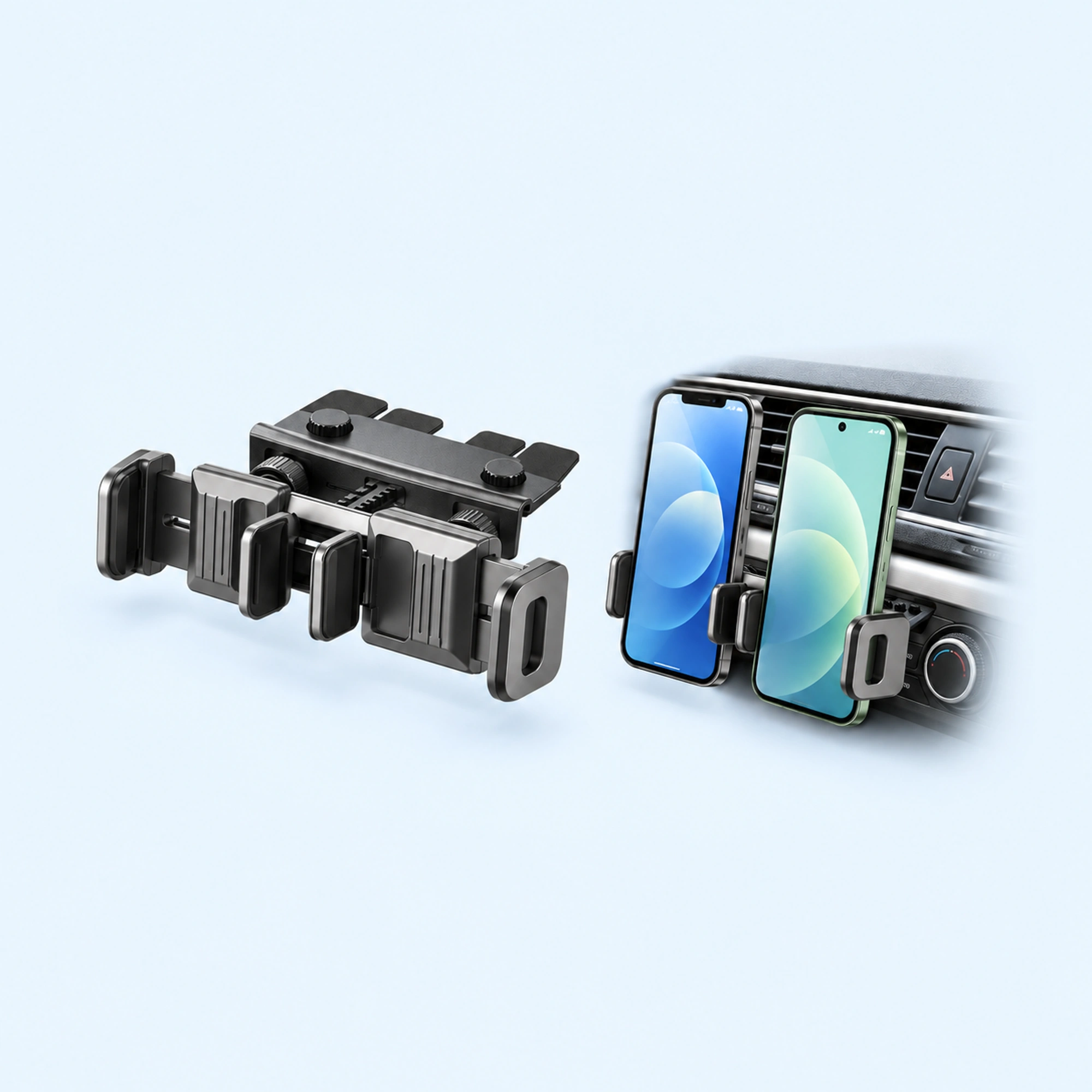 Dual-Cradle CD-Slot Phone Mount
 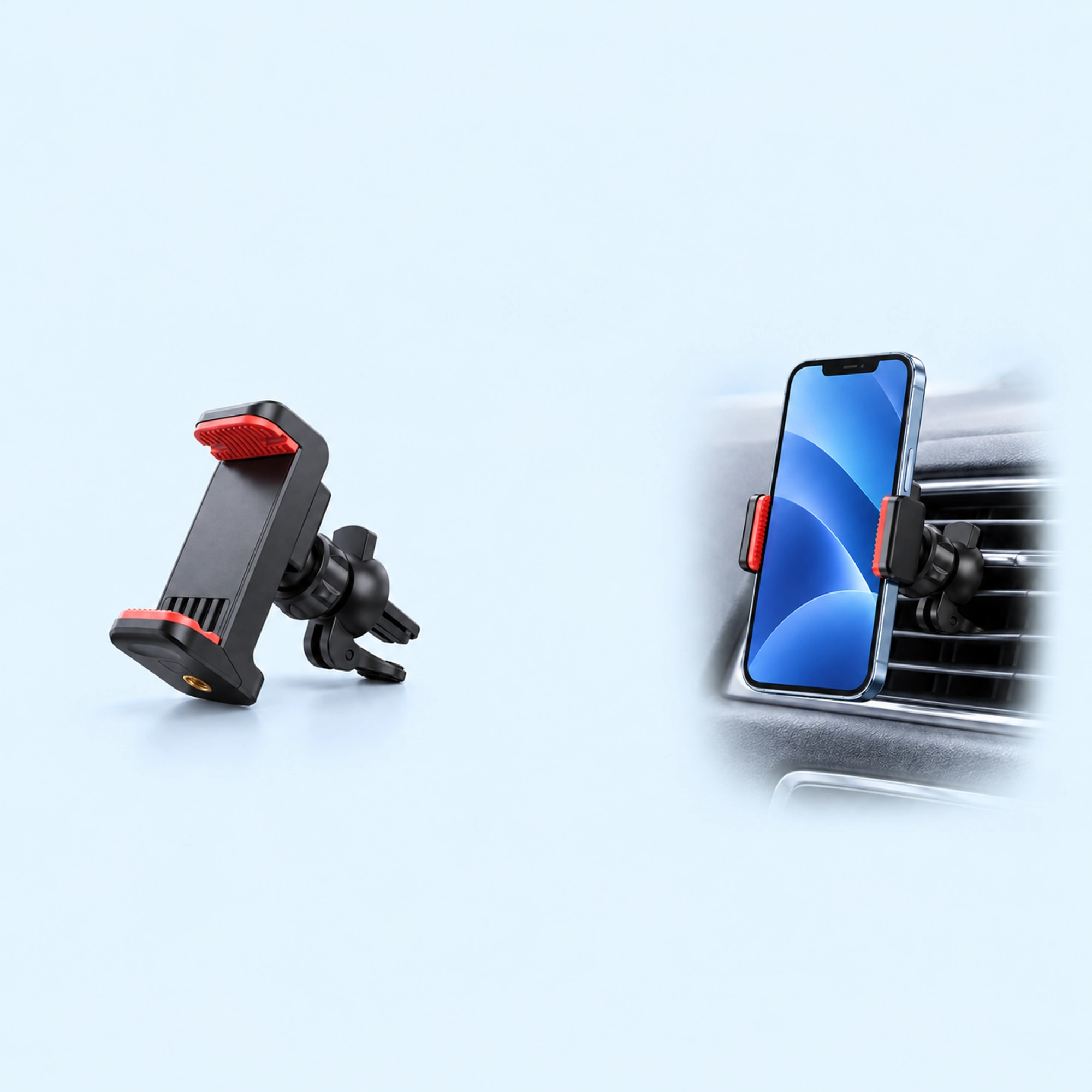 Red-Pad Compact Vent Phone Clip
 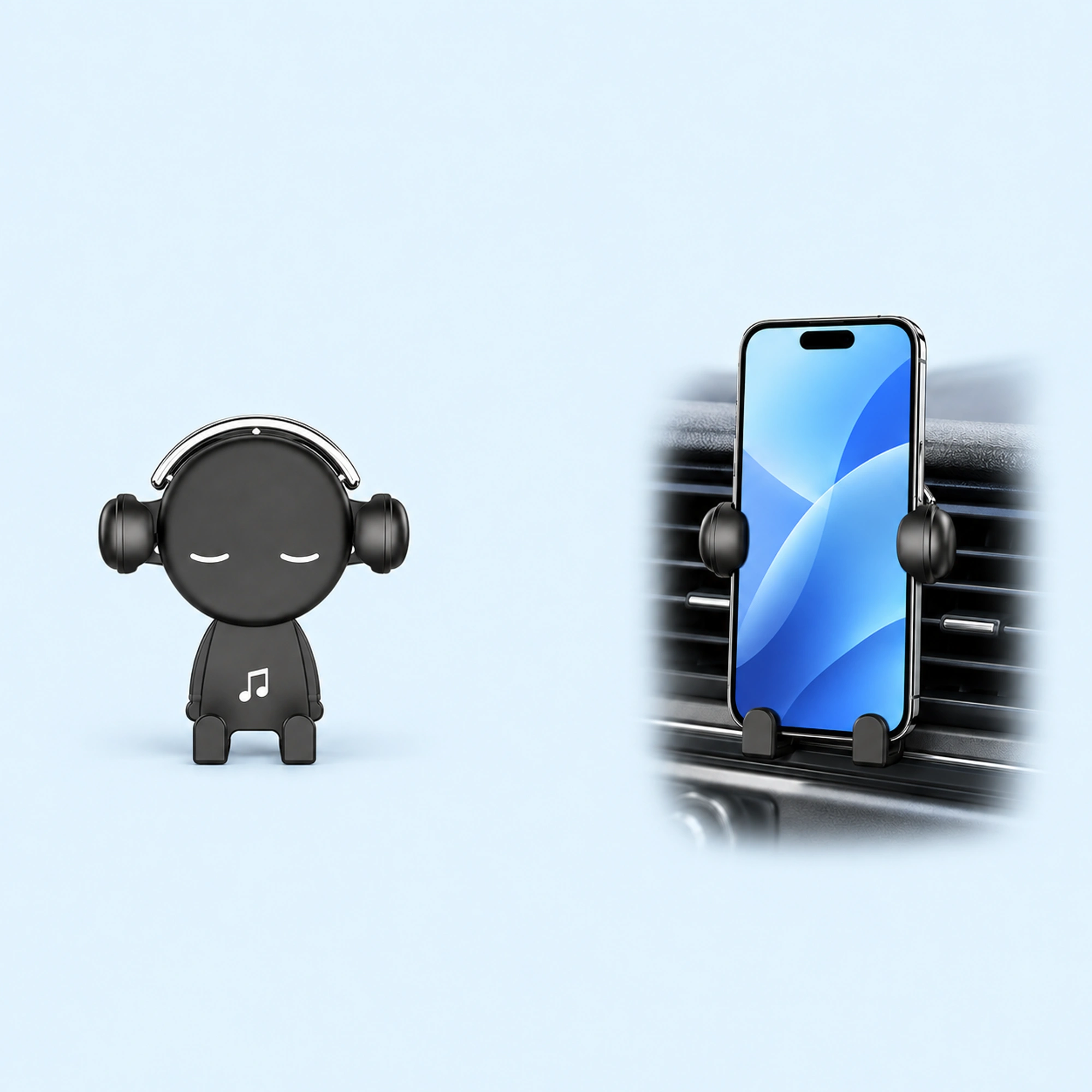 Music-Note Character Gravity Vent Holder
 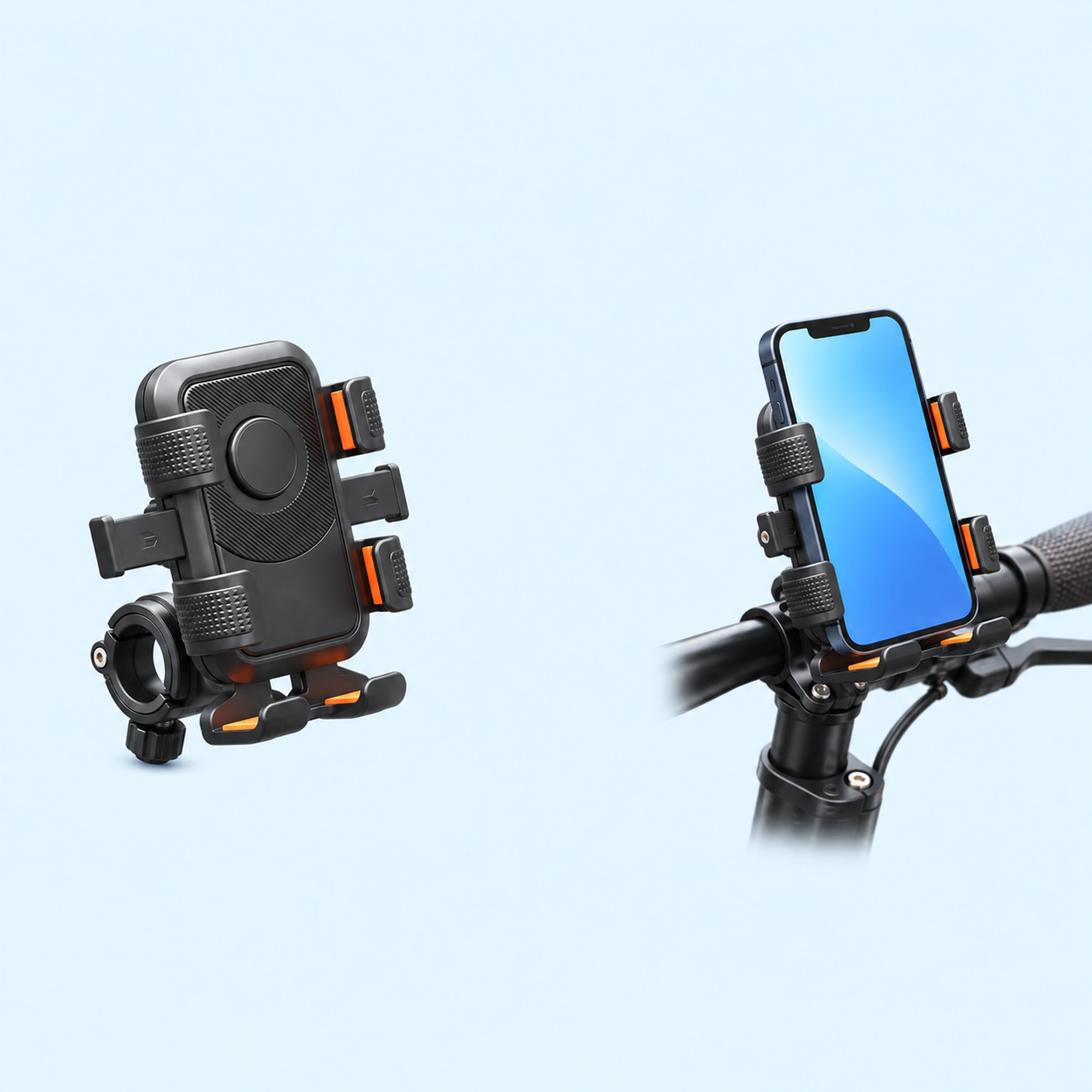 Black Six-Pad Handlebar Phone Cradle
 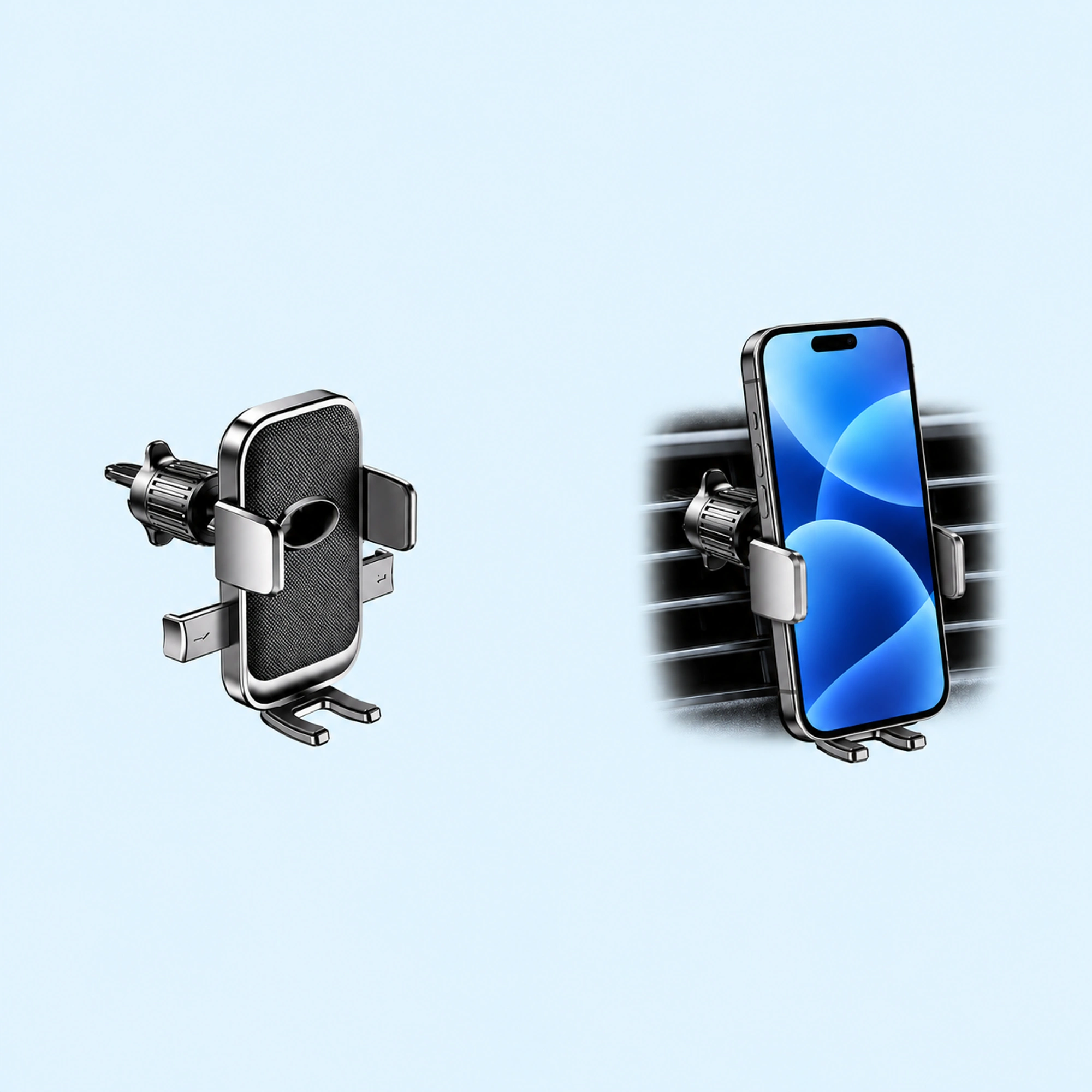 Oval-Opening Textured Vent Phone Cradle
 An ATV phone mount like ours clamps to the handlebar and holds your phone in a cradle with four raised contact ends. Choose the spot on the bar with four checks from our listing: the handlebar attachment, your phone and case width, button access and control clearance. Then set the viewing position while parked. On a UTV, start by finding an attachment point that matches the clamp.
We sell an ATV phone mount, so read this as a shop’s notes on its own listing plus what riders ask online.
Side or centre of the bar?
Two riders on Reddit asked about placement.
- One off-road motorcycle rider who wanted directions on trails they didn’t know yet asked: “Where is the best place to attach the phone mount? On the side or in the centre of the handlebars?”
- Another motorcycle rider was thinking of putting the mount in the middle of the handlebar, “mainly so I can keep the phone in landscape mode.” They added that “most people seem to go with the usual left-side setup.”
There is no single right spot for every machine. The four checks below decide it on yours.
What our listing says
Our listing for the Black ATV and UTV Phone Holder with Handlebar Clamp describes “a black cradle with four raised contact ends and a handlebar clamp behind it.” It also lists a “side adjustment knob” and a “round clamp opening.”
It says one black handlebar-clamp holder is offered, and a phone and vehicle are not included.
People search for this as “atv phone mount”, “atv phone holder”, “phone holder for atv”, “utv phone mount” or “utv phone holder”.
Four checks that pick the spot
Our listing says to “check handlebar attachment, phone and case width, button access and control clearance.”
- The bar. Find the section of bar where the clamp will close: left, right or middle.
- Your phone and case. Compare the width of your phone in its case with the cradle in the product images.
- The buttons. Our listing says to compare the layout “with your phone and case, including access to side buttons.” Make sure the buttons you use stay reachable.
- The controls. Leave room for the throttle, brake levers and switches, and for the bar to turn.
The spot that passes all four checks is the one to use.
On a UTV
Our listing says “a UTV phone mount still needs an attachment point that matches the actual clamp; this listing does not assume it fits a large roll-cage tube.”
So on a UTV, find a bar or tube that matches the clamp before you order, and compare it with the clamp in the product images.
Set it up while parked
Our listing says to “set the viewing position while parked and confirm clearance from steering and controls.”
- Park first. Stay parked while you fit and adjust it.
- Clamp it on. Close the clamp on the spot you picked.
- Seat the phone. Place the phone in the cradle between the four contact ends.
- Set the view. Angle the phone so you can see it from your riding position.
- Check clearance. Turn the bars both ways and work the controls to confirm nothing touches the phone or the holder.
The same check-the-bar-first idea runs through our scooter phone holder guide.
Quick answers
Does this ATV phone mount fit a UTV roll cage?
Our listing says a UTV still needs an attachment point that matches the actual clamp, and it does not assume the clamp fits a large roll-cage tube. Check your tube against the clamp before you order.
Is a phone included?
No. Our listing says a phone and vehicle are not included.
Where to go next
Browse ATV phone mounts or UTV phone mounts, or go straight to the Black ATV and UTV Phone Holder.

