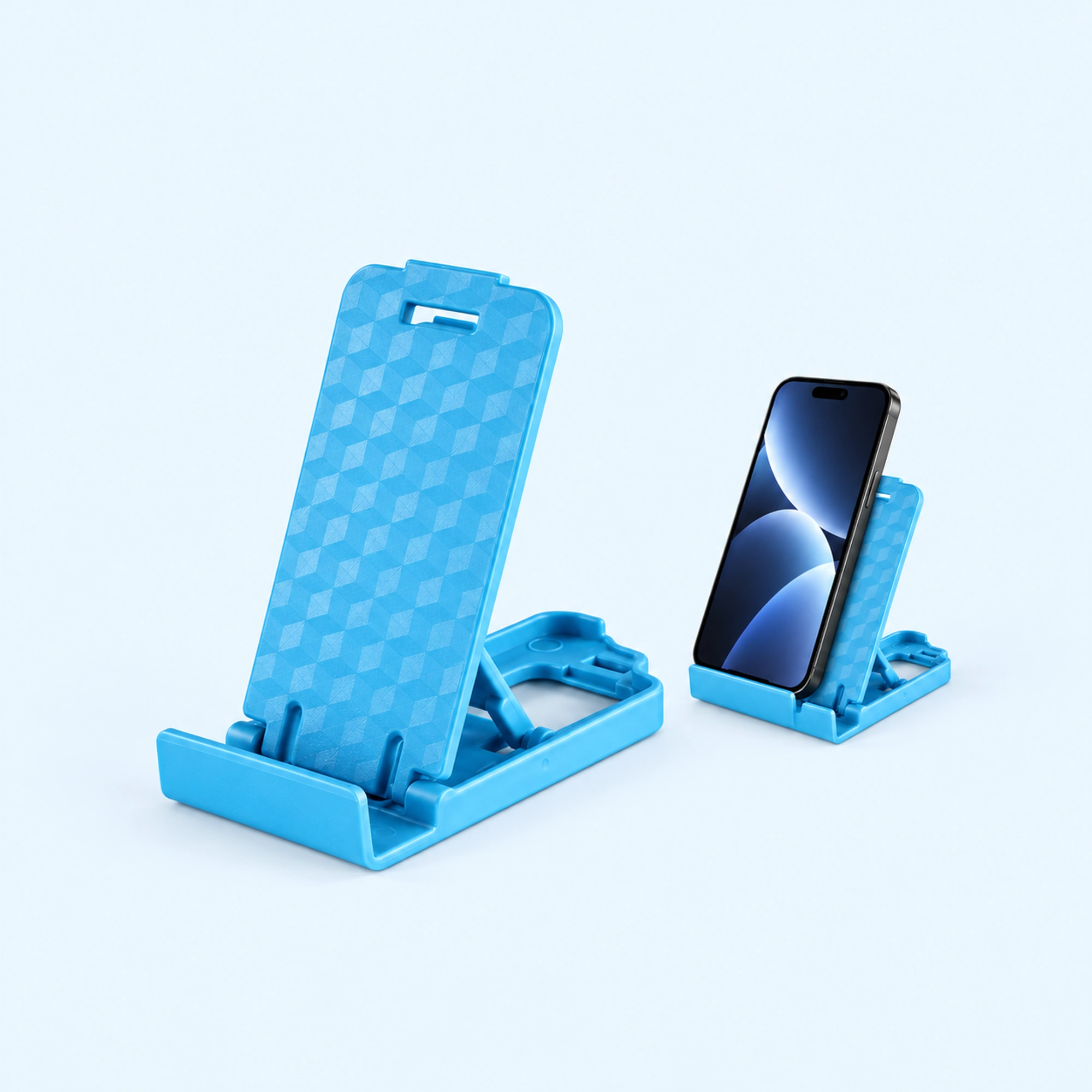
 Blue Four-Position Folding Desk Stand
 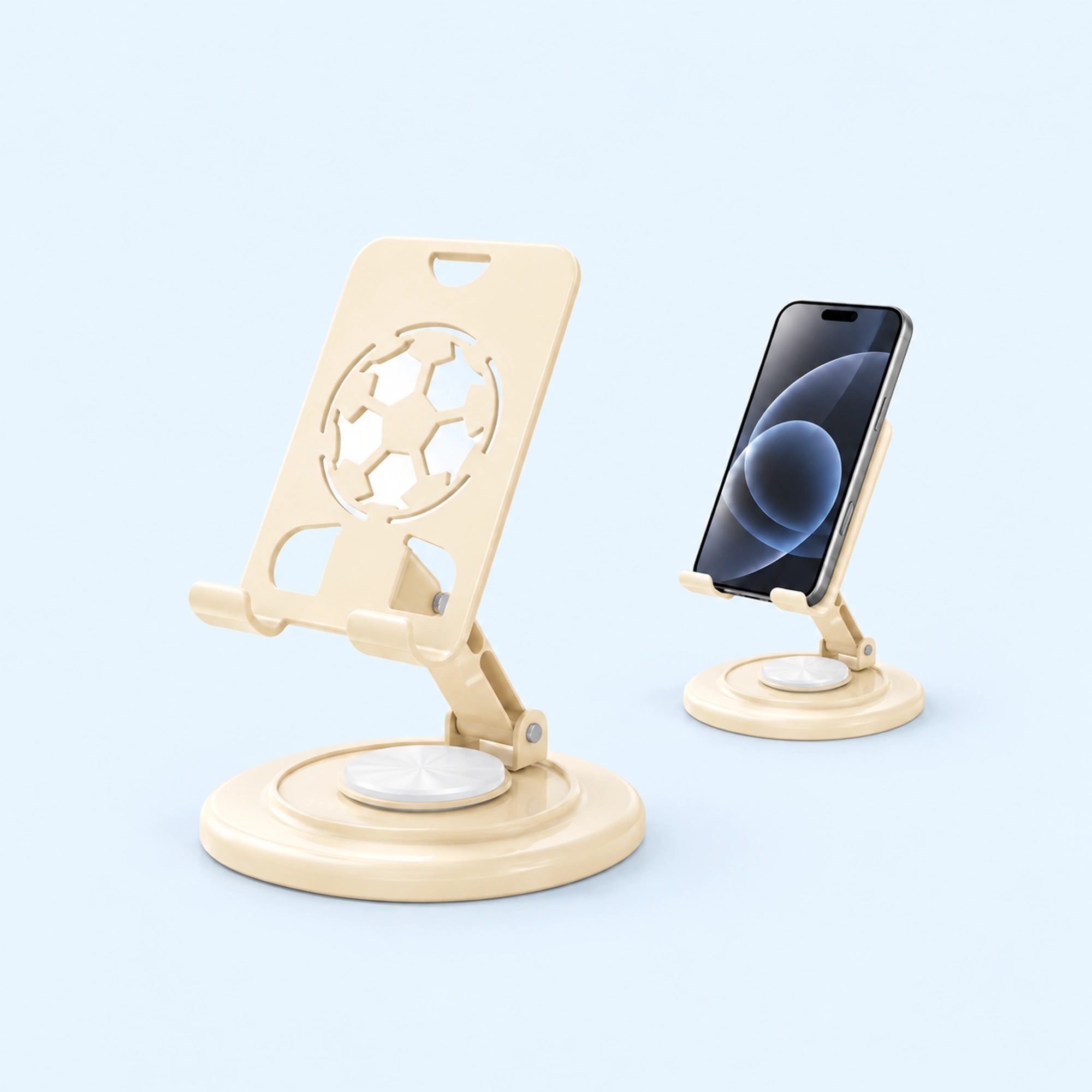 Cream Round-Base Folding Phone Stand
 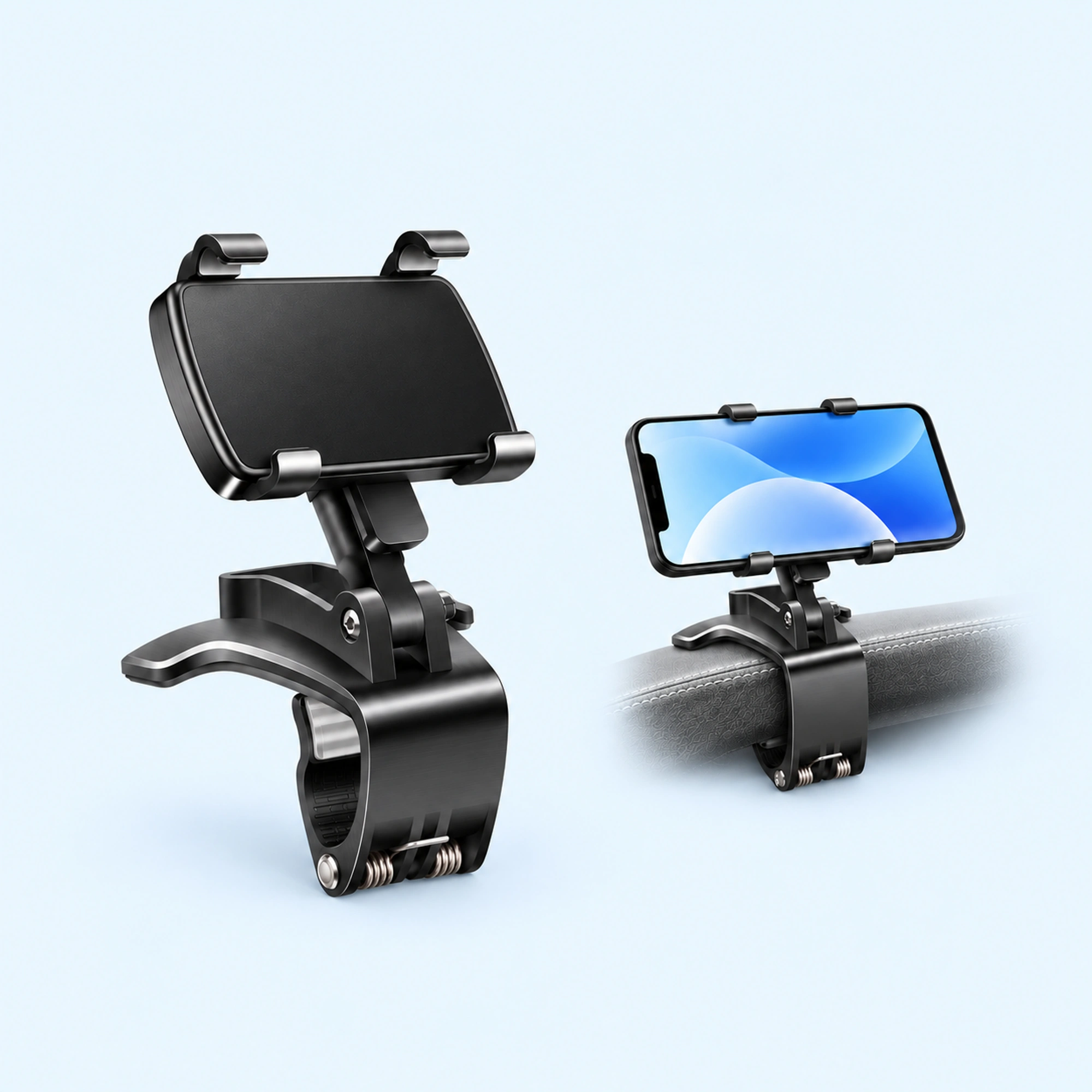 Dashboard Edge Clip Phone Holder
 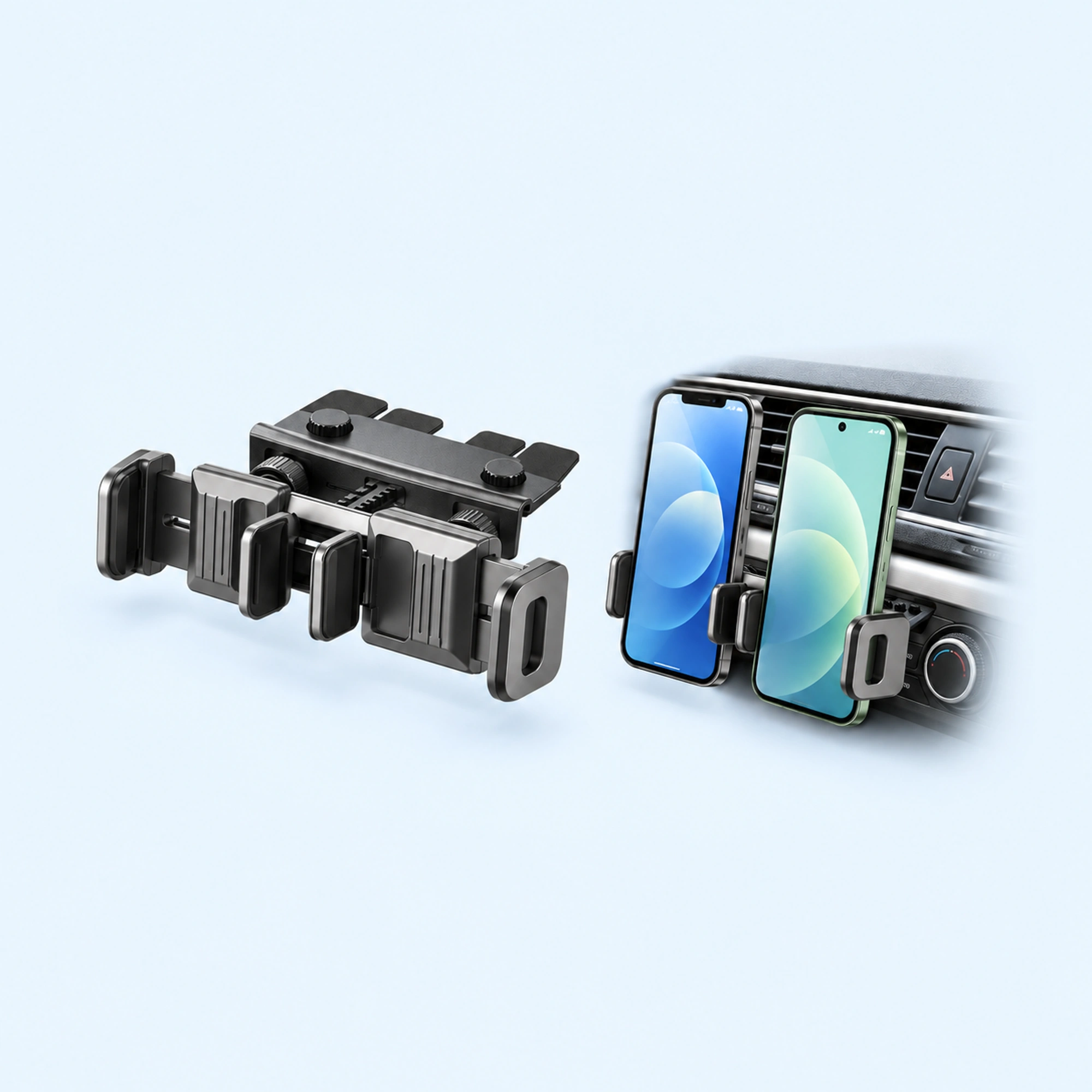 Dual-Cradle CD-Slot Phone Mount
 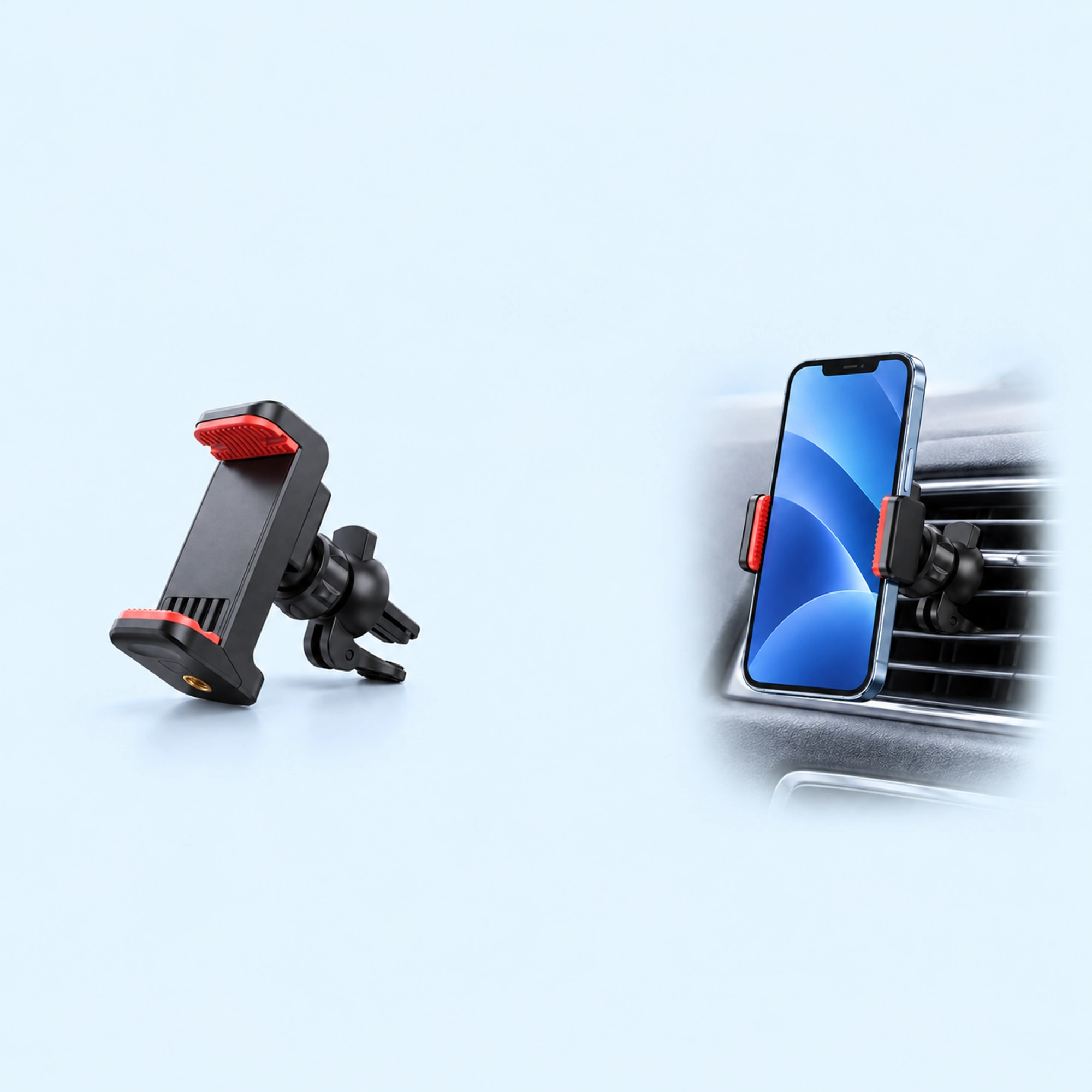 Red-Pad Compact Vent Phone Clip
 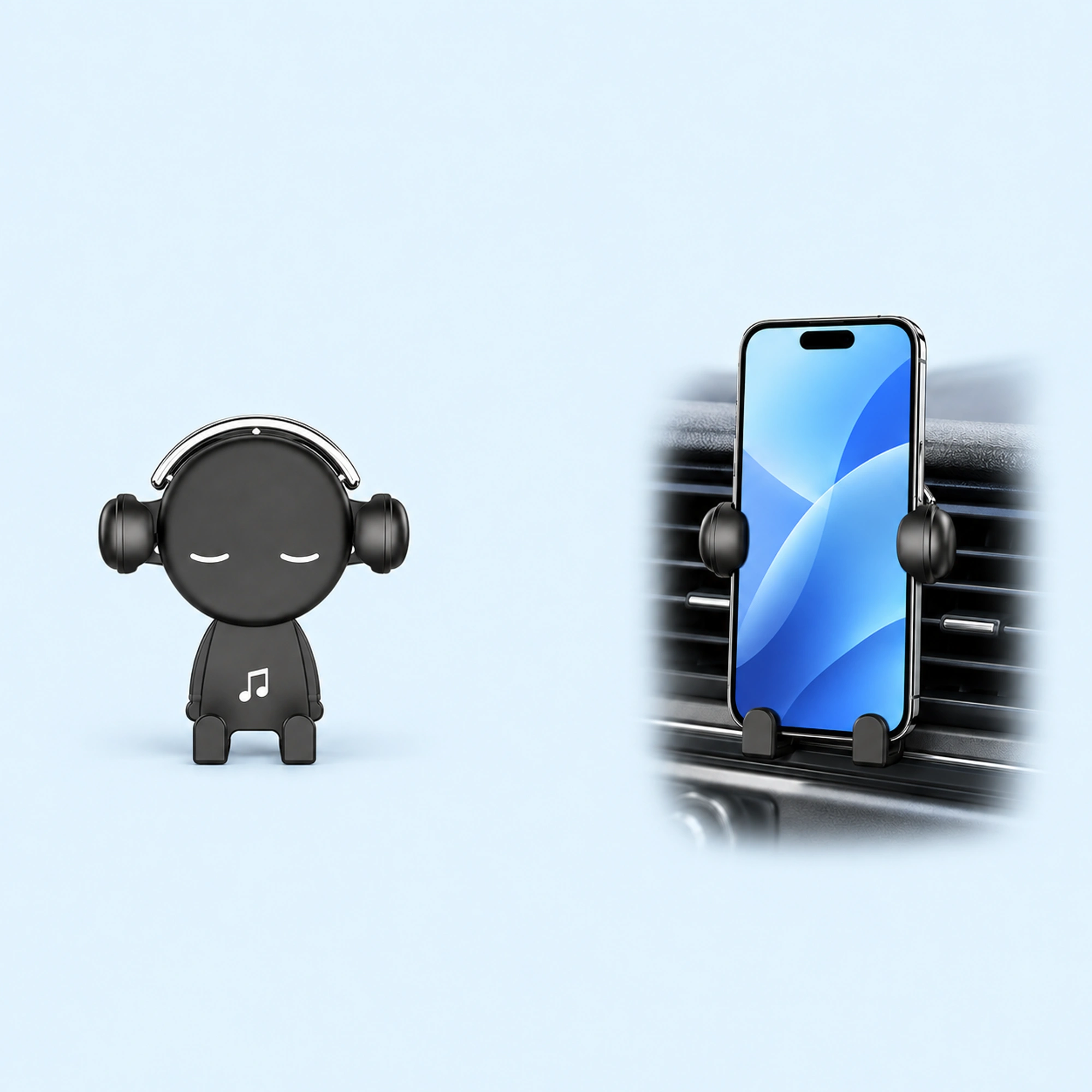 Music-Note Character Gravity Vent Holder
 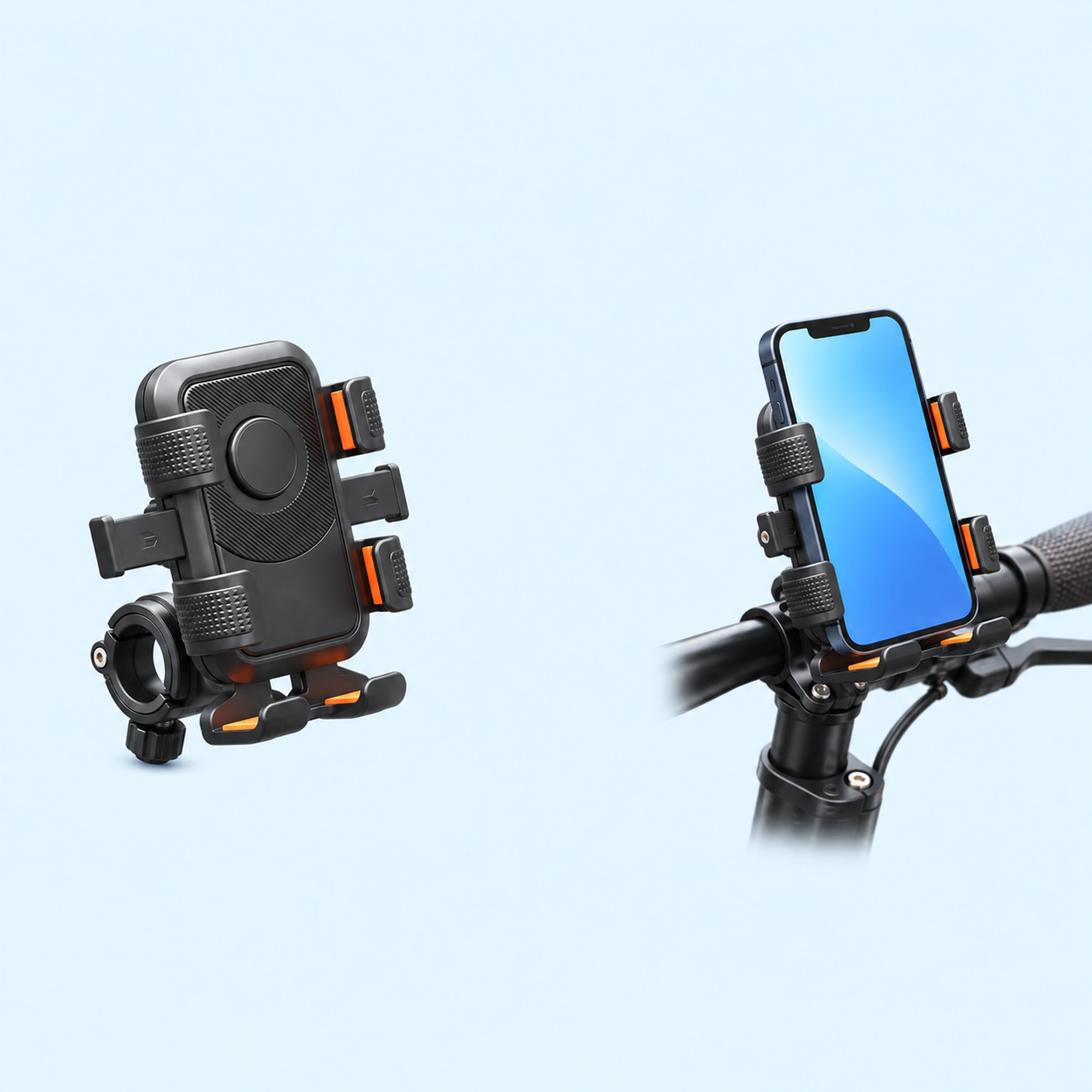 Black Six-Pad Handlebar Phone Cradle
 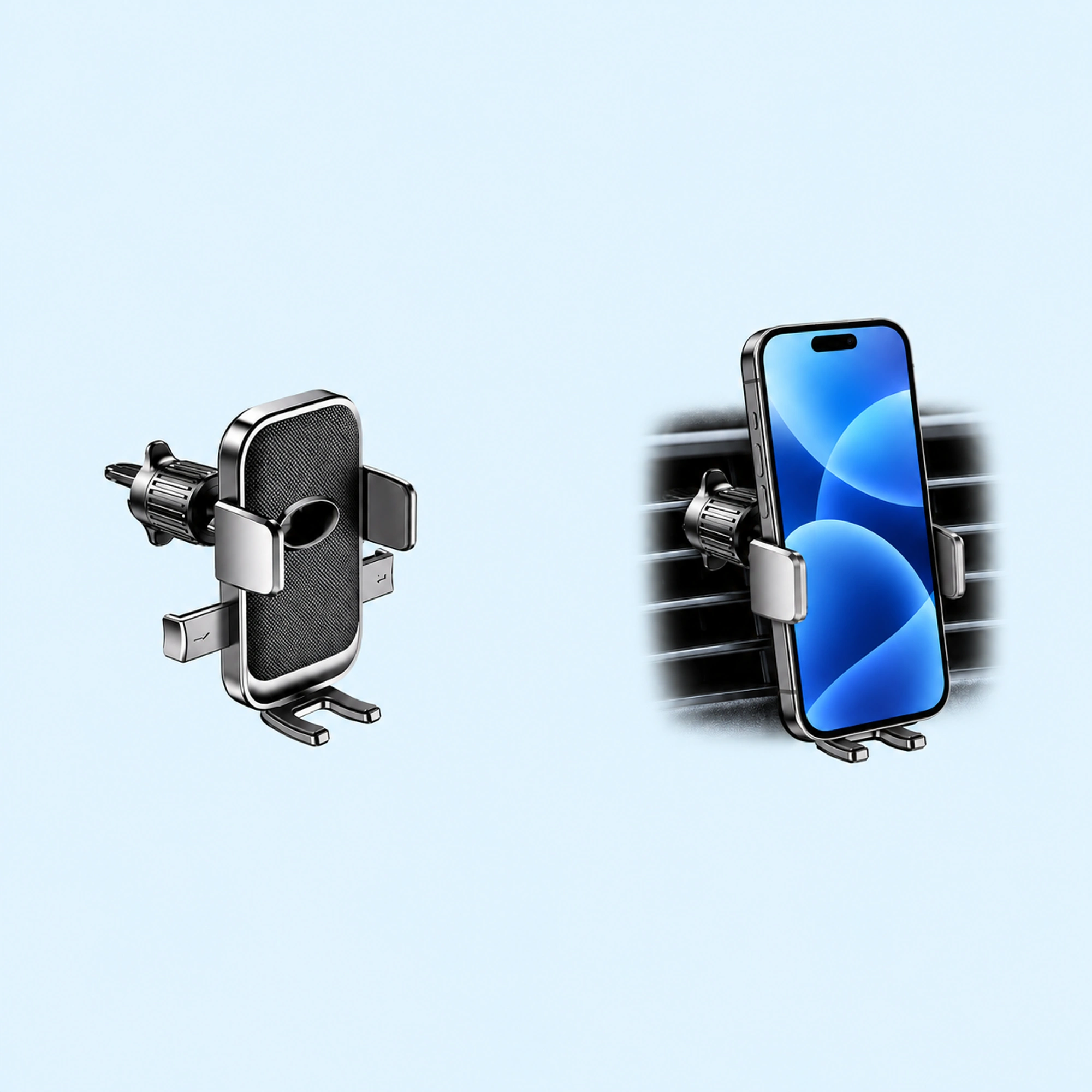 Oval-Opening Textured Vent Phone Cradle
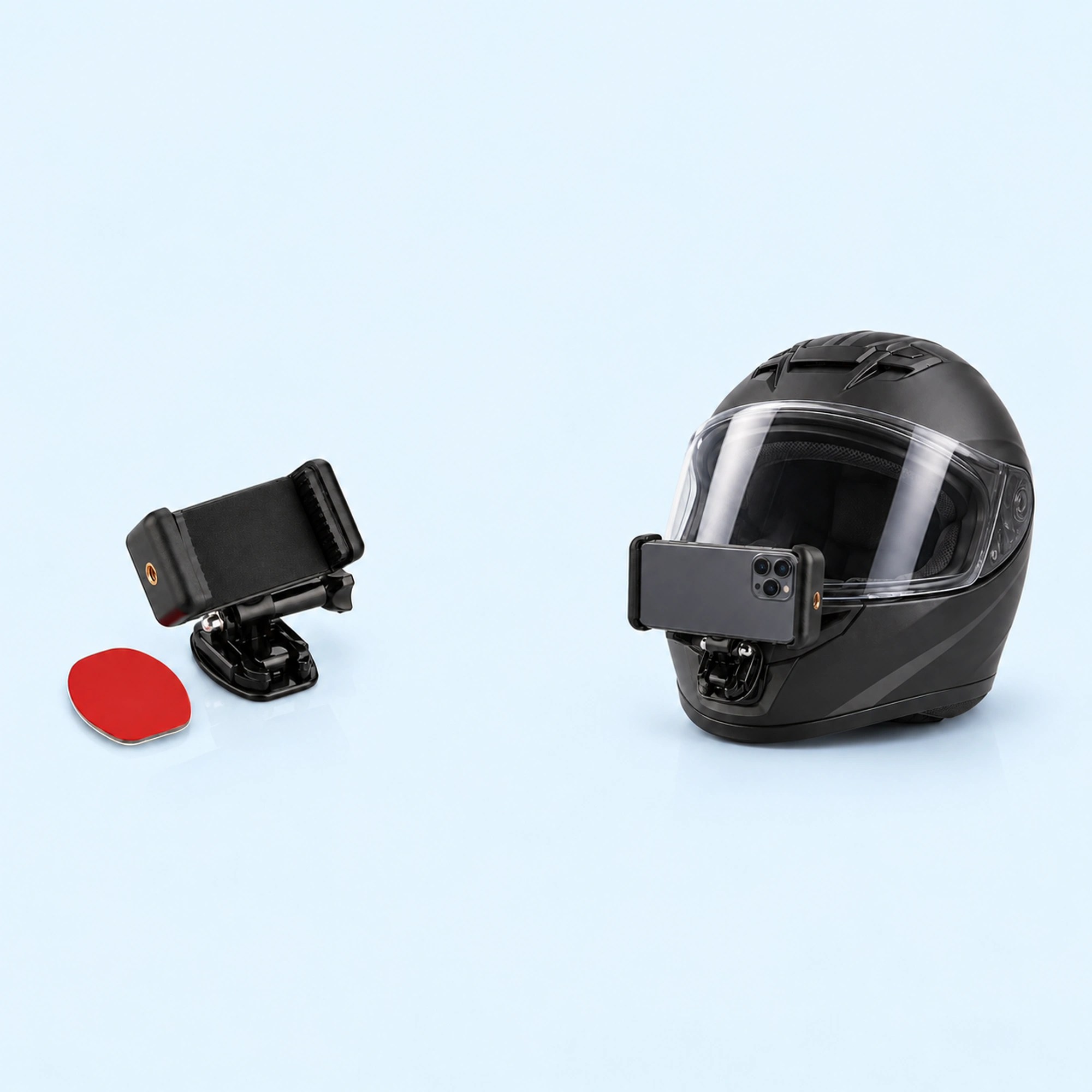
 A helmet phone mount like ours is a phone cradle on a short hinged arm with a rounded base. Our listing calls it “a helmet mount for smartphone recording, with the adhesive pad as the only attachment the listing shows.” Before you stick it on, hold the base against your helmet, check your phone in its case against the cradle, and read the installation instructions.
We sell a helmet phone mount, so read this as a shop’s notes on its own listing plus what riders ask online.
What riders worry about
Two riders on Reddit posted questions about mounts on their helmets.
- One rider who planned to film motovlogs with a phone had bought two chin mounts and asked which to use. They wrote that one had “very little surface area” and the other had “more surface area on sides, but there is a little gap between mount and helmet at the center middle area.”
- A first-time helmet camera user wrote that they didn’t know “how good is the glue on the base.” They added that the base “seems to have no air bubbles, any space between it and the helmet or anything.”
Both questions come down to how fully the base touches the shell. That is the thing to check before anything sticks.
What our listing says
Our listing for the Black Helmet Phone Mount with Adhesive Base describes “an open rectangular phone cradle with a short hinged arm and a rounded mounting base.” It says “two raised end jaws frame a dark contact pad, and a long side screw sits beneath the cradle,” and that the product reference “also shows a separate red-backed adhesive pad.”
It notes that the listing describes helmet filming and dashboard mounting, and that the phone and helmet are not included.
People search for this as “helmet phone mount”, “phone helmet mount”, “helmet mount for phone”, “phone mount for helmet” or “helmet phone holder”. They all mean a holder that keeps a phone on a helmet.
Dry-fit before you stick
Our listing says to “check phone-with-case fit and mounting surface shape.” It also says the holder “needs a suitable mounting surface” and to “confirm the base shape, adhesive suitability and installation instructions before use.”
- Pick the spot. Choose the area of the helmet you want to film from.
- Hold the base there. Press the rounded base against the shell without the adhesive.
- Look for gaps. Check the edges and the middle for space between the base and the helmet.
- Check the phone. Fit your phone in its case between the two end jaws.
- Read the instructions. Confirm the installation instructions before you peel anything.
If the base does not sit against the shell at that spot, try another spot before you stick it.
Set it up in order
- Follow the instructions. Use the installation instructions to fit the adhesive pad.
- Place the base. Stick it on the spot you dry-fitted.
- Seat the phone. Set the phone between the two raised end jaws.
- Set the angle. Use the hinged arm to point the phone where you want to film.
Filming from the handlebars instead? Our ATV phone mount guide covers a handlebar clamp.
Quick answers
Does this helmet phone mount fit any helmet?
Our listing says to check the mounting surface shape and to confirm the base shape before use. Hold the base against your own helmet to see how it sits.
Is a phone or helmet included?
No. Our listing says the phone and helmet are not included.
Where to go next
Browse helmet phone mounts, or go straight to the Black Helmet Phone Mount with Adhesive Base.