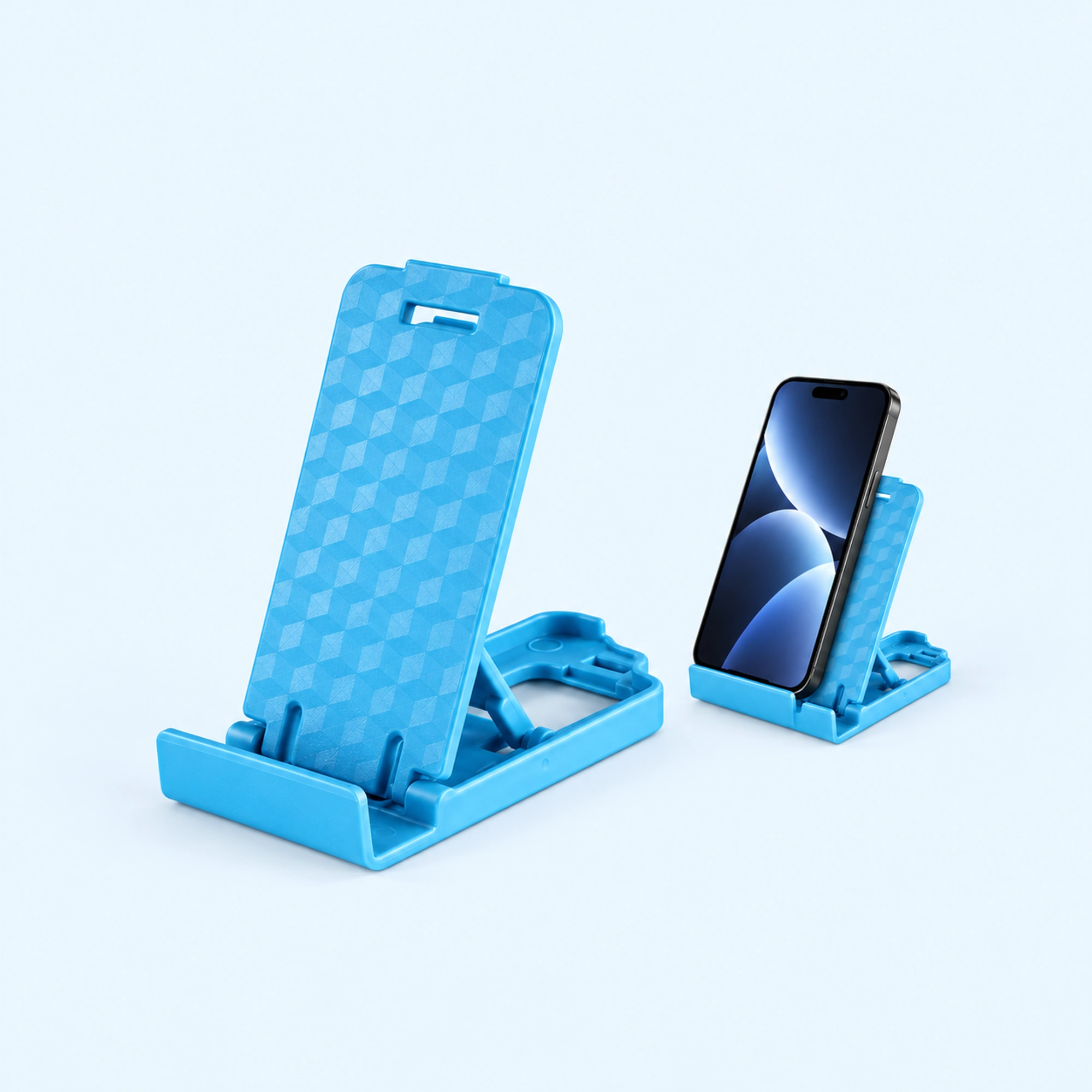
 Blue Four-Position Folding Desk Stand
 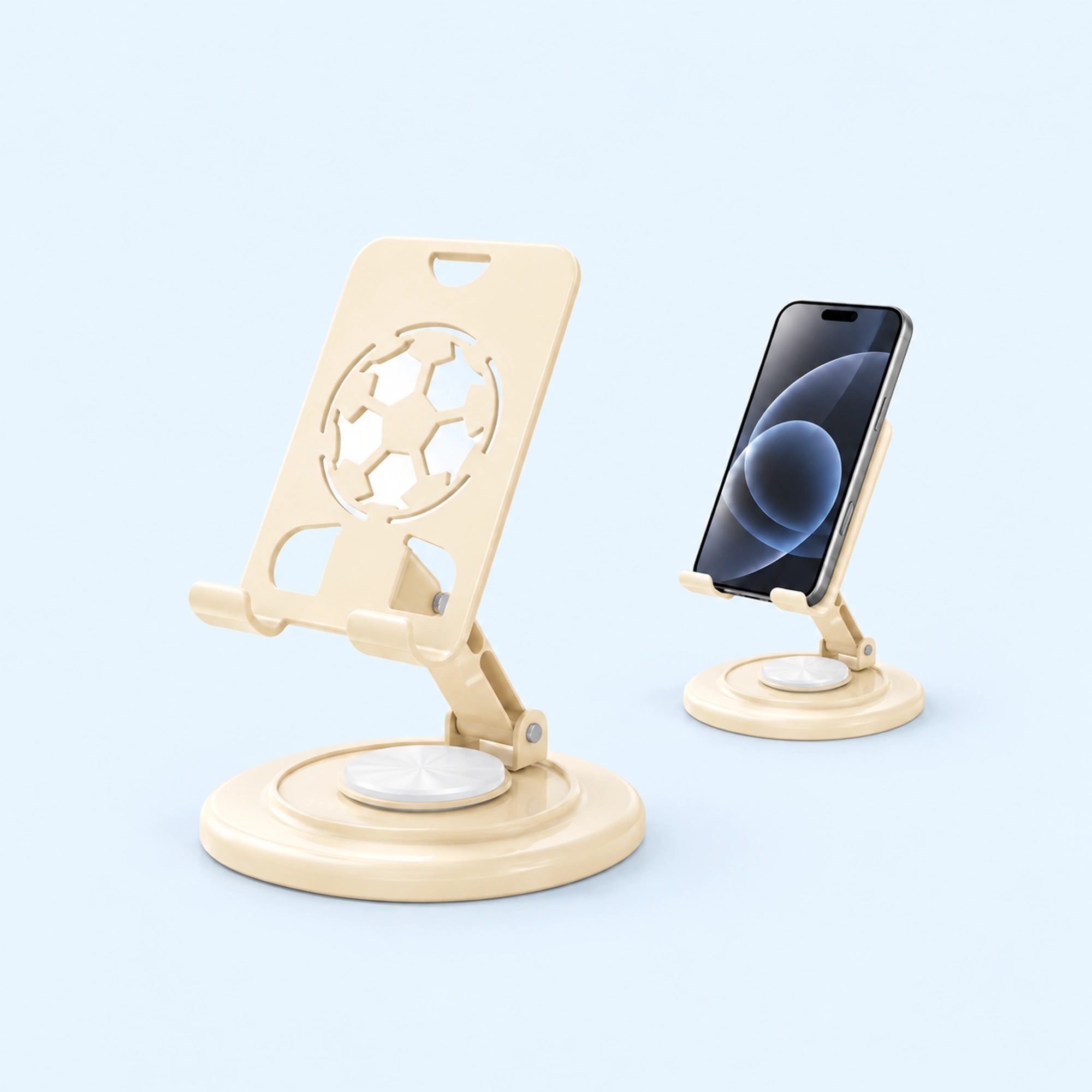 Cream Round-Base Folding Phone Stand
 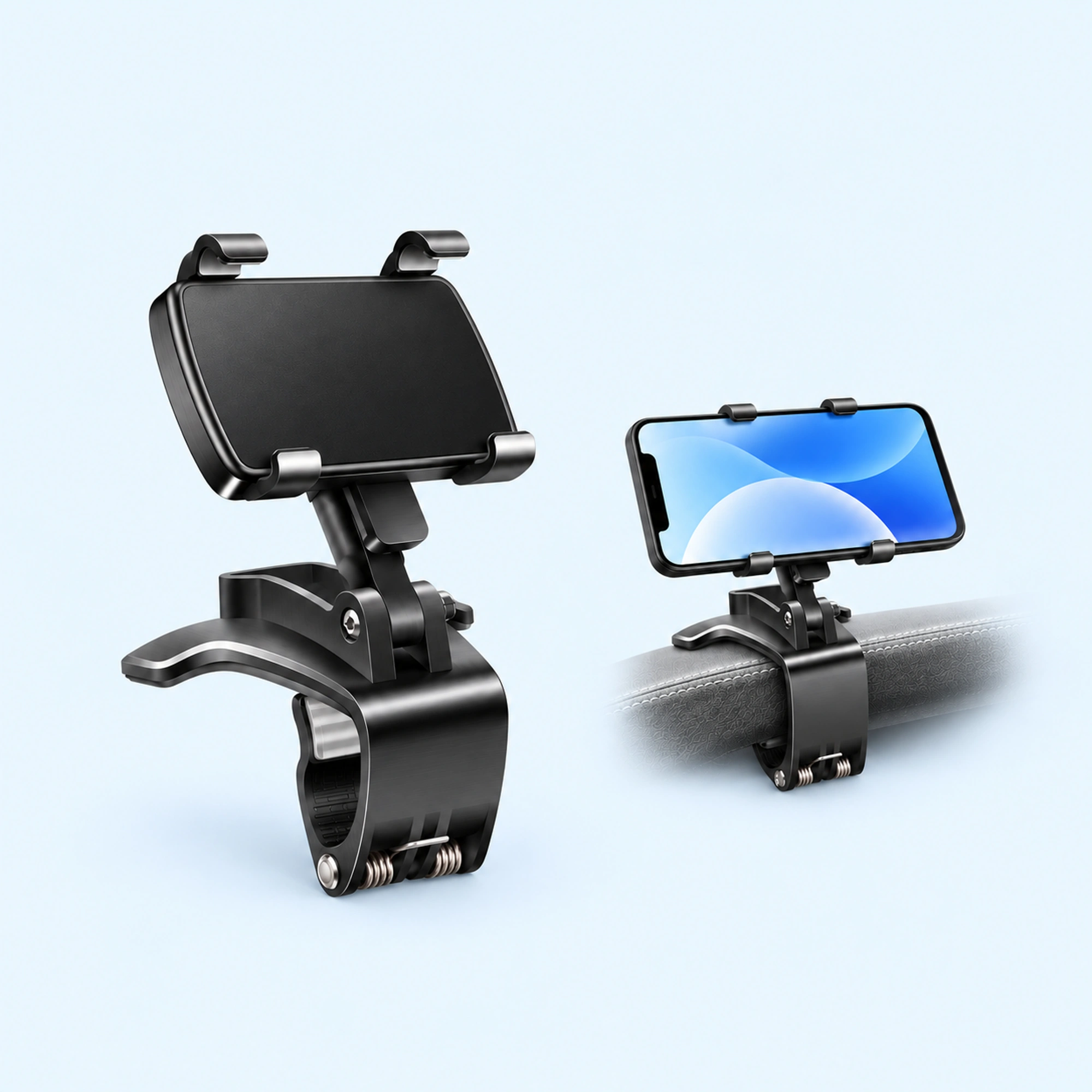 Dashboard Edge Clip Phone Holder
 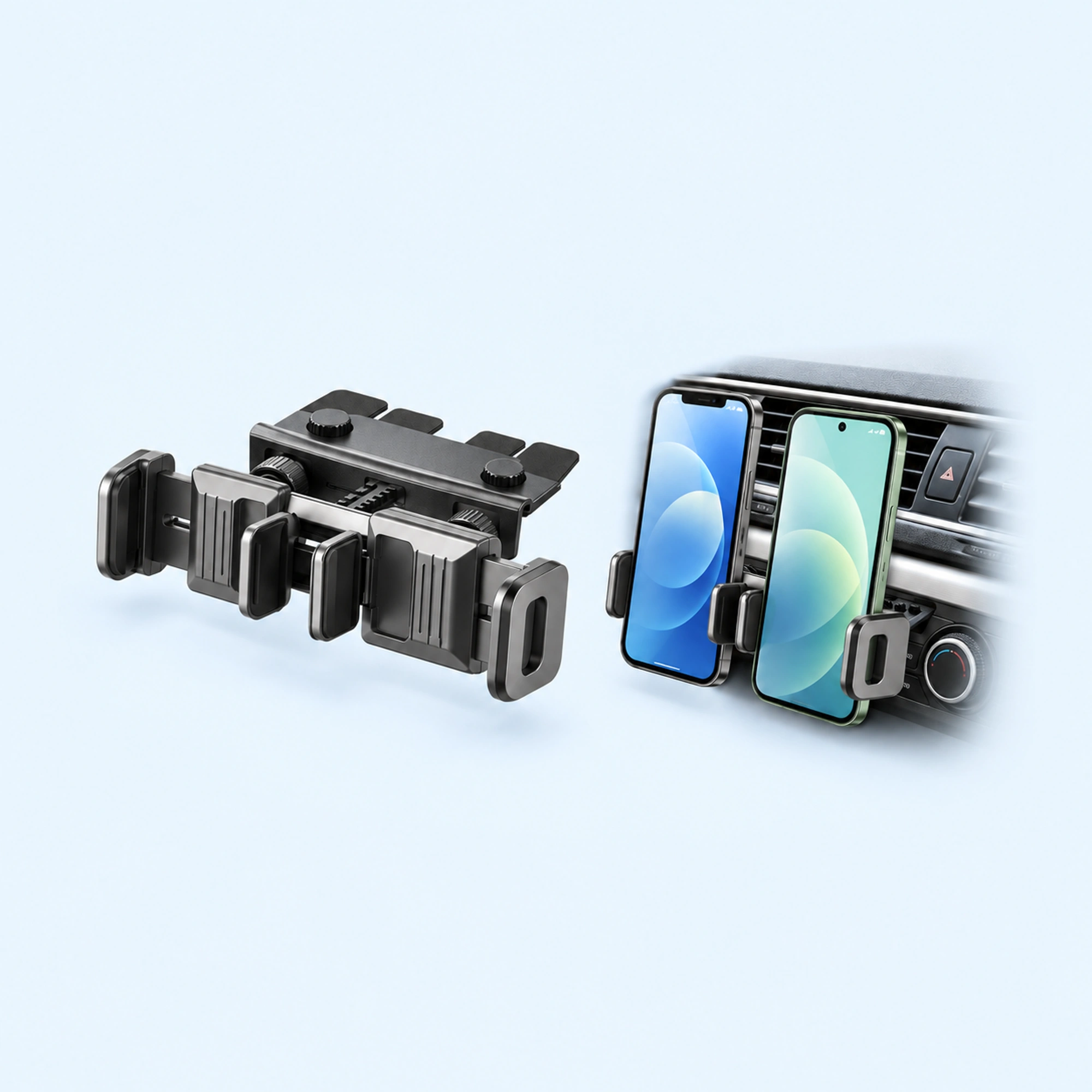 Dual-Cradle CD-Slot Phone Mount
 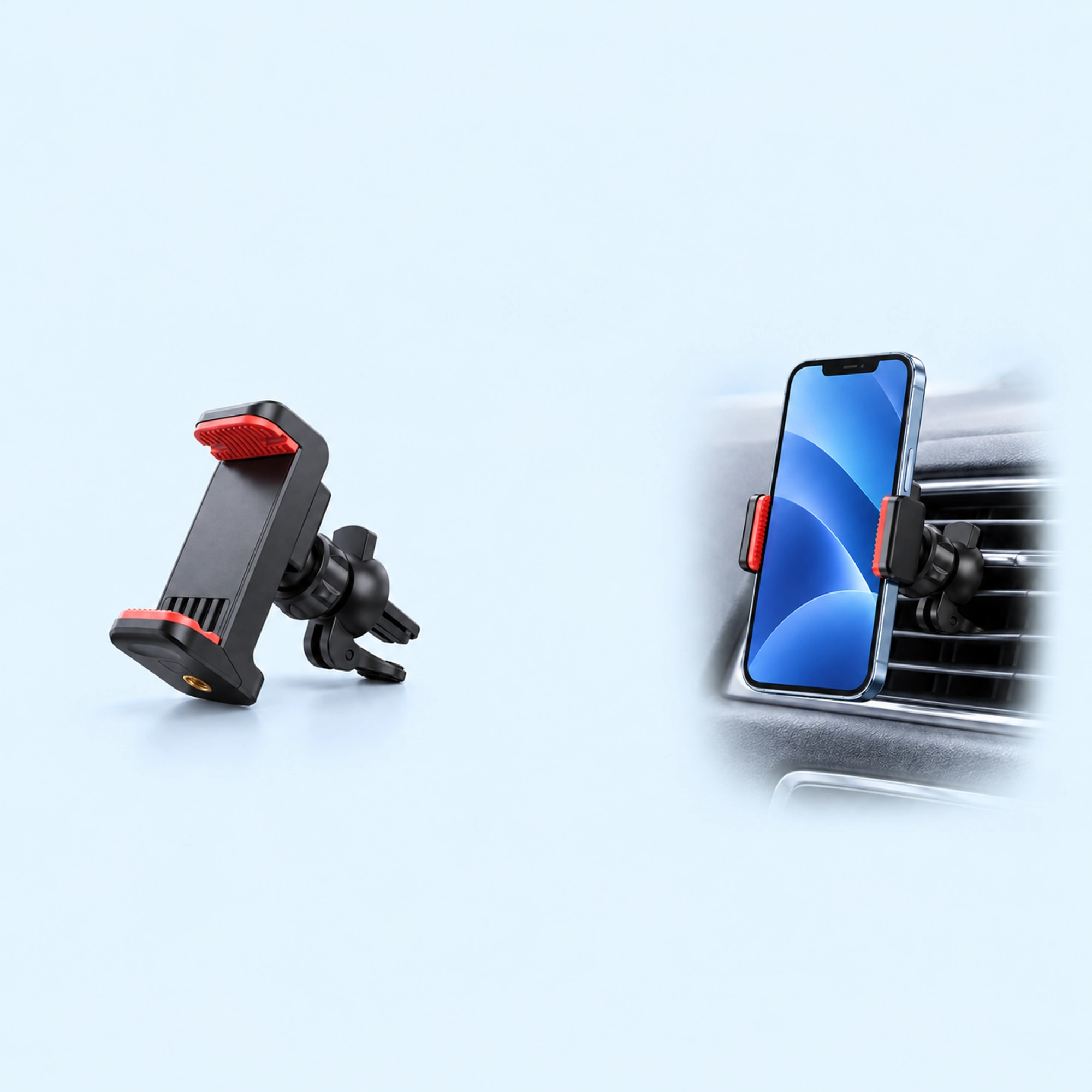 Red-Pad Compact Vent Phone Clip
 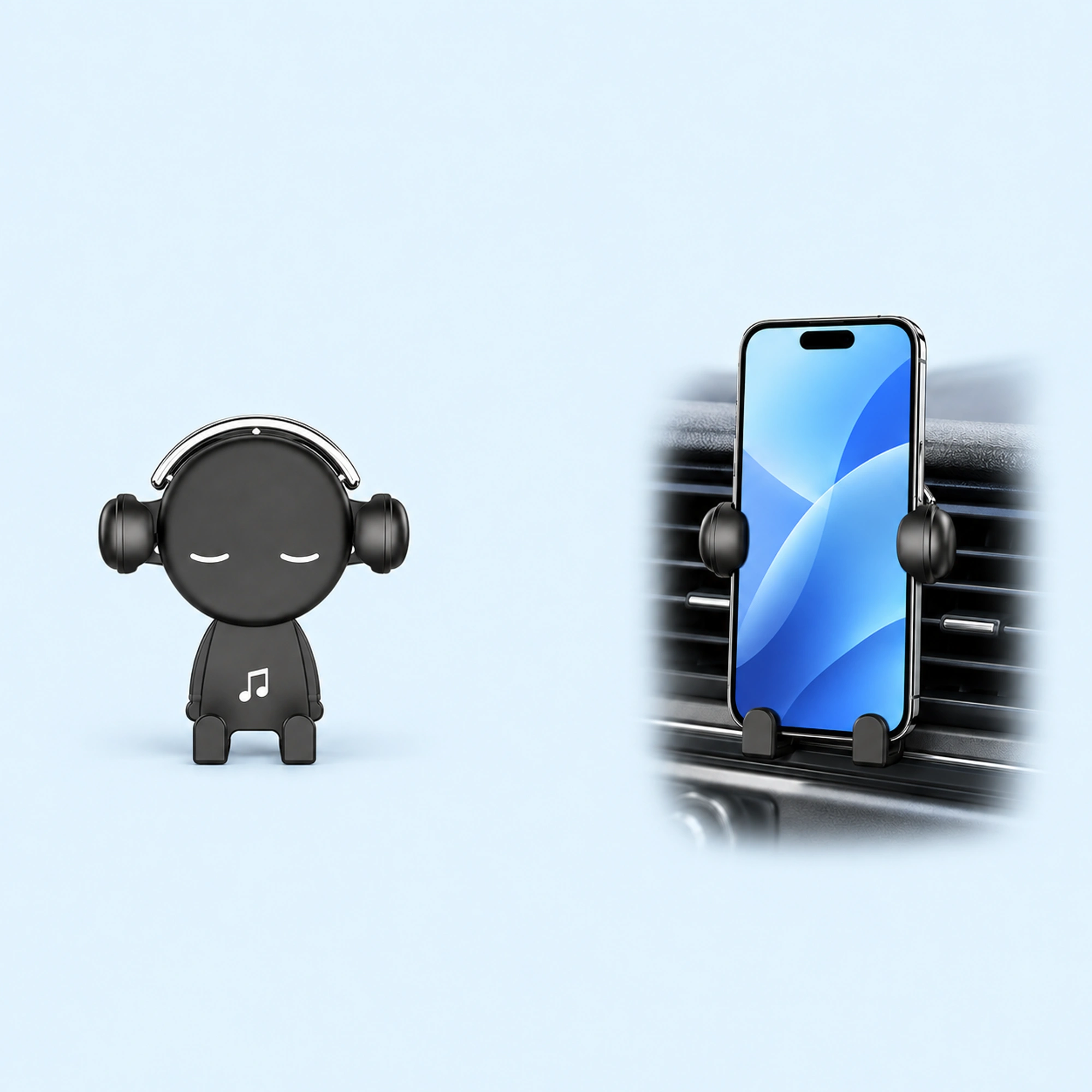 Music-Note Character Gravity Vent Holder
 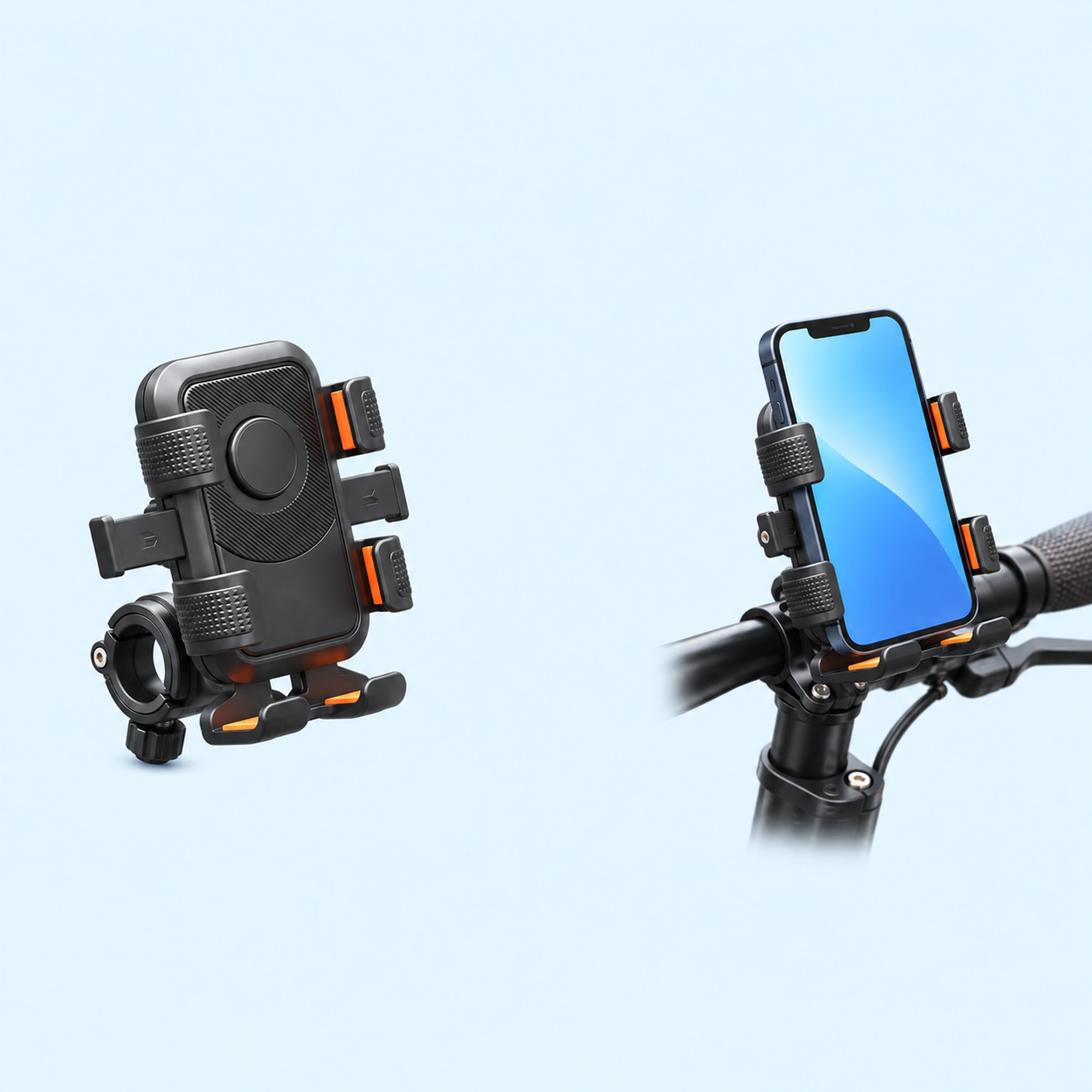 Black Six-Pad Handlebar Phone Cradle
 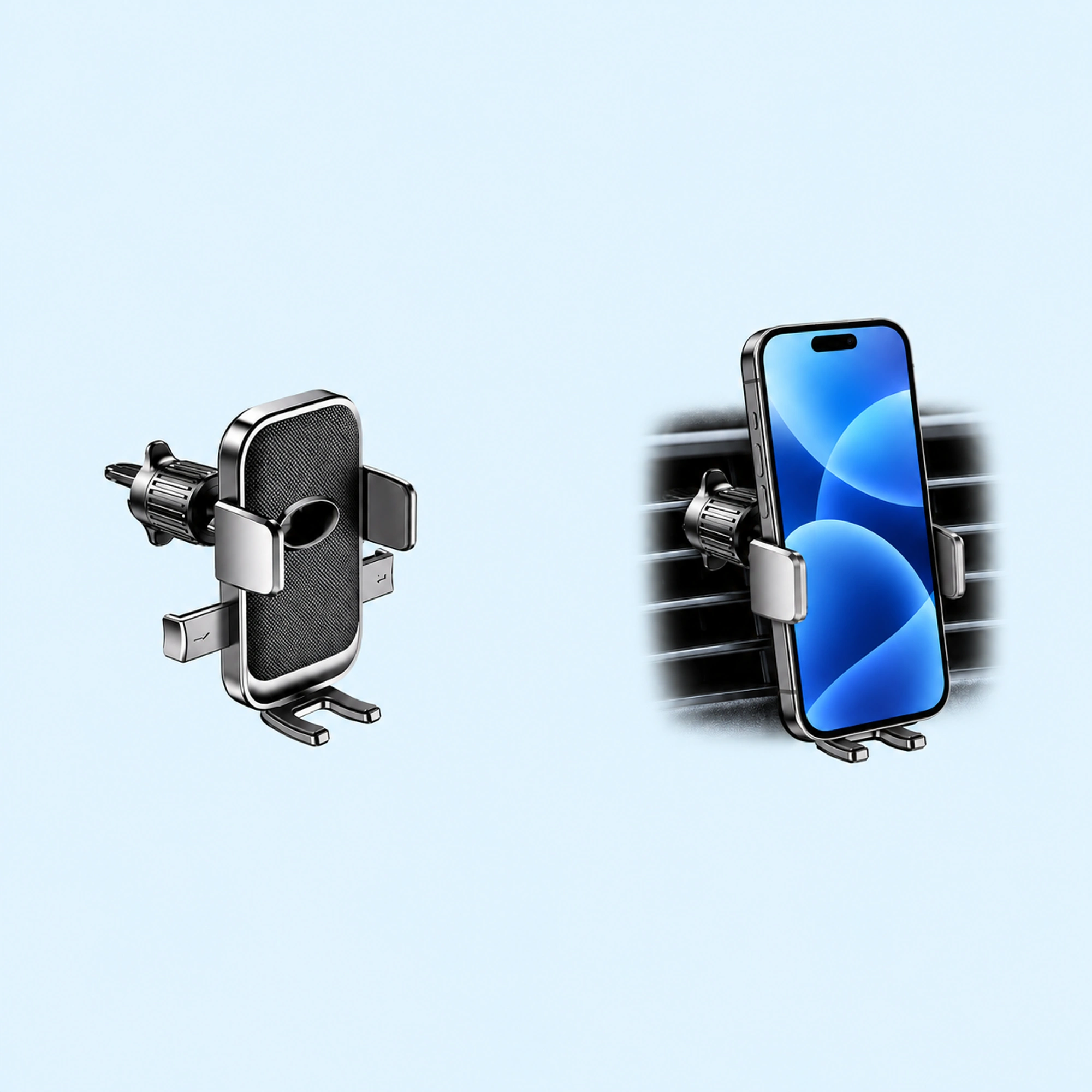 Oval-Opening Textured Vent Phone Cradle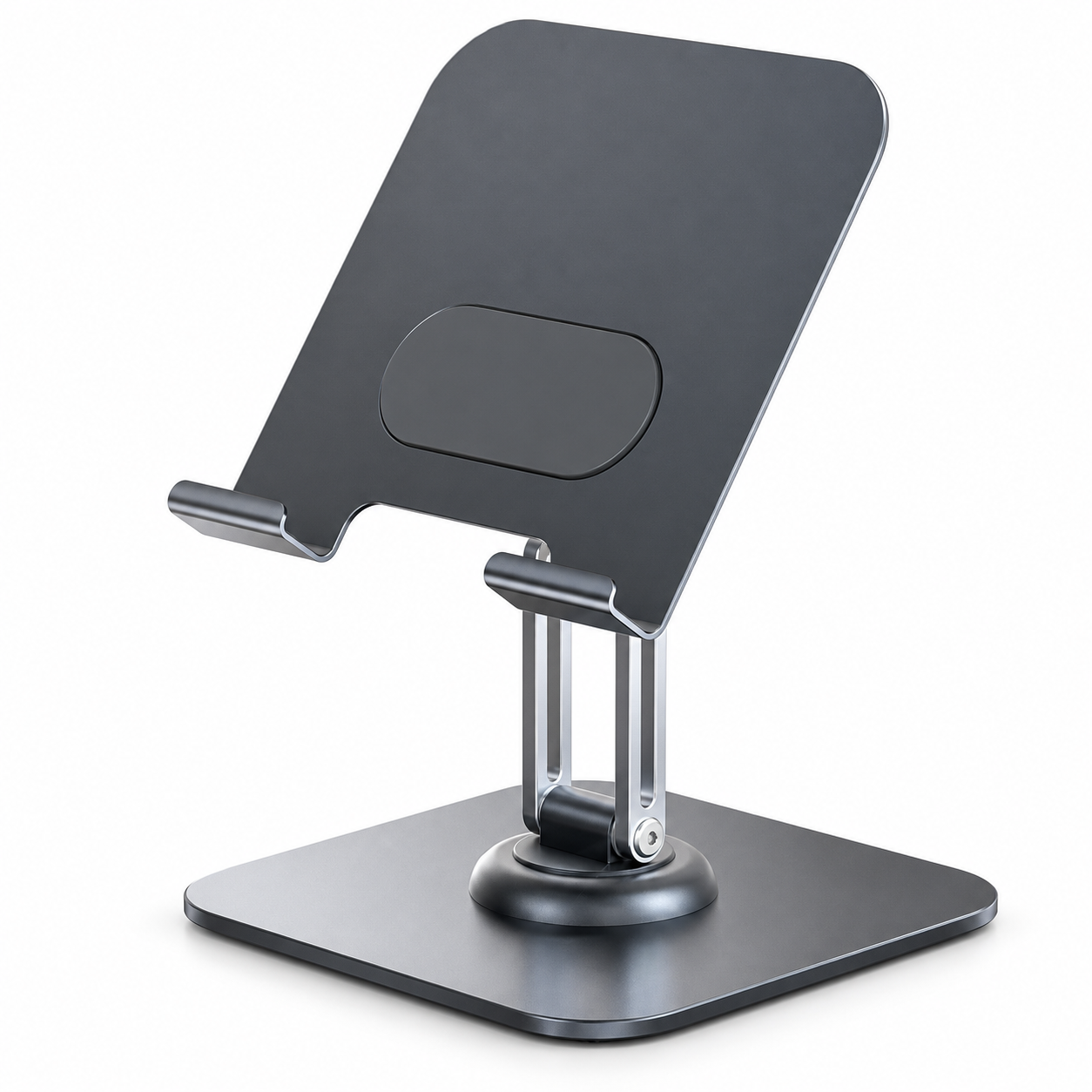
For video calls, the camera should sit at or just below eye level with the screen tilted 10–20° back; for reading at a desk, drop the phone lower and tilt it 30–45° back; for typing on the phone itself, go lower and flatter still. Almost every “my neck hurts” and “my video angle is unflattering” complaint traces back to one of those numbers being far off.
The three working positions
1. Video calls — camera at eye level. Sit normally, look straight ahead: that line is where the camera belongs. A phone flat on the desk points up your nose from below — the least flattering angle a camera has. Raise the phone (a taller dock, or a dock on a riser/stack of books), then tilt the screen slightly back so the camera looks at you square. If you take calls daily, an adjustable-tilt dock like our tilting desk stand earns its desk space, because “roughly eye level, slight back-tilt” is a position you’ll re-find every day.
2. Reading and glancing — low and steep. For notifications, timers, and recipes, the phone works best 15–30 cm from the desk surface, tilted 30–45° back, positioned to the side of your main screen. The test: you should be able to read it by moving only your eyes, not your neck.
3. On-phone typing — low and flat. If you actually type on the docked phone, flatten the tilt to 20–30° so your fingers approach the way they would on a keyboard, and make sure the dock holds still under tapping — this is where light stands fail; see our wobble-fixing guide.
Quick reference
| Use | Height | Back-tilt | Notes |
|---|---|---|---|
| Video call | Camera at eye level | 10–20° | Light source in front of you, not behind |
| Reading / second screen | 15–30 cm above desk | 30–45° | Beside the monitor, eyes-only glance |
| Typing on the phone | Just above desk | 20–30° | Needs a rock-steady base |
| Filming yourself | Lens at eye level | 0–10° | A tripod beats a desk dock |
| Bedside | Slightly below eye line | 30–45° | Wall mounting saves the nightstand |
Portrait or landscape?
Calls and filming: landscape, unless the platform is vertical-first. Reading and glancing: portrait shows more of a feed; landscape suits video. What matters ergonomically is that switching doesn’t require re-rigging — a cradle that holds both orientations (check the listing for both orientations) means you’ll actually use the right one.
Special cases
- In the car, screen angle is a safety rule, not comfort: mount high enough that glancing at navigation keeps the road in your peripheral vision — vent level or higher with a vent mount — and never below the dash.
- On the wall (kitchen, workshop, gym), mount at standing eye level minus about 10 cm, tilted up slightly; a wall holder keeps counters clear where hands are wet or busy.
- Travel: hotel desks are the wobbliest surfaces you’ll meet. A compact folding stand or a small tripod handles the lumpy-tablecloth problem better than propping the phone against a lamp.
FAQ
Is looking down at a phone really that bad for your neck? The further your head tilts forward, the more work your neck muscles do to hold it — that’s just load geometry. You don’t need perfect posture; you need the phone high enough that glances are eye movements, not head movements.
Should the phone be centered in front of me? Only for calls and filming. As a second screen, centered placement competes with your monitor; 20–30° off to your dominant-eye side is more comfortable for glancing.
Do I need an adjustable stand, or is fixed-angle fine? If the phone does one job in one place, fixed is fine and has fewer parts to loosen. If it switches between calls and reading, adjustable tilt is the feature that matters — height adjustment matters less than people expect.
What about MagSafe-compatible stands for ergonomics? Magnetic mounting changes how the phone attaches, not where it should sit. The eye-level and tilt rules are identical; see our mount-type comparison for how the attachment styles differ.