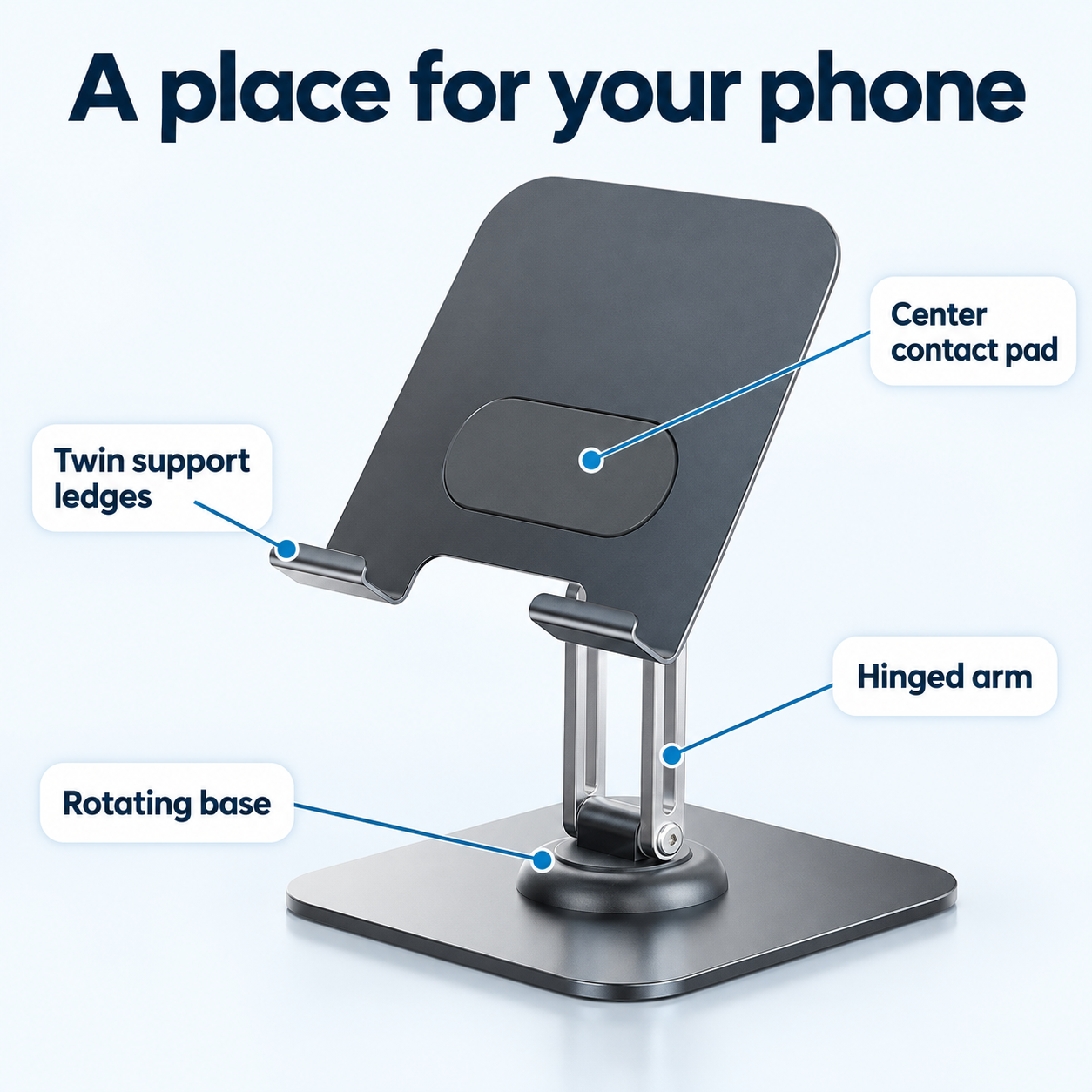
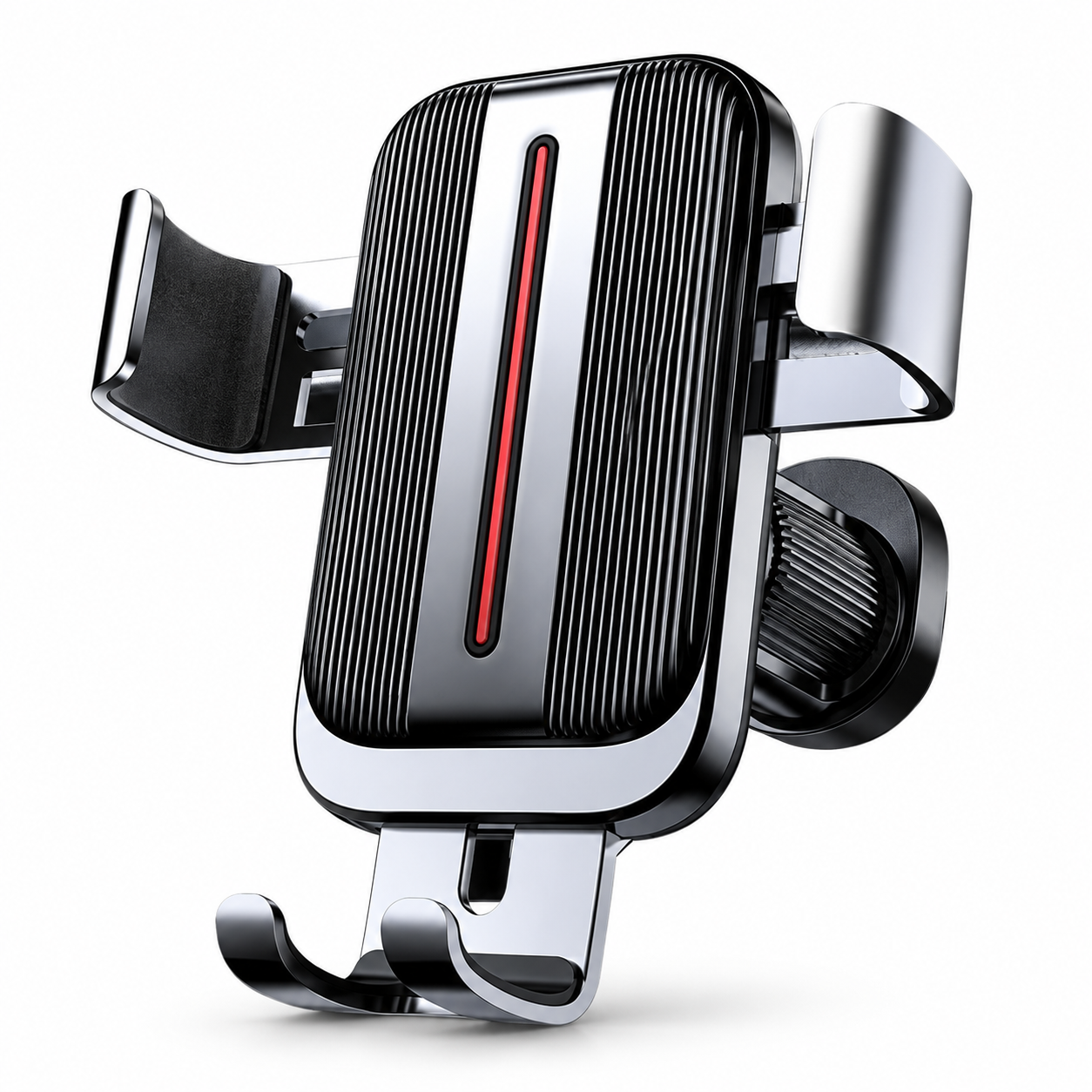
 Gravity Air Vent Car Phone Holder
 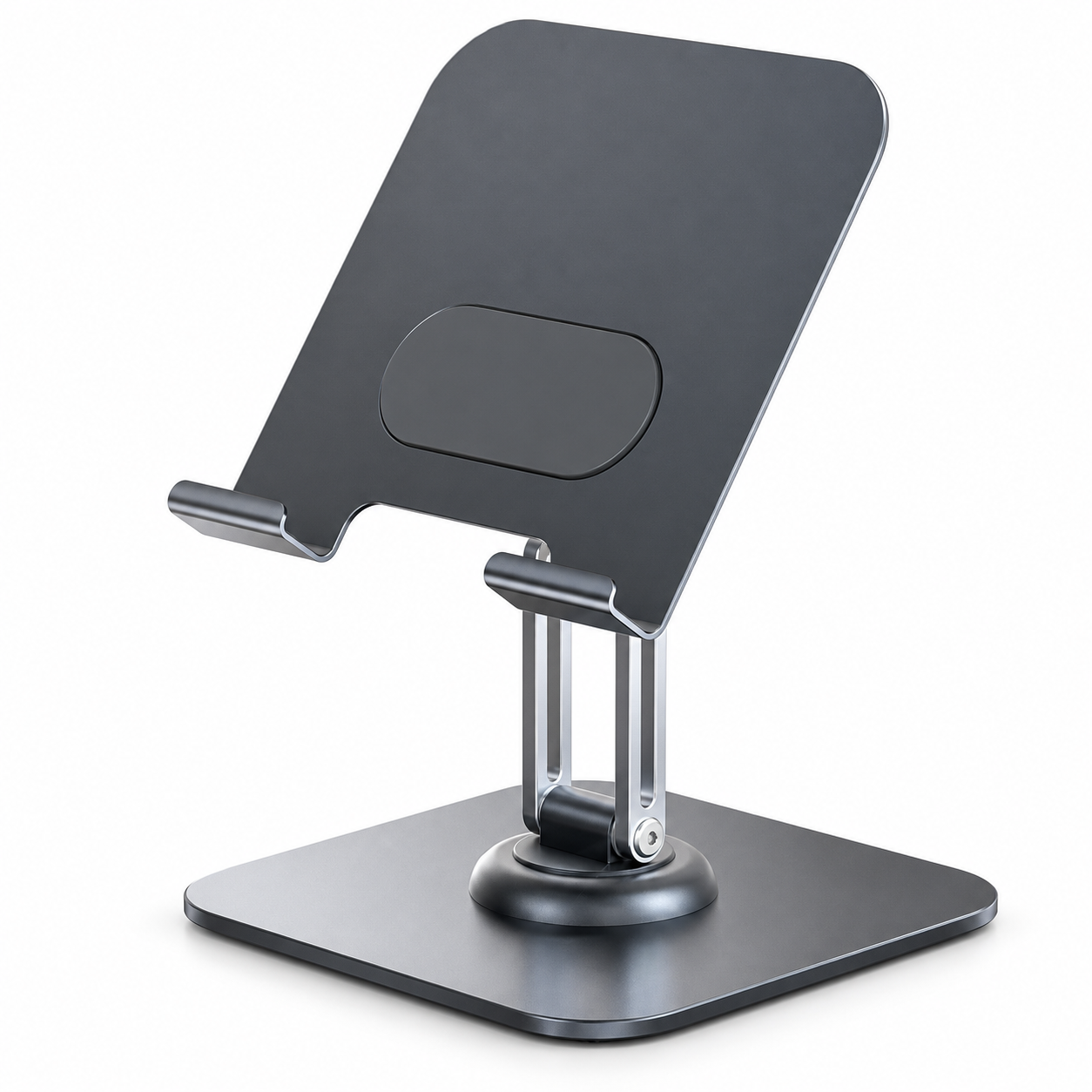 Rotating Foldable Desk Phone Stand
 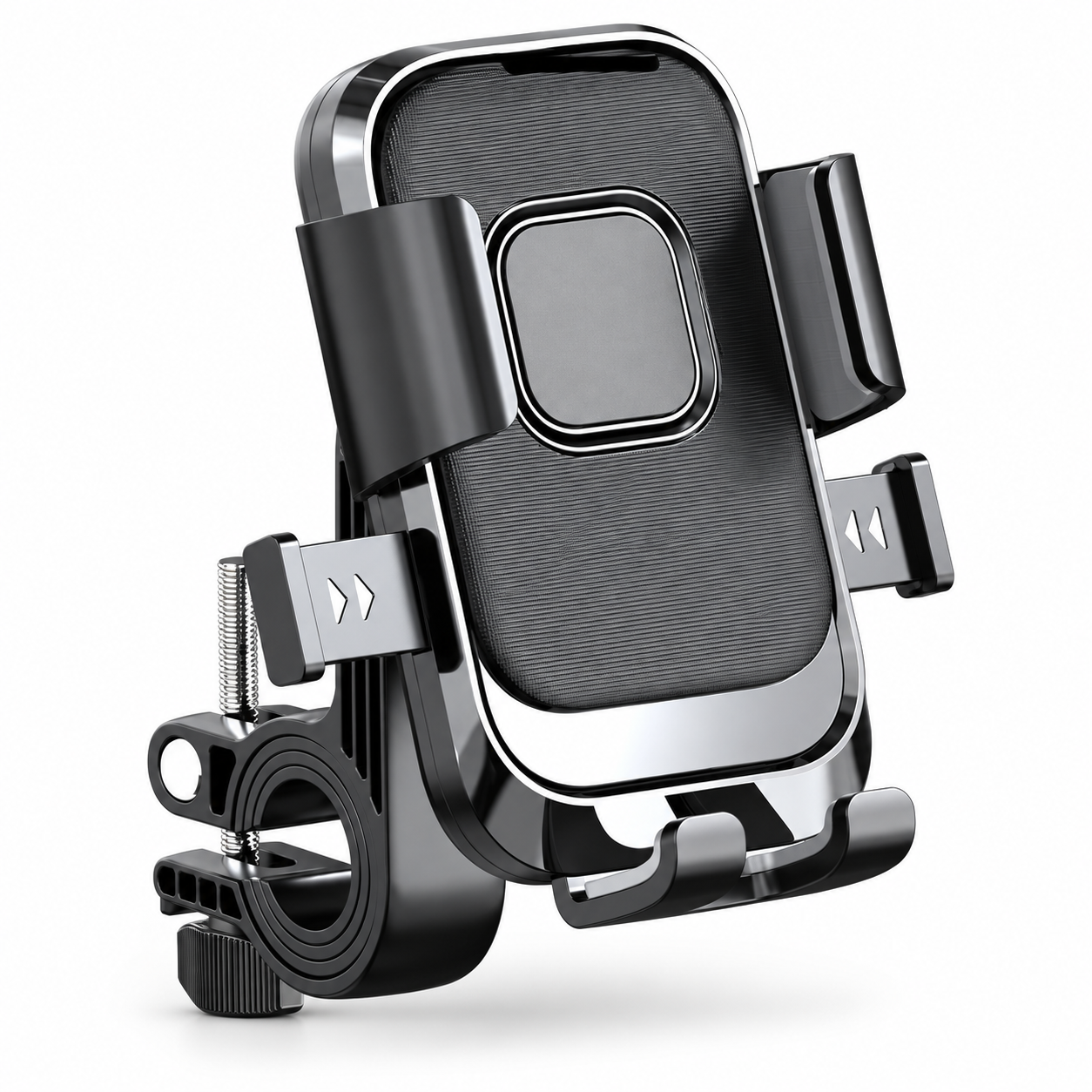 Handlebar Bike Phone Holder
 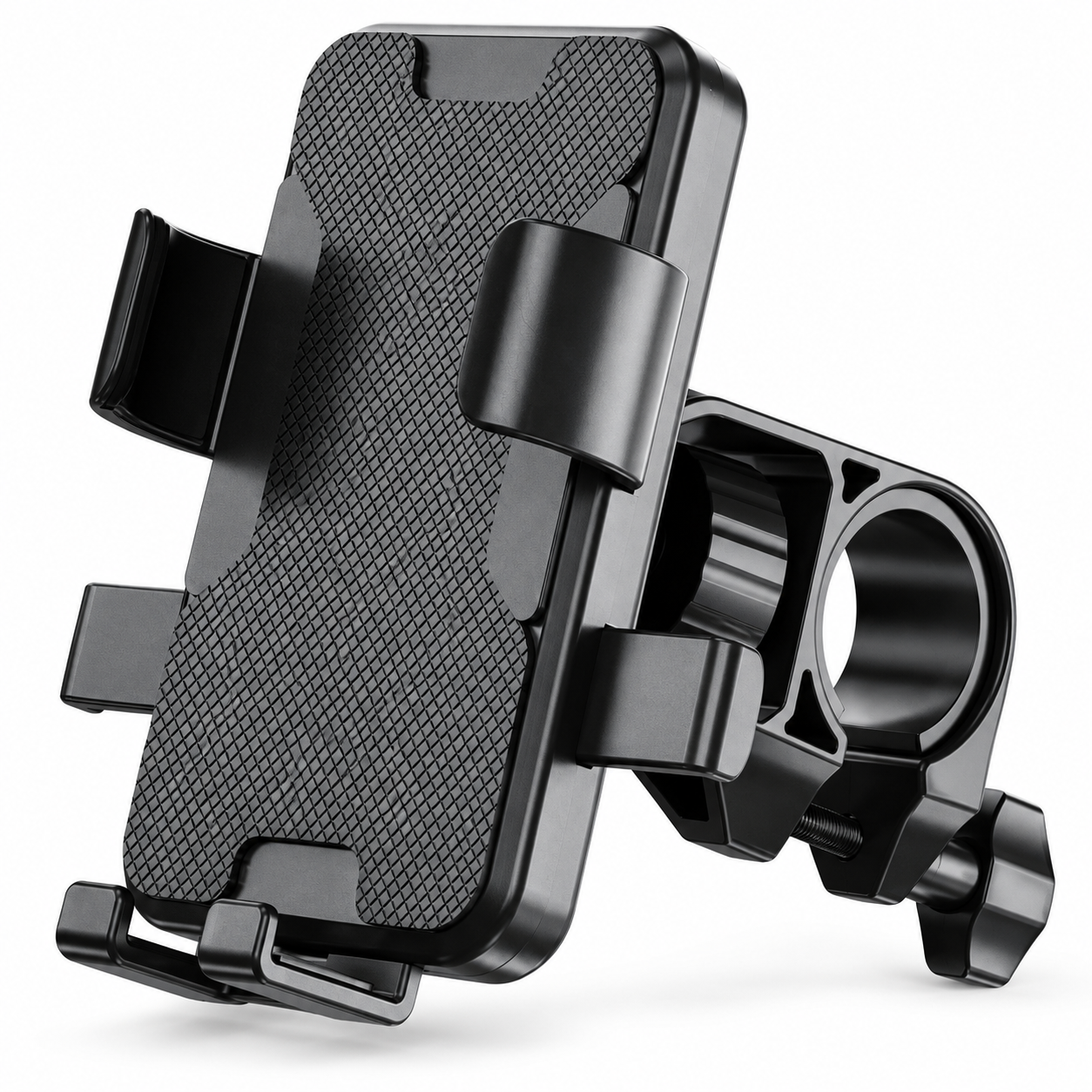 Clamp-On Motorcycle Phone Mount
 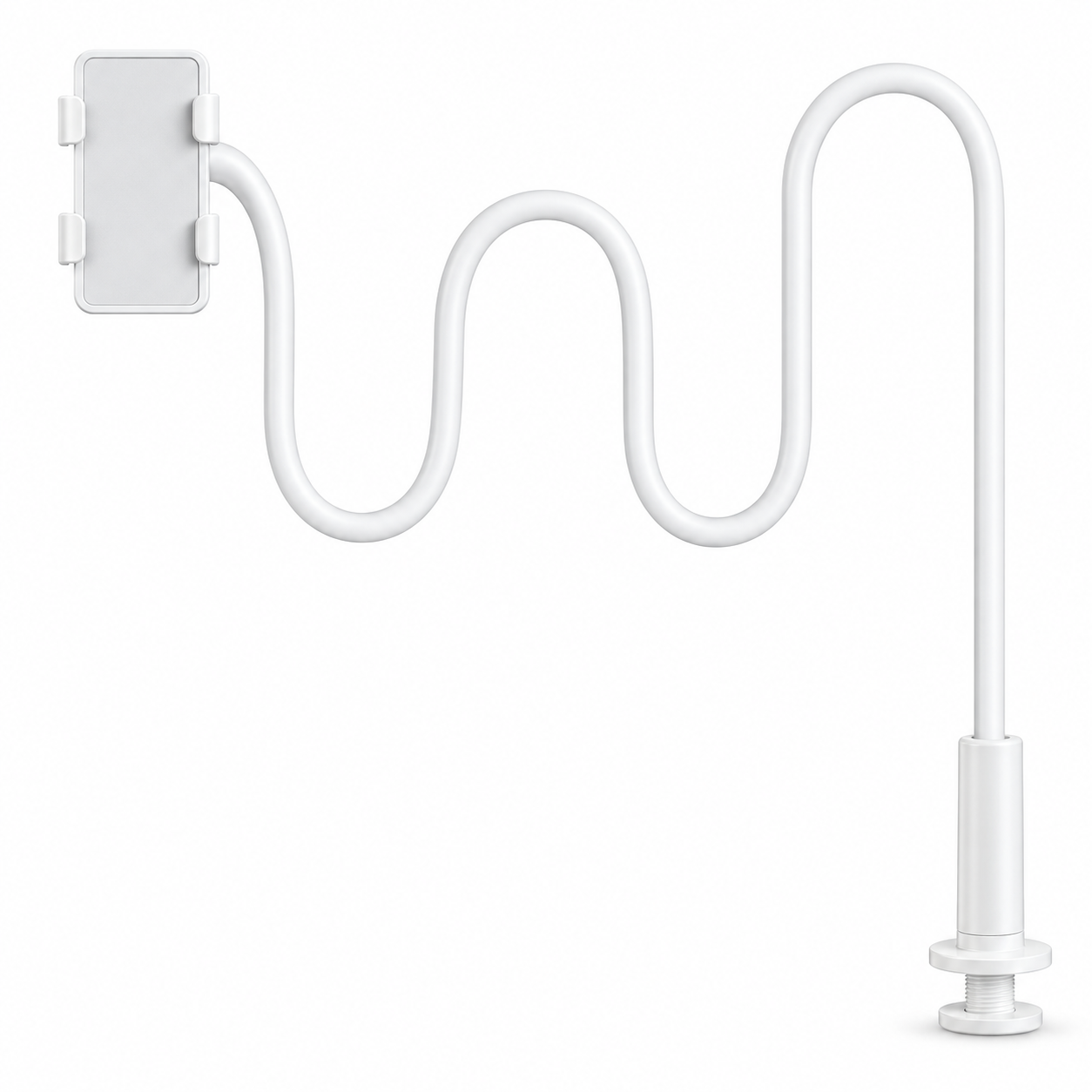 Long Gooseneck Phone Holder for Bed
 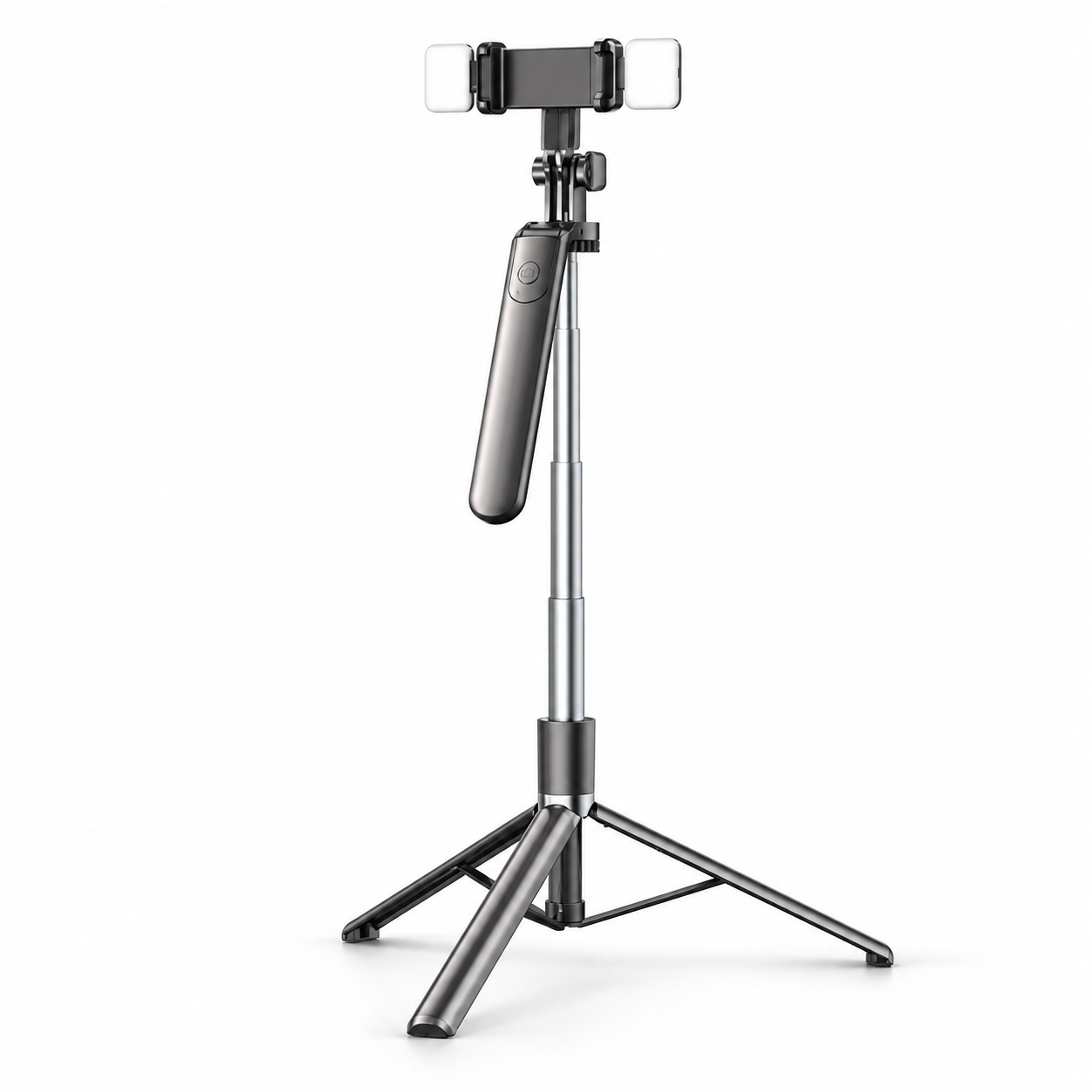 Extendable Phone Tripod & Selfie Stick
 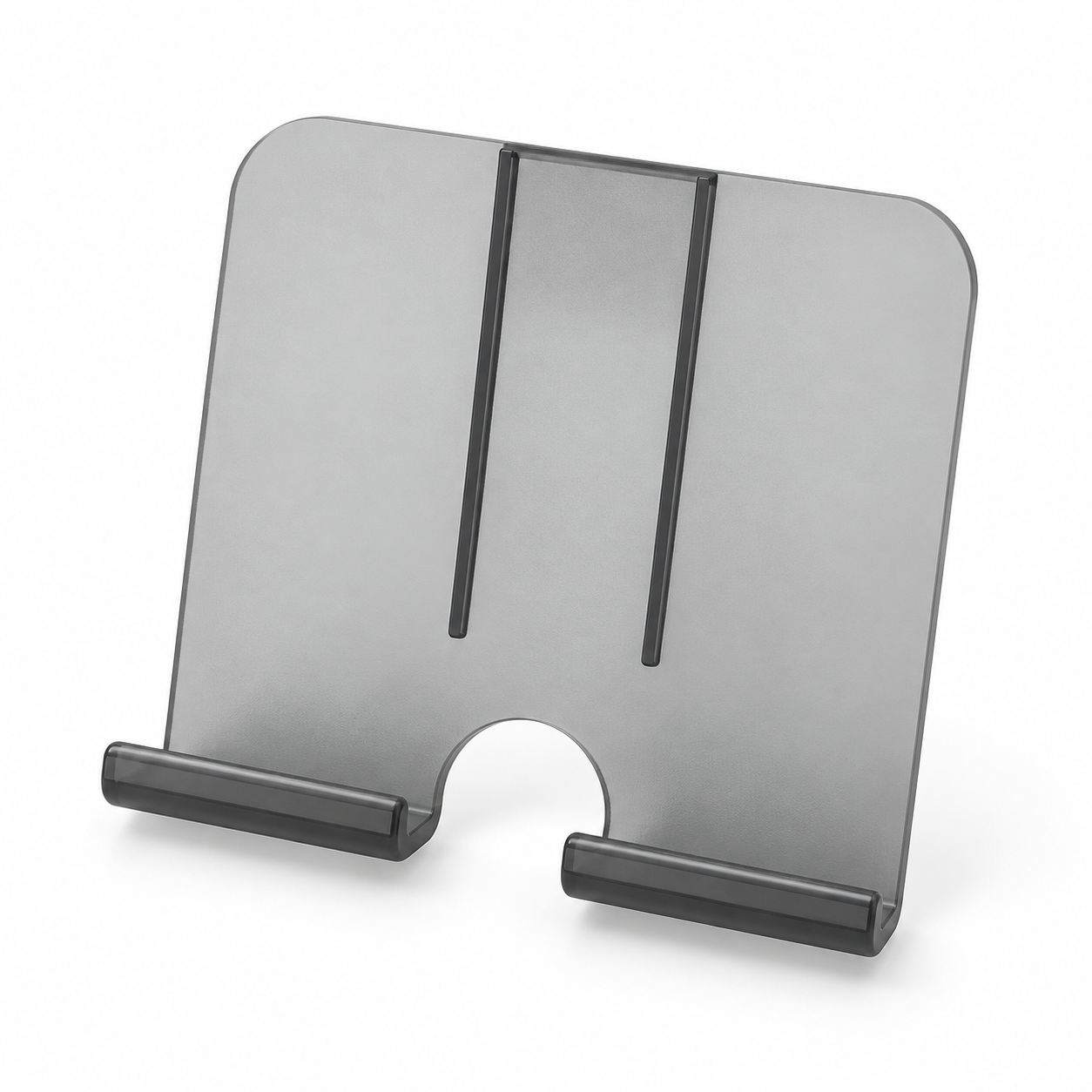 Wall-Mounted Phone Holder
 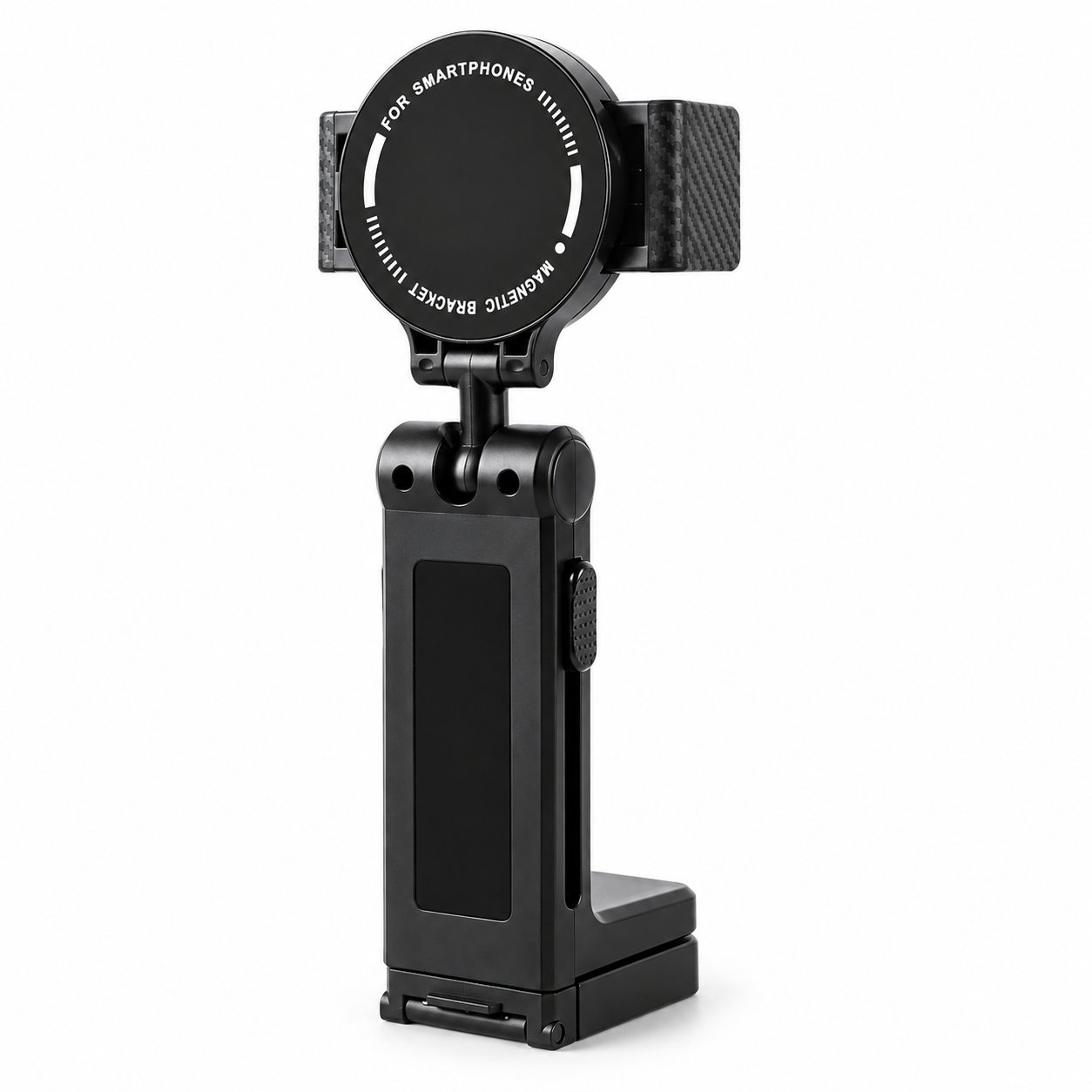 Folding Magnetic Airplane Phone Holder
 A phone stand for recording has one job a reading stand does not: it has to hold the camera still at the height and angle you chose, while you move around in front of it. Most desk stands are built for a screen you look down at. Point that at your face and the camera looks up your nose. This guide covers what a phone stand for video recording needs, which of the stand types actually deliver it, how to set the height, and a DIY version that survives a tap.
We sell the stands linked below, so treat this as a shop’s checklist. Where a listing has no measured spec, we say so.
What recording asks of a stand
Three things, in this order:
- Height. For talking-head video, the lens should sit at eye level. On a desk that means 25 to 35 cm above the desktop for a seated person, which is taller than any reading stand.
- Angle. The camera has to point straight at you, not up from the desk. The stand needs an upright position, or a head that tilts to it.
- Stability. You will tap the screen to start and stop. A stand that rocks when tapped puts a wobble at the start of every clip.
A stand for reading handles none of these well, which is why “what is the best phone stand for filming” has a different answer from “what is the best phone stand”.
The types that work for video
A tall desk stand with an adjustable arm. The Rotating Foldable Desk Phone Stand has a hinged arm over a broad rotating base with twin ledges, so it reaches upright and swivels toward you without moving the base. Its supplier describes an aluminum-alloy frame; it publishes no load rating, so test it with your own phone.
A tripod. For eye-level height a tripod beats every desk stand. The Magnetic Phone Tripod with Telescopic Pole extends from a hand grip to a standing height (the supplier’s figure is 1.7 m and is unverified) and holds the phone by a magnetic head, which needs a ring on the phone or case. For a phone without a ring, the tripod phone clamp with separate ball head grips any phone by its sides and threads onto a tripod you already own.
A clamp on the desk edge. A ball-joint phone clamp on an arm you already have (a lamp arm, a mic arm) gets the camera above the desk and out of the way of the keyboard.
Wearable, for first-person video. If the recording is your hands (cooking, crafts, repairs), a POV neck holder puts the camera at chest height looking down at what you do. It is not a stand, but it answers the same question.
Setting the height and angle
- Sit or stand exactly as you will record, then bring the lens to your eye line; the screen center should be slightly below the lens.
- Tilt until your face sits in the top third of the frame with a little space above the head.
- Lock the joint, then tap the screen the way you will to start recording. If the image jumps, lower the phone or widen the base.
- For a desk-level overhead shot (a recipe, a drawing), a clamp arm or the neck holder beats any stand.
Our phone stand height and angle guide covers the seated numbers in more detail.
How to make a DIY phone stand for recording
The DIY stand that holds is a stack, not a prop:
- Stack books to just below your eye line when seated.
- On top, put a heavy object with a flat face (a full mug works) and lean the phone against it, camera up.
- Put a folded card under the bottom edge of the phone so it cannot slide forward.
- Tap the screen; if it rocks, the mug is too light. Swap in something heavier before adding more books.
This gets you the height and the angle. It does not get you a swivel, and it takes up the desk, which is why most people replace it after a week. The DIY phone stand ideas article ranks the other kitchen-table versions by how long they lasted.
Quick answers
Is a phone mount for recording different from a phone video holder? No. A phone holder for videos, an iPhone mount video creators use or an iPhone holder for video is any stand or clamp that holds the phone still at the height and angle the shot needs; the section above on setting height and angle is the whole answer. What is the best phone stand for video recording? For eye level, a tripod; for a desk with a swivel, a tall adjustable stand; for hands-only video, a neck or chest holder.
Does the stand need to hold the phone horizontally? Only if you record landscape. Most stands above rotate; check the listing, since not all reading stands do.
Can I use a phone holder for recording videos that also charges? A charging stand keeps the phone topped up during a long session, but most charging stands sit low; use one only if the desk is at eye level.
Is a ring light stand a phone stand? Many ring lights ship with a phone clamp in the center; it works for talking-head video at the cost of the light being fixed to the phone’s angle.
Checklist before you order
- The stand reaches your eye line in the position you record from, or you have a tripod.
- It tilts to upright and locks there.
- The base is wider than the phone, and heavier than the phone in its case.
- Magnetic heads need a ring; clamps need the phone-with-case width checked against the jaws.